Coordinate a pause in further editing
Tell the people involved that the file is being reviewed. Avoid continued simultaneous editing on several devices. Where access rules allow, preserve the existing versions in a separate local review area outside the synchronised folder. Record their original paths, device names and times.
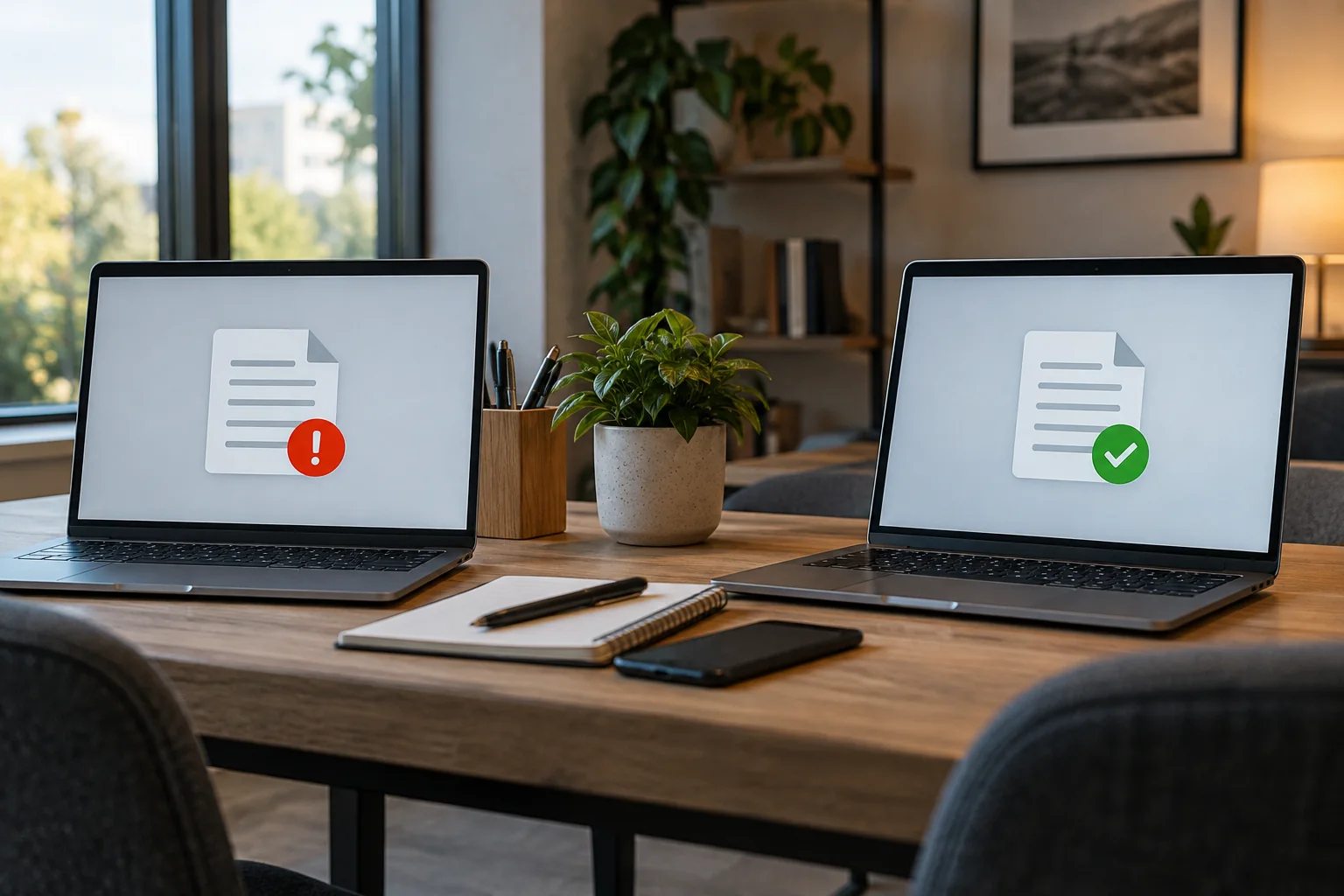
Check synchronisation status on the participating devices. A laptop used offline for a long period may upload an older base with its own changes. An error or full cloud account may also explain divergence. Do not assume that a later timestamp automatically identifies the more complete document.
Compare contents rather than names
Open both versions in the appropriate application. Use its comparison function if available, or inspect affected sections side by side. In a spreadsheet, formulas, additional sheets and comments matter alongside visible values. A text document may contain changes in an appendix absent from the first preview.
Ask the editors which changes were intended. Build an identifiable combined version without prematurely overwriting either source. If a binary project format cannot be meaningfully compared, use the specialist application's version or recovery functions and consult its instructions rather than guessing which file is authoritative.
For example, one person may add spreadsheet rows while travelling as another corrects formulas at the office. The file saved later does not necessarily contain both improvements. Compare the added rows and then the changed formulas. Keep the proposed merged result under an identifiable working name and let the contributors check the relevant parts. Only then make it authoritative. An automatically numbered conflict filename does not determine which person’s work should take precedence.
Return one agreed version to work
Save the agreed document under its intended name and let synchronisation finish. Then check another device or the web view to confirm that the same contents arrived. Older conflict copies can subsequently follow the agreed retention process, but should not disappear before that verification.
Prevent another collision with an appropriate editing workflow. Not every format supports concurrent collaboration. For those files, a clear owner or agreed editing sequence helps. Wait for synchronisation before changing devices and make extended offline work visible to colleagues instead of silently continuing from stale copies. Retaining the preserved originals until the resolution is confirmed gives you a way back if a missed change is discovered.