Skip to content
fernholz
/ IT
Home
All guides
About this website
DE
/
EN
117 guides
All guides
Search for a device, a problem or a task.
Search the guides
Topics
Every topic
Computers & systems
Displays & accessories
Networks & Wi-Fi
Files & backup
Accounts & security
Printing & scanning
Small-team IT
Reset
117 guides
Computers & systems
When your computer starts slowly
Read the guide
↗
Computers & systems
Free disk space without losing important files
Read the guide
↗
Computers & systems
Prepare for a system update
Read the guide
↗
Computers & systems
Investigate an update that failed
Read the guide
↗
Computers & systems
Set up a new computer in a sensible order
Read the guide
↗
Computers & systems
Move files to a new computer
Read the guide
↗
Computers & systems
When a laptop becomes unusually warm
Read the guide
↗
Computers & systems
Investigate persistent computer fan noise
Read the guide
↗
Computers & systems
Investigate unexpectedly short battery life
Read the guide
↗
Computers & systems
A laptop will not charge: check power and connections
Read the guide
↗
Computers & systems
When a computer does not wake as expected
Read the guide
↗
Computers & systems
Handle an application that stops responding
Read the guide
↗
Computers & systems
Review applications that launch at startup
Read the guide
↗
Computers & systems
Investigate a slow browser
Read the guide
↗
Computers & systems
Separate work and personal browser profiles
Read the guide
↗
Computers & systems
Keep a downloads folder manageable
Read the guide
↗
Computers & systems
Open files with the intended application
Read the guide
↗
Computers & systems
Find the device model and system version
Read the guide
↗
Computers & systems
What to prepare before resetting a computer
Read the guide
↗
Computers & systems
Resolve an unexpected keyboard layout
Read the guide
↗
Computers & systems
Investigate an incorrect computer clock
Read the guide
↗
Computers & systems
Install software from the right source
Read the guide
↗
Computers & systems
Prepare documents for working offline
Read the guide
↗
Computers & systems
Write a useful computer fault report
Read the guide
↗
Displays & accessories
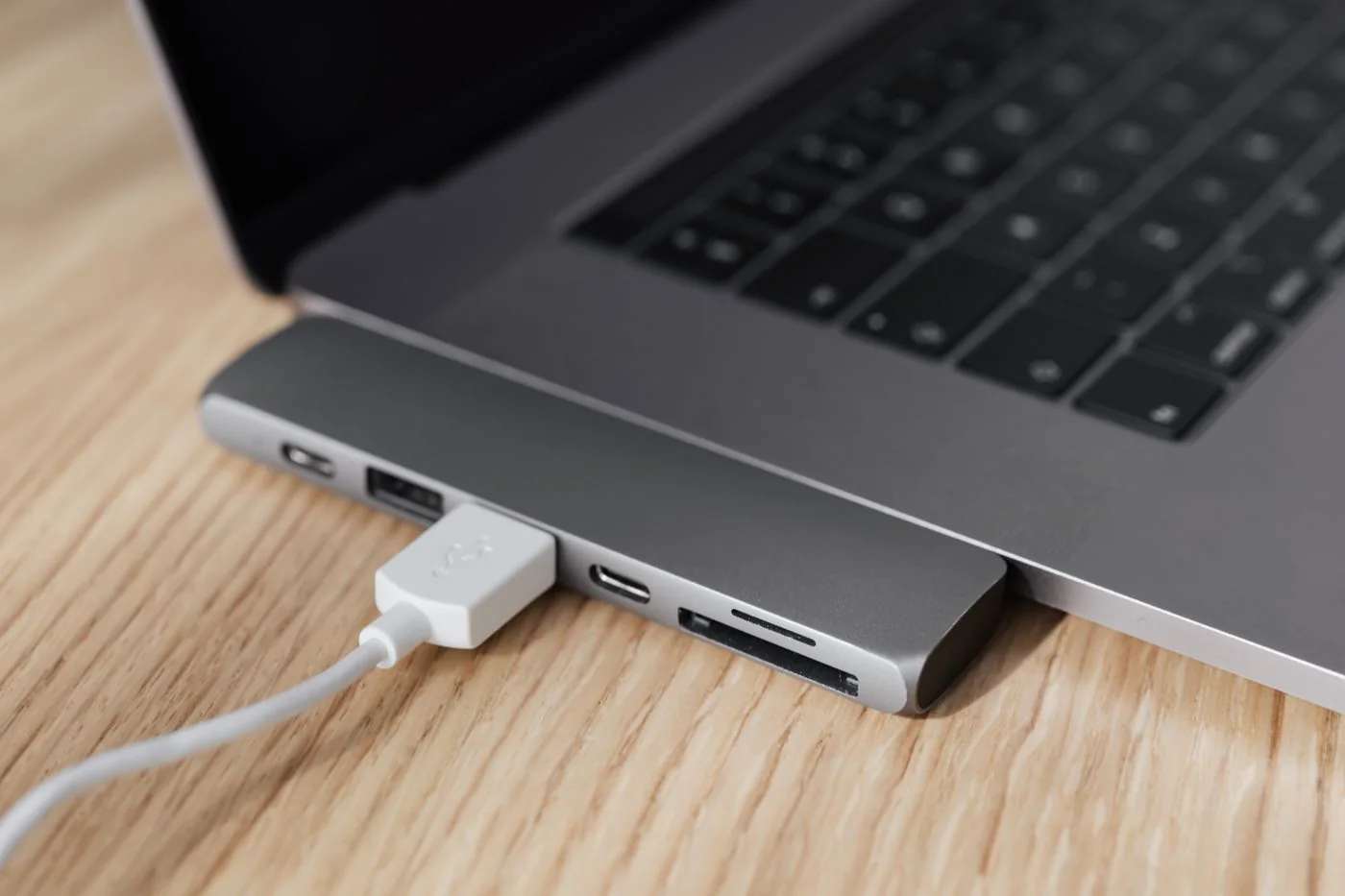
Find out what a USB-C port supports
Read the guide
↗
Displays & accessories
A dock charges the laptop but shows no picture
Read the guide
↗
Displays & accessories
Choose a suitable display cable
Read the guide
↗
Displays & accessories
Check compatibility before adding two monitors
Read the guide
↗
Displays & accessories
Set comfortable display scaling
Read the guide
↗
Displays & accessories
Plan monitor placement and desk space
Read the guide
↗
Displays & accessories
Select the correct monitor input
Read the guide
↗
Displays & accessories
Investigate a flickering external display
Read the guide
↗
Displays & accessories
USB hub or dock: define the connections you need
Read the guide
↗
Displays & accessories
Check the power needs of USB devices
Read the guide
↗
Displays & accessories
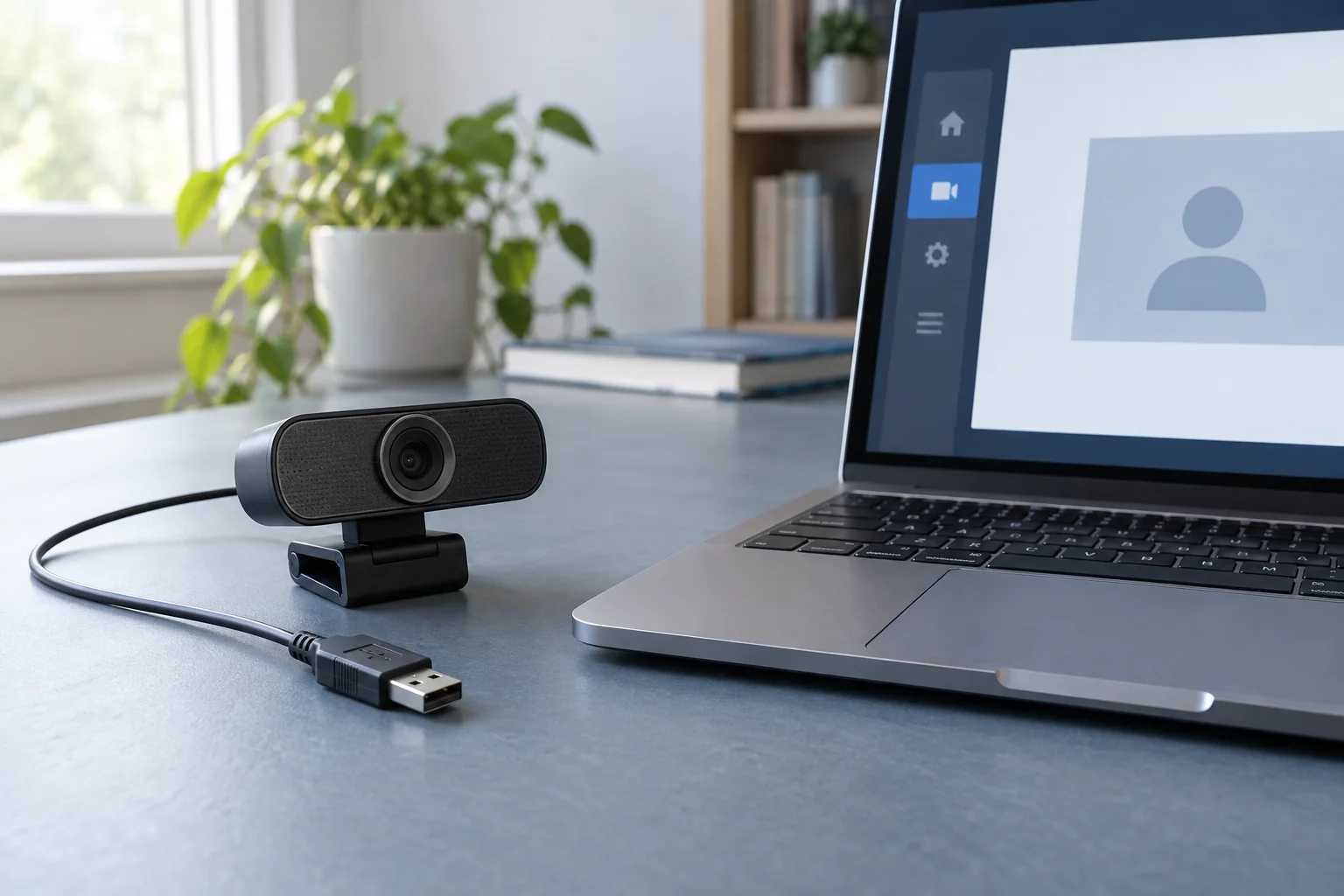
Position a webcam for video calls
Read the guide
↗
Displays & accessories
When a webcam is not detected
Read the guide
↗
Displays & accessories
Select the intended microphone for a call
Read the guide
↗
Displays & accessories
Find the cause of echo during video calls
Read the guide
↗
Displays & accessories
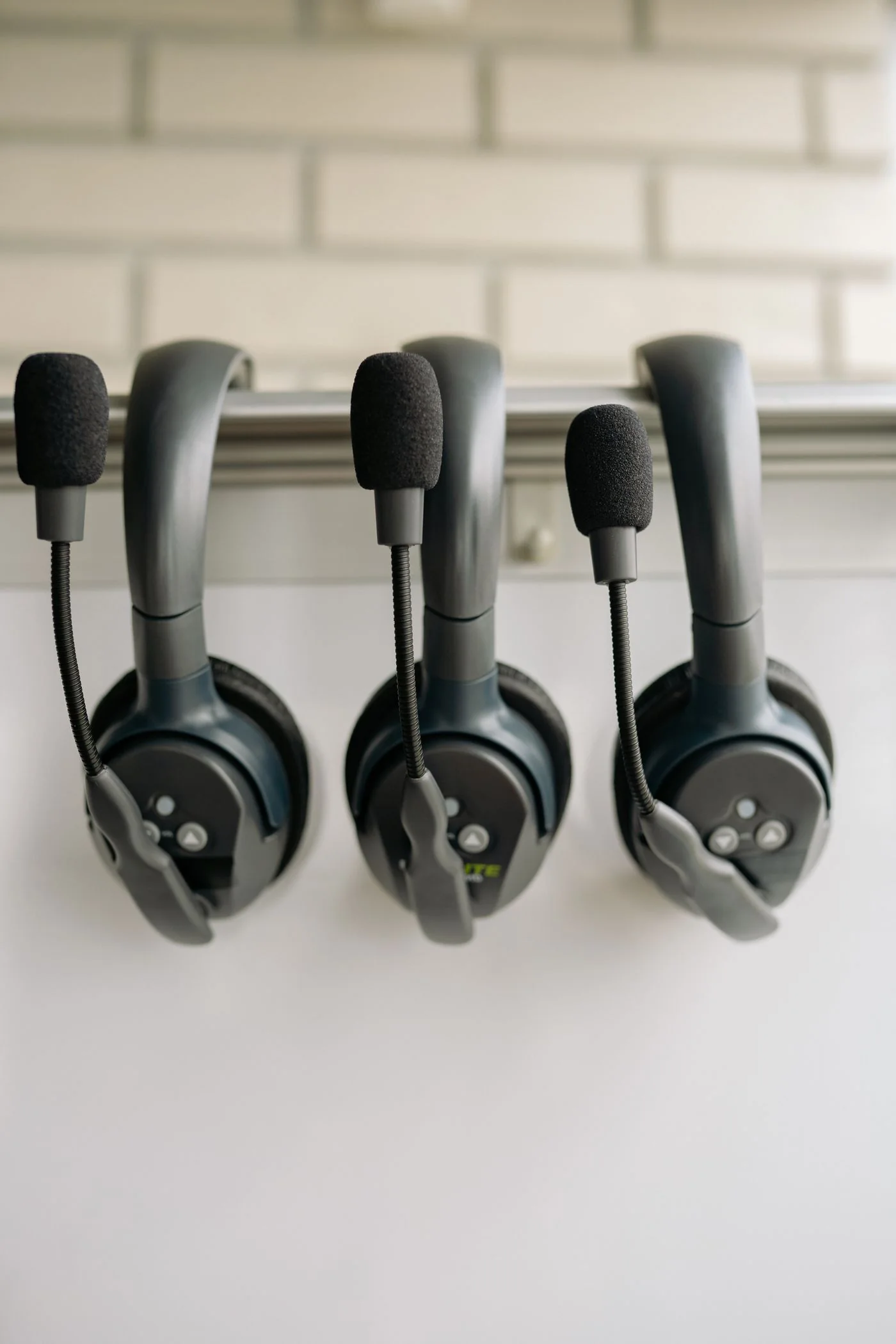
Check headset connectors and adapters
Read the guide
↗
Displays & accessories
Reconnect a Bluetooth accessory
Read the guide
↗
Displays & accessories
Investigate an unreliable wireless mouse
Read the guide
↗
Displays & accessories
Clean a keyboard and mouse using their care instructions
Read the guide
↗
Displays & accessories
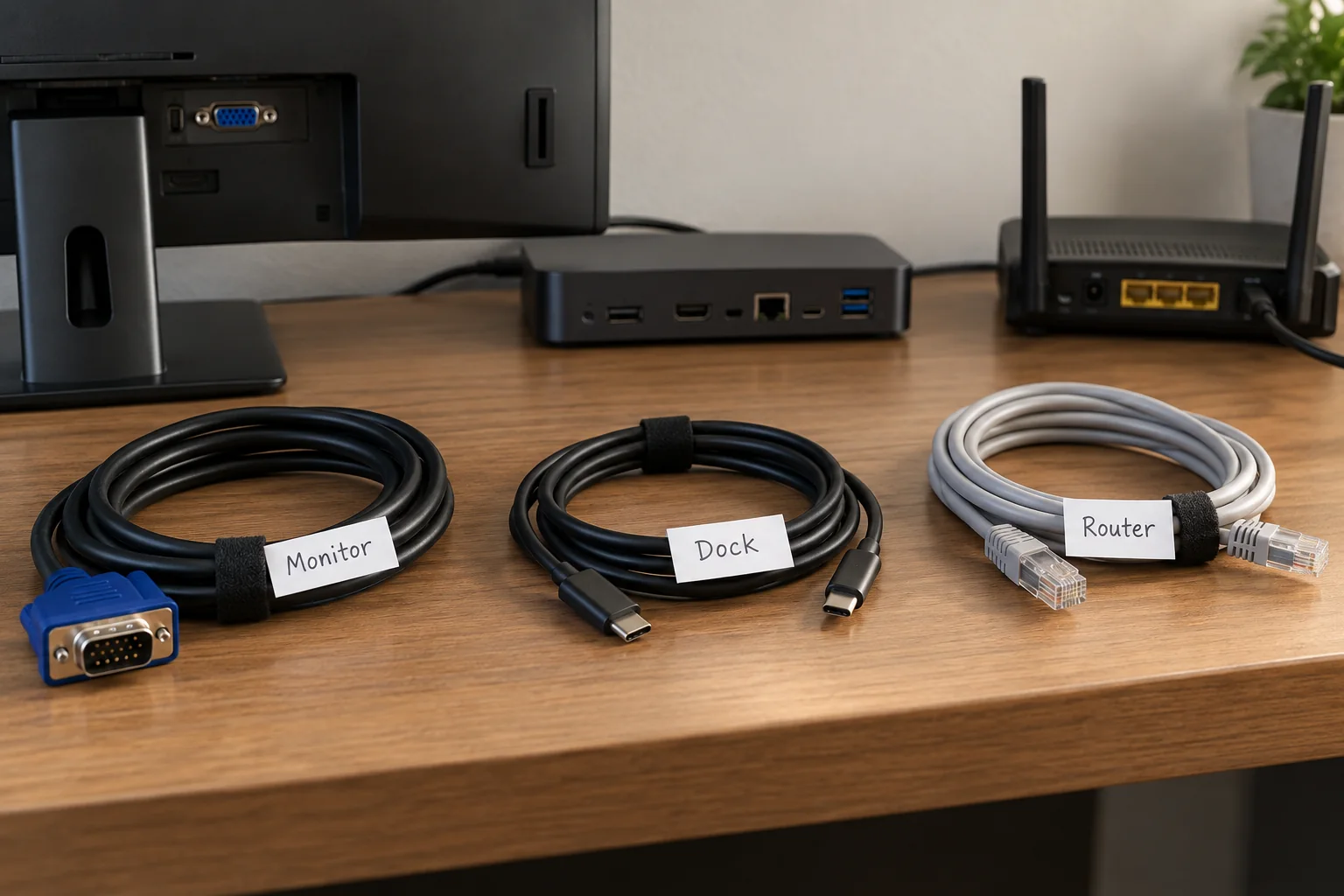
Label desk cables so they remain identifiable
Read the guide
↗
Displays & accessories
Pack connection accessories for different workplaces
Read the guide
↗
Networks & Wi-Fi
Choose a useful position for a Wi-Fi router
Read the guide
↗
Networks & Wi-Fi
Separate slow Wi-Fi from a slow internet connection
Read the guide
↗
Networks & Wi-Fi
Use Ethernet to compare connection problems
Read the guide
↗
Networks & Wi-Fi
Plan mesh node placement around the backhaul
Read the guide
↗
Networks & Wi-Fi
Understand 2.4 and 5 GHz for everyday devices
Read the guide
↗
Networks & Wi-Fi
Set up a guest network for visitors
Read the guide
↗
Networks & Wi-Fi
Know the difference between restarting and resetting a router
Read the guide
↗
Networks & Wi-Fi
Change a Wi-Fi password and reconnect devices
Read the guide
↗
Networks & Wi-Fi
Plan network names when replacing a router
Read the guide
↗
Networks & Wi-Fi
Investigate a Wi-Fi dead zone room by room
Read the guide
↗
Networks & Wi-Fi
Plan extra wired connections with a network switch
Read the guide
↗
Networks & Wi-Fi
Choose Ethernet cables for the route and connection
Read the guide
↗
Networks & Wi-Fi
When some websites cannot be reached
Read the guide
↗
Networks & Wi-Fi
Investigate connection problems while using a VPN
Read the guide
↗
Networks & Wi-Fi
Prepare a mobile hotspot as a backup connection
Read the guide
↗
Networks & Wi-Fi
Investigate video-call connection problems
Read the guide
↗
Networks & Wi-Fi
Prepare for a router firmware update
Read the guide
↗
Networks & Wi-Fi
Document your network configuration
Read the guide
↗
Files & backup
Understand backup and synchronisation
Read the guide
↗
Files & backup
Plan a backup on an external drive
Read the guide
↗
Files & backup
Test restoring a backed-up file
Read the guide
↗
Files & backup
Match backup frequency to your work
Read the guide
↗
Files & backup
Estimate capacity for a backup drive
Read the guide
↗
Files & backup
Compare SSDs and hard drives for storage tasks
Read the guide
↗
Files & backup
Disconnect external storage safely
Read the guide
↗
Files & backup
Investigate an external drive that does not appear
Read the guide
↗
Files & backup
Organise folders for ongoing projects
Read the guide
↗
Files & backup
Use file names that remain understandable
Read the guide
↗
Files & backup
Review duplicate files before deleting them
Read the guide
↗
Files & backup
Compare conflict copies in synced folders
Read the guide
↗
Files & backup
Make cloud files available before travelling offline
Read the guide
↗
Files & backup
Share files with an appropriate access scope
Read the guide
↗
Files & backup
Understand a NAS in a small office
Read the guide
↗
Files & backup
Why a NAS needs a separate backup
Read the guide
↗
Files & backup
Archive a completed project with its context
Read the guide
↗
Files & backup
Map where files and backups are stored
Read the guide
↗
Accounts & security
Set up a password manager for everyday use
Read the guide
↗
Accounts & security
Replace reused passwords in a manageable order
Read the guide
↗
Accounts & security
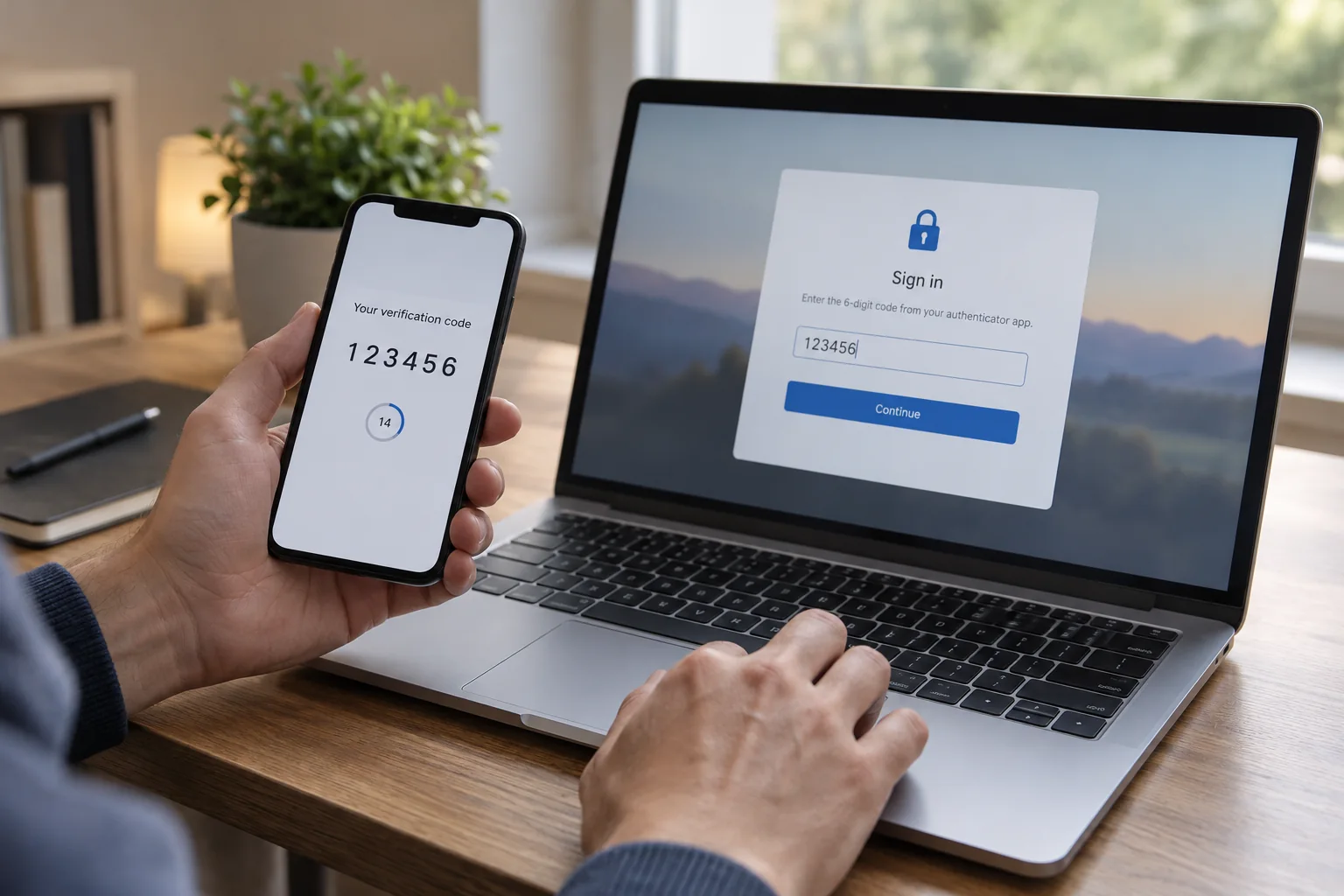
Prepare a two-factor sign-in method
Read the guide
↗
Accounts & security
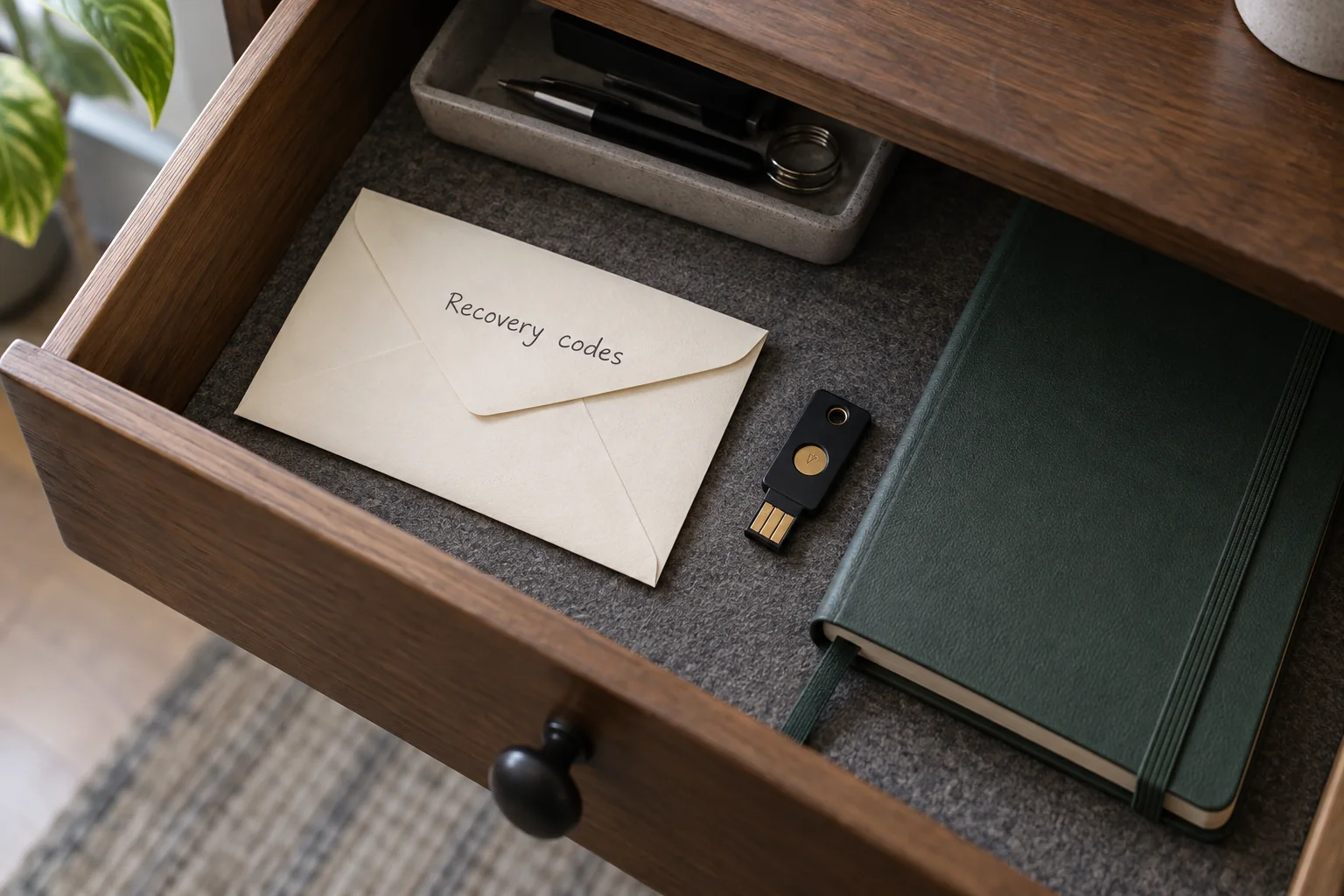
Store recovery codes separately and accessibly
Read the guide
↗
Accounts & security
Plan passkey access across your devices
Read the guide
↗
Accounts & security
Check a suspicious email without opening its links
Read the guide
↗
Accounts & security
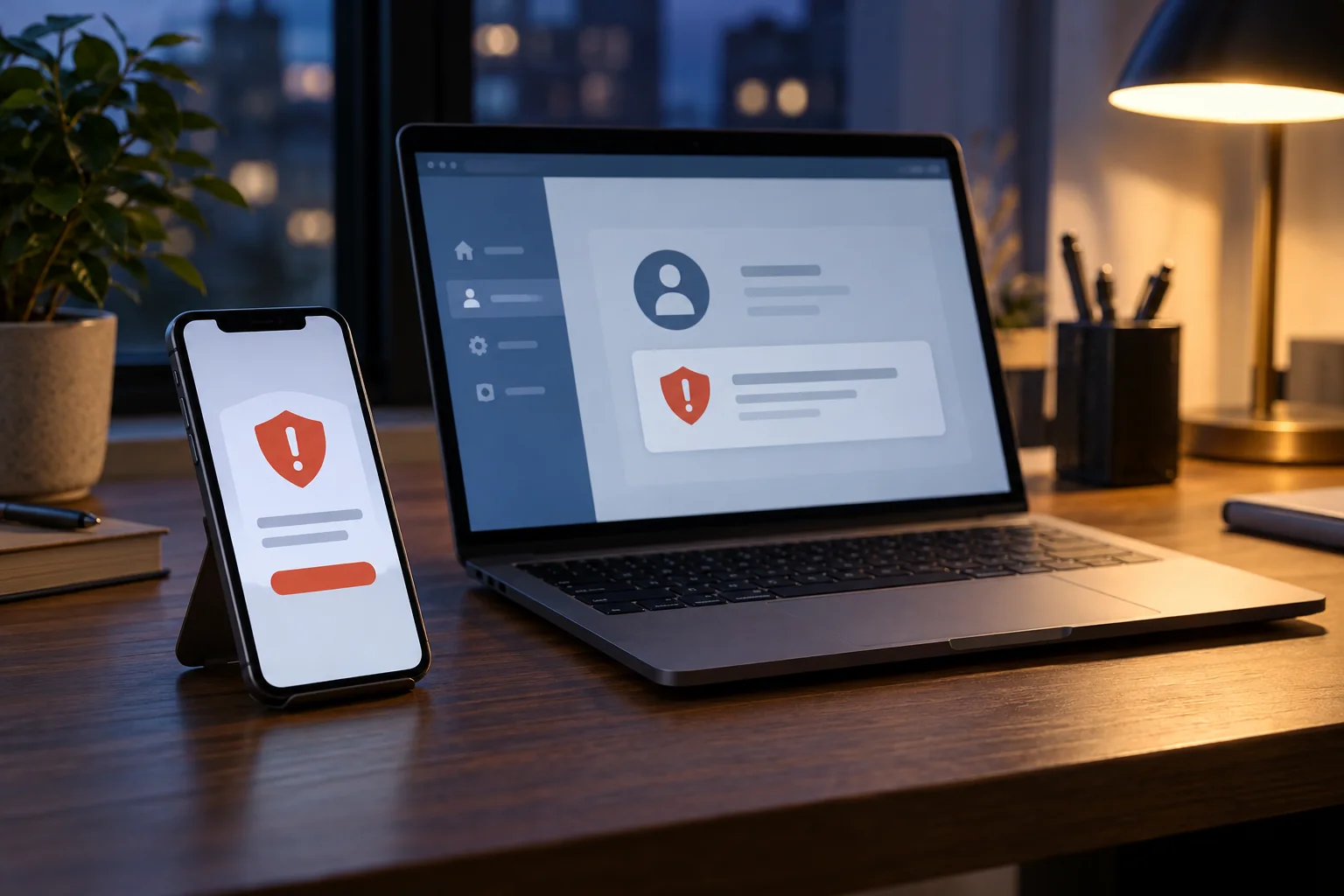
Respond to an unexpected sign-in alert
Read the guide
↗
Accounts & security
Use screen locking in shared spaces
Read the guide
↗
Accounts & security
Separate everyday use from administrator privileges
Read the guide
↗
Accounts & security
Plan recovery before enabling device encryption
Read the guide
↗
Accounts & security
Review browser camera and microphone permissions
Read the guide
↗
Accounts & security
Use work devices on public Wi-Fi
Read the guide
↗
Accounts & security
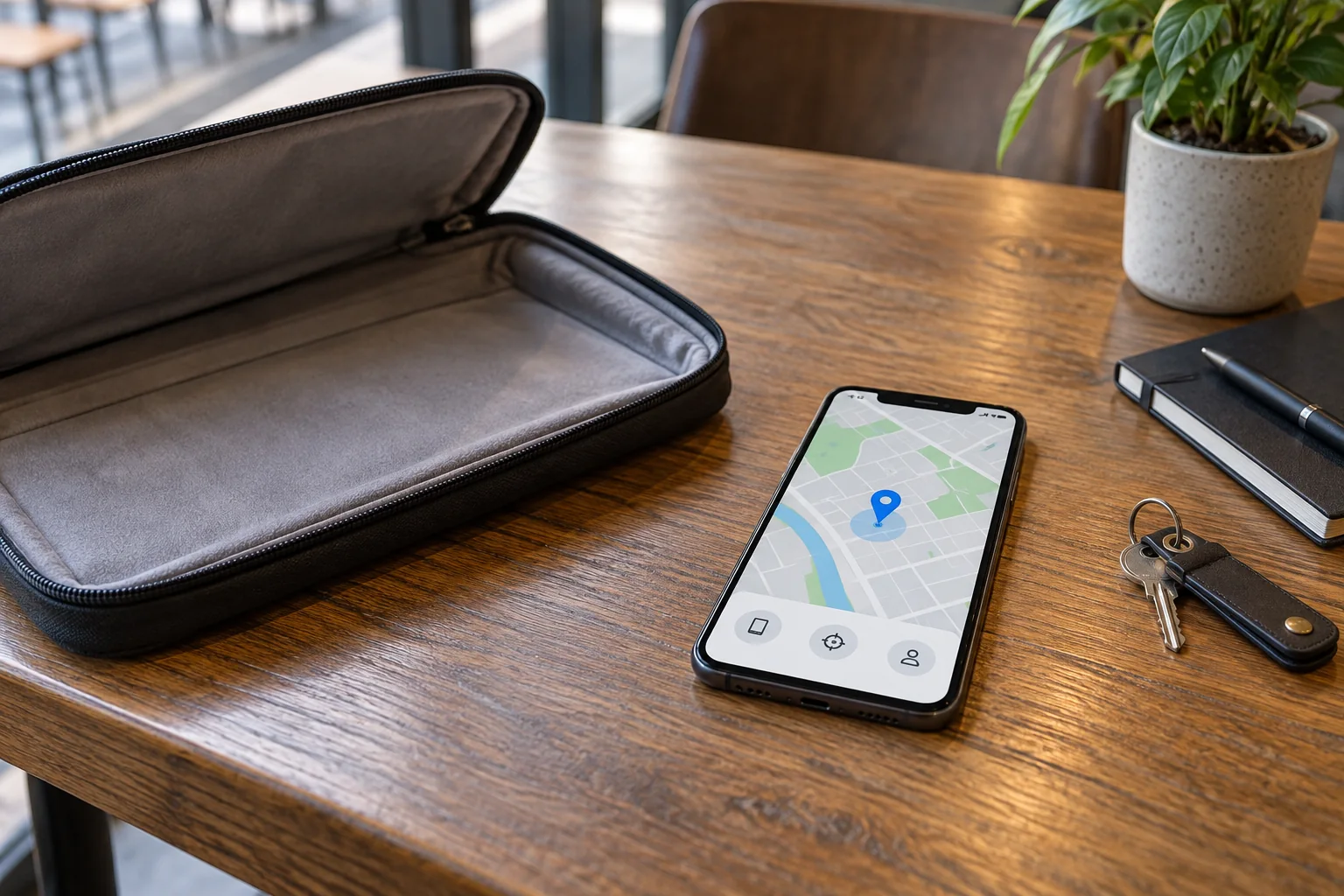
First steps after losing a work device
Read the guide
↗
Accounts & security
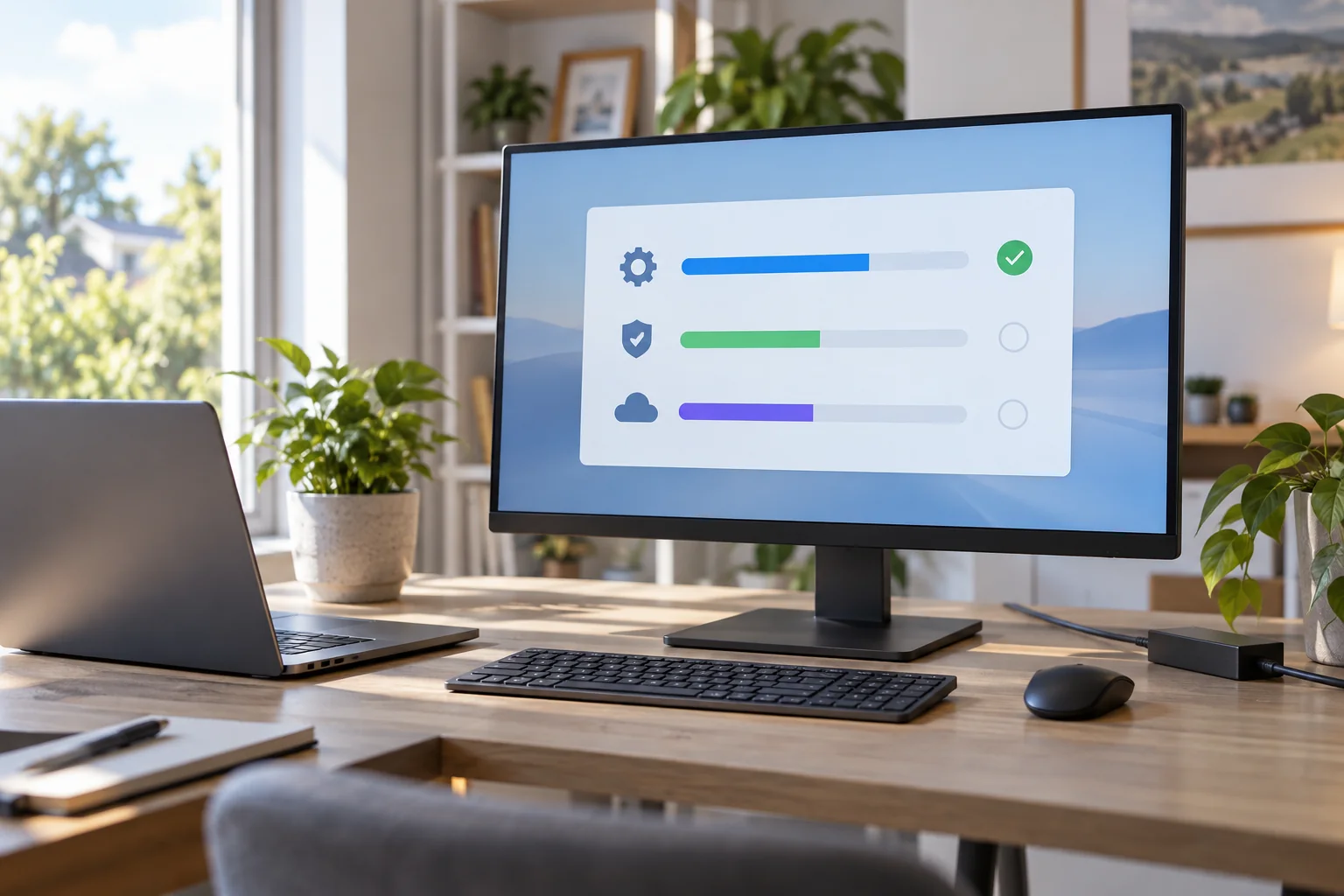
Organise updates around working hours
Read the guide
↗
Accounts & security
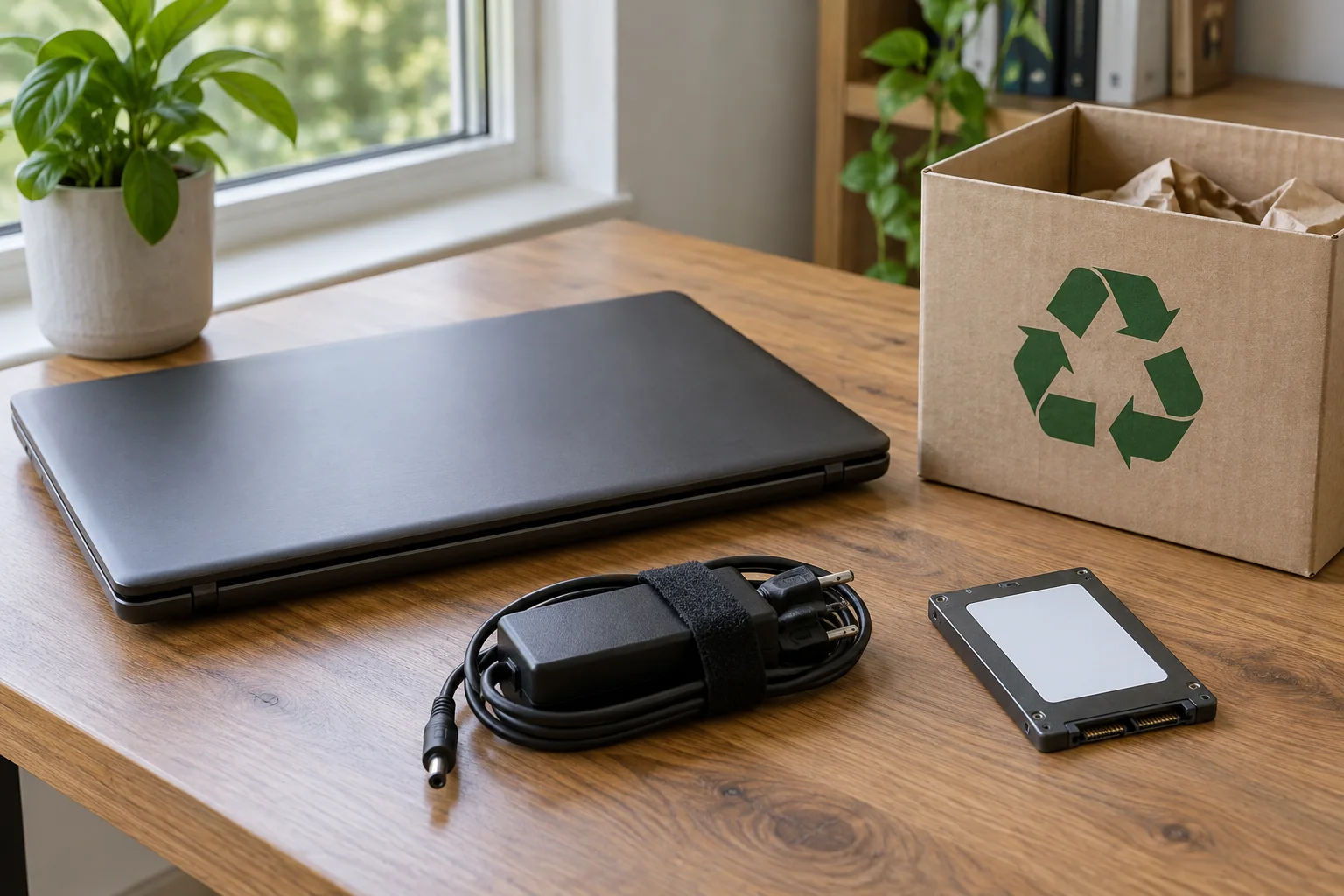
Prepare an old computer before passing it on
Read the guide
↗
Printing & scanning
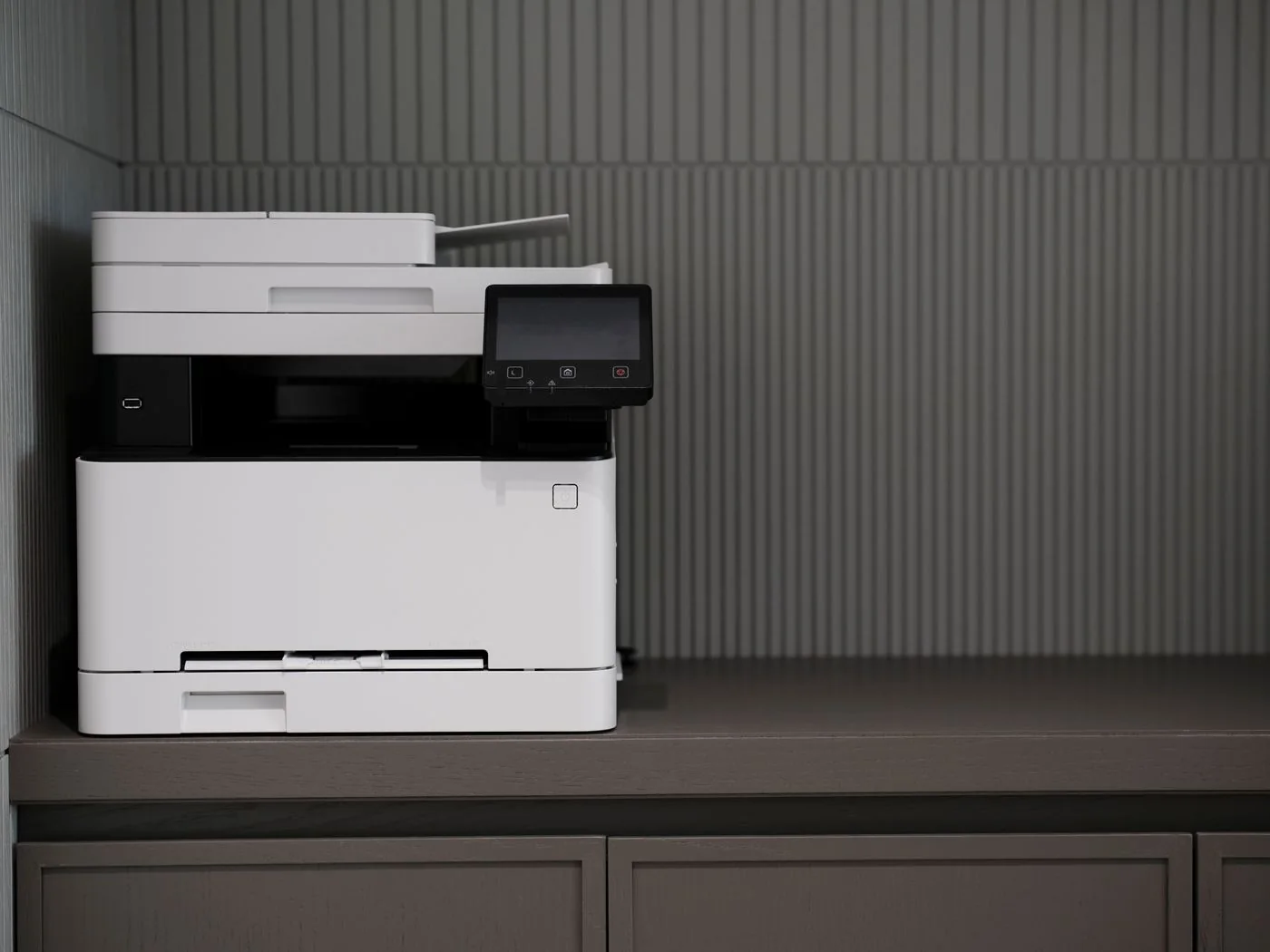
Connect a printer by USB or network
Read the guide
↗
Printing & scanning
Investigate a printer shown as offline
Read the guide
↗
Printing & scanning
Investigate a stuck print job
Read the guide
↗
Printing & scanning
Test double-sided printing before a large job
Read the guide
↗
Printing & scanning
Resolve paper-size mismatches and cropped prints
Read the guide
↗
Printing & scanning
Scan several pages into one PDF
Read the guide
↗
Printing & scanning
Choose scan resolution for the document
Read the guide
↗
Printing & scanning
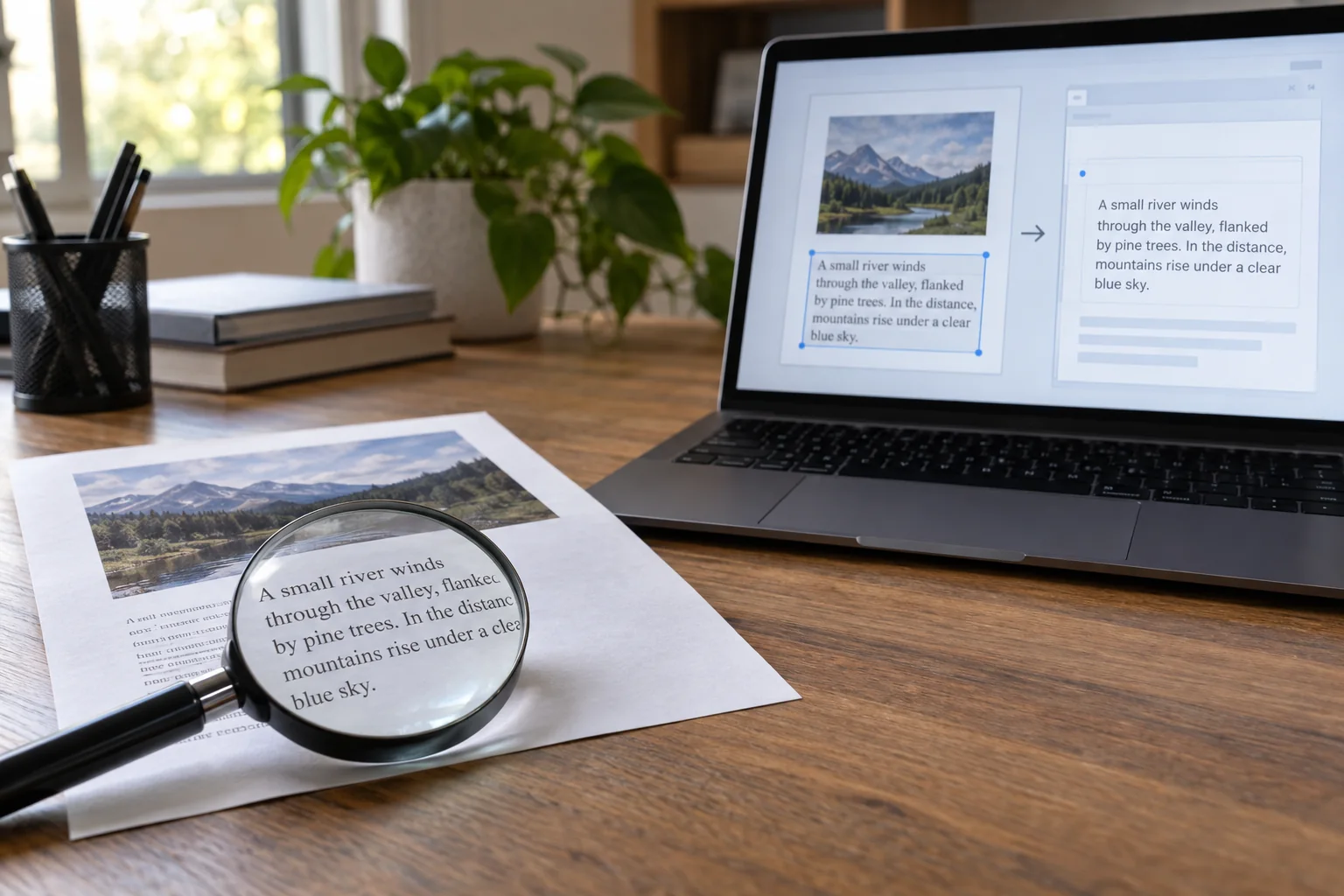
Check searchable scans after OCR
Read the guide
↗
Printing & scanning
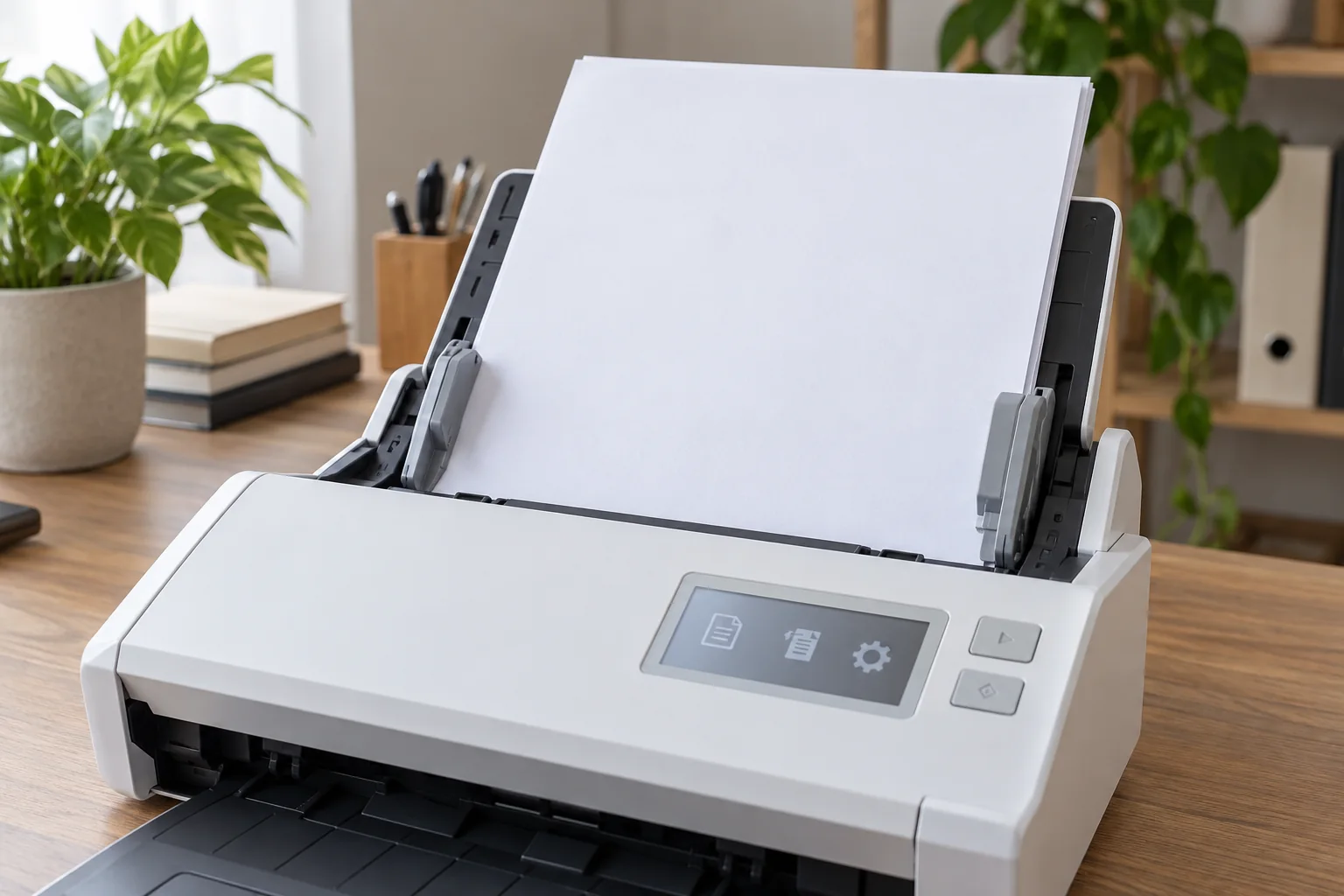
Prepare a document feeder for different originals
Read the guide
↗
Printing & scanning
Investigate streaks and faint printing
Read the guide
↗
Printing & scanning
Match printer supplies to the exact model
Read the guide
↗
Printing & scanning
Give scanned documents a consistent filing route
Read the guide
↗
Small-team IT
Keep a device inventory for a small team
Read the guide
↗
Small-team IT
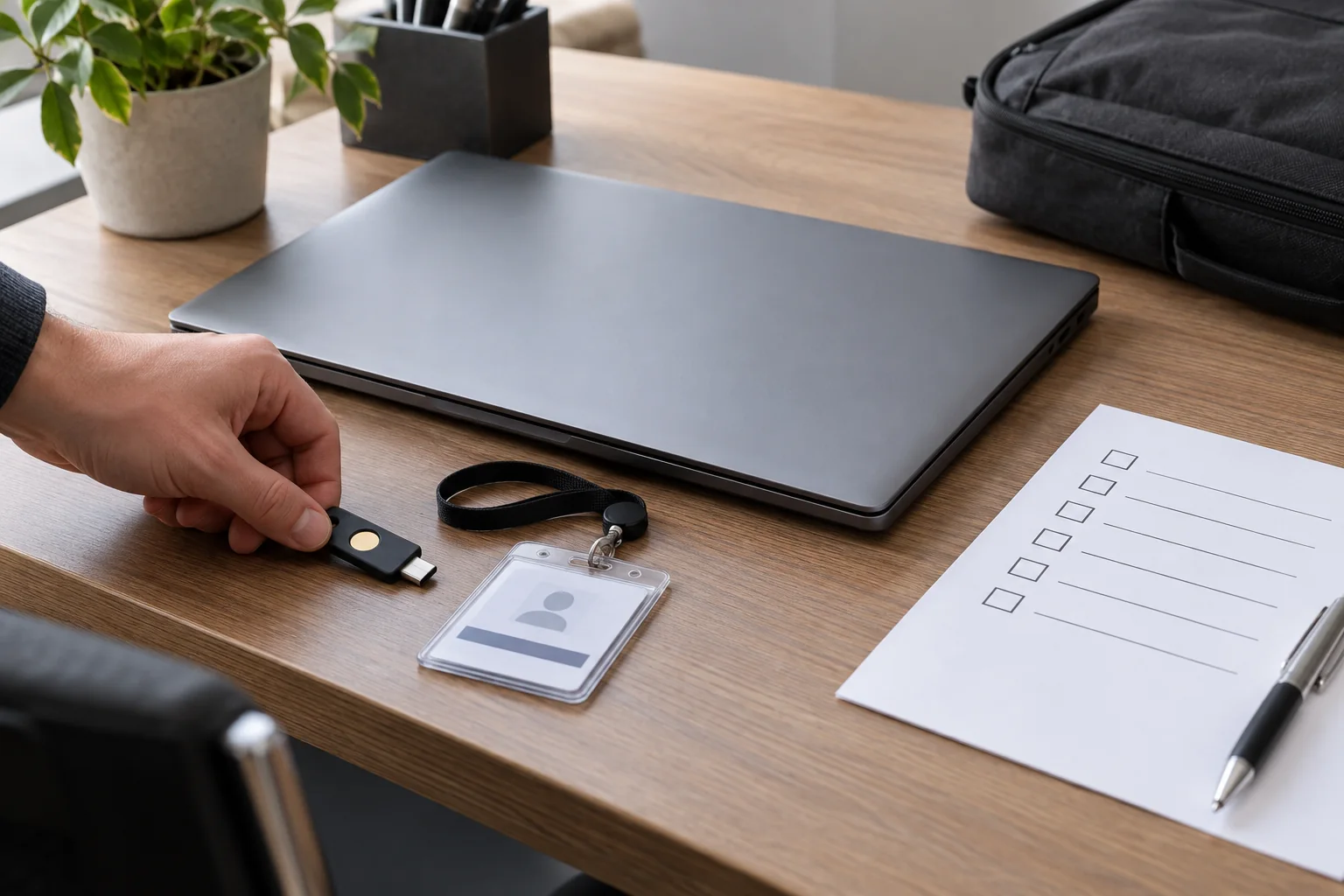
Prepare a workstation for a new team member
Read the guide
↗
Small-team IT
Organise devices and access when someone leaves
Read the guide
↗
Small-team IT
Organise a computer used by several people
Read the guide
↗
Small-team IT
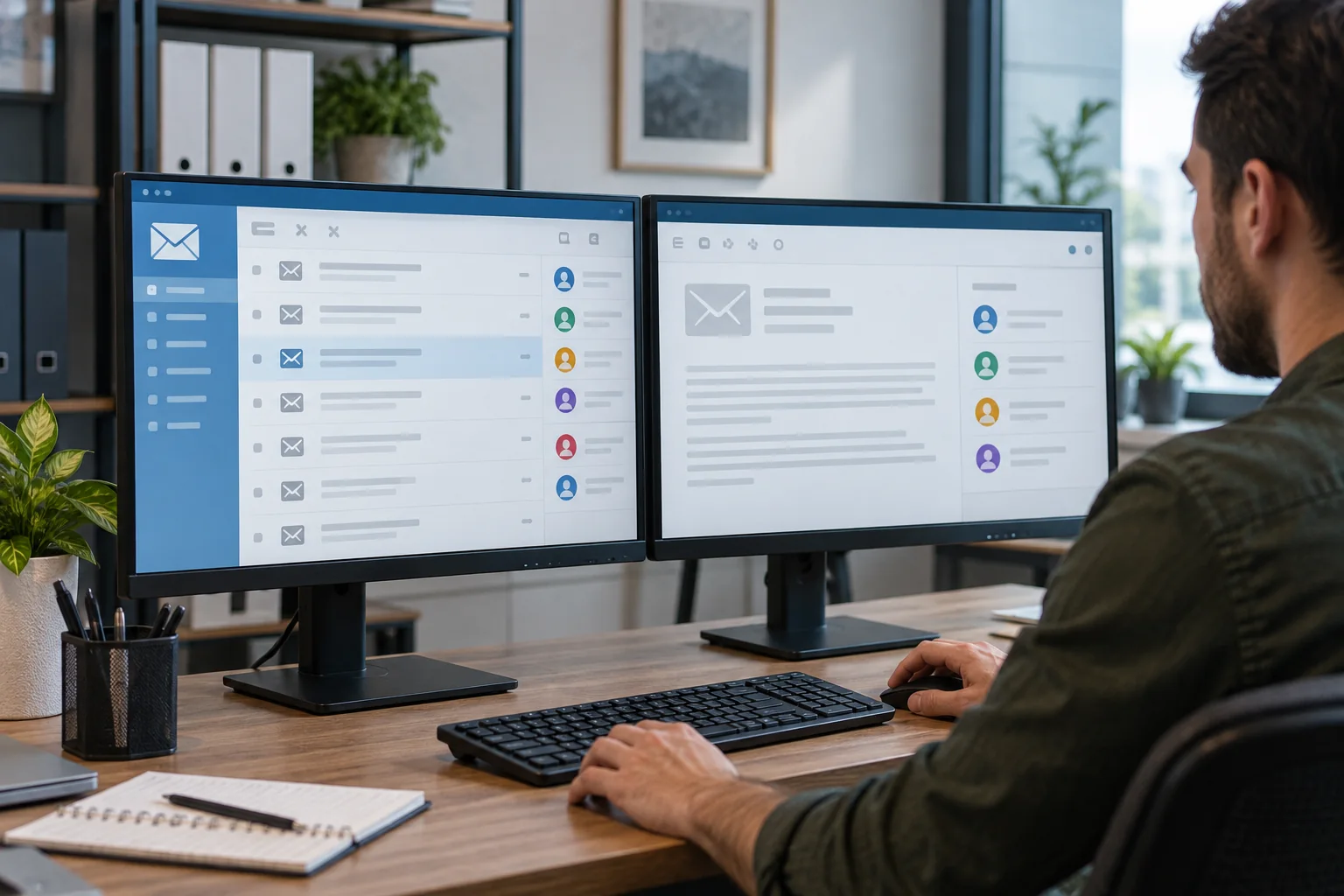
Define responsibilities for a shared mailbox
Read the guide
↗
Small-team IT
Check equipment for a small meeting room
Read the guide
↗
Small-team IT
Prepare a support request with useful evidence
Read the guide
↗
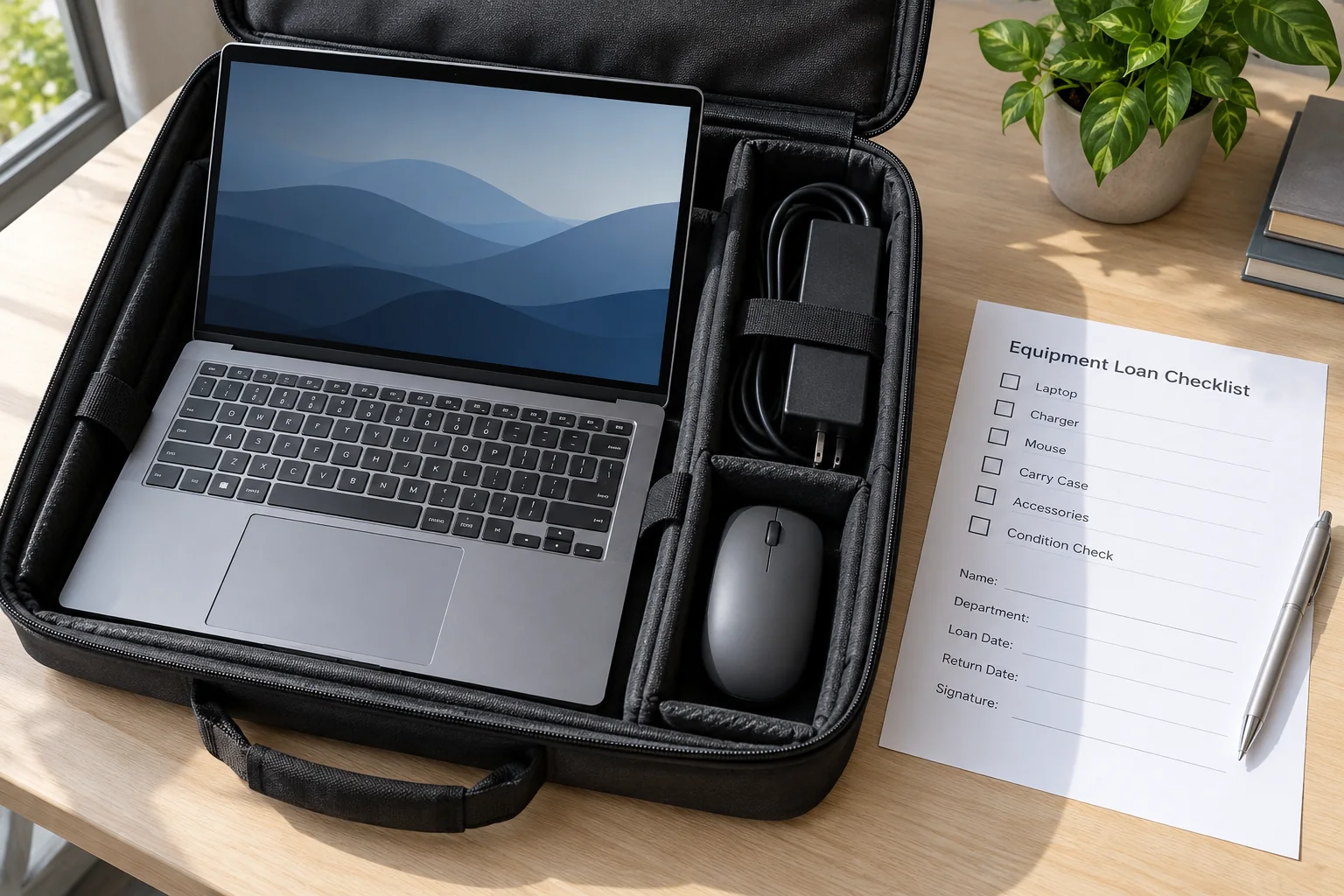
Small-team IT
Track work equipment that is on loan
Read the guide
↗
Small-team IT
Plan equipment replacement around concrete problems
Read the guide
↗
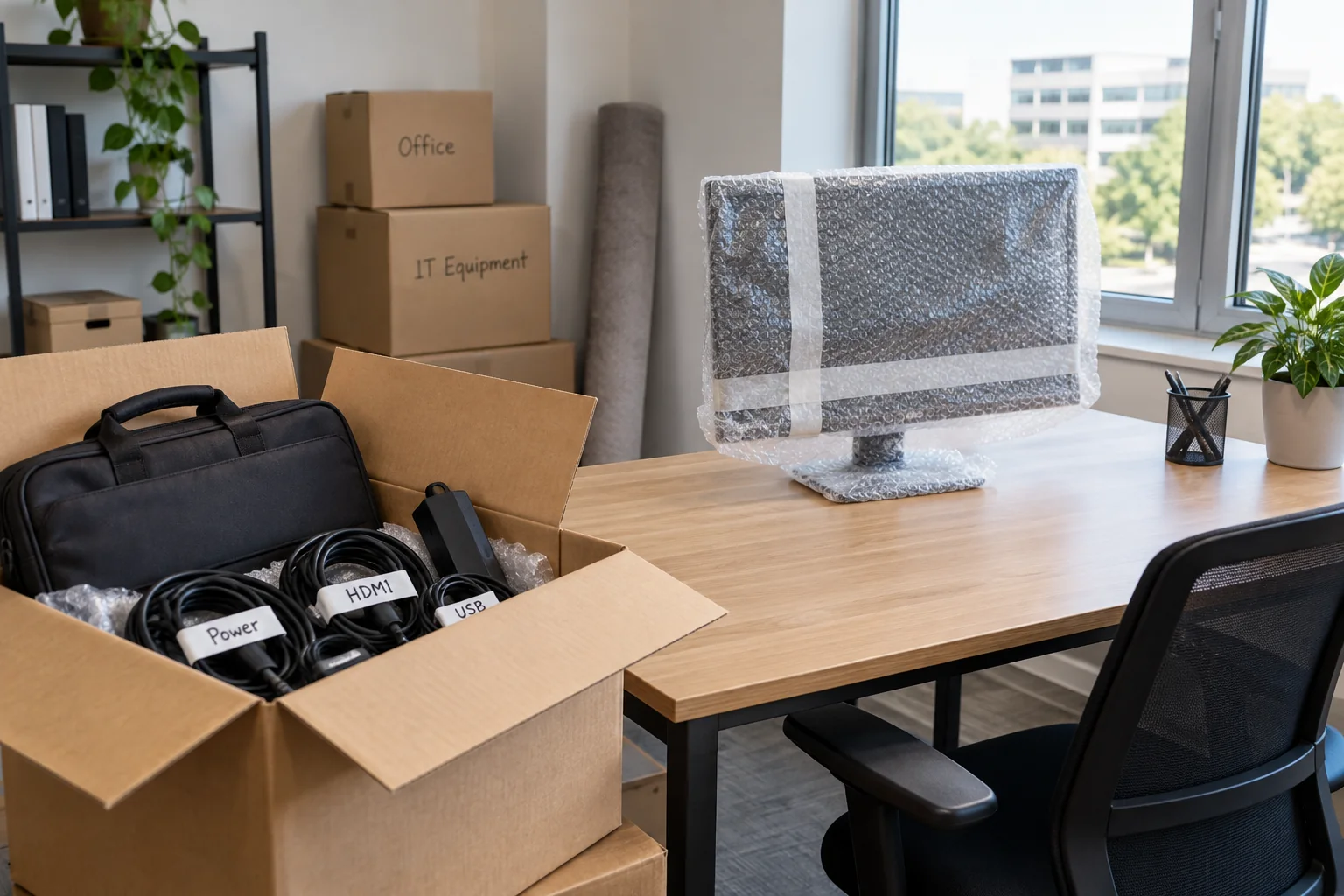
Small-team IT
Move the technology at a small office workstation
Read the guide
↗
No matching guides. Try another search term.
← Previous
Next →