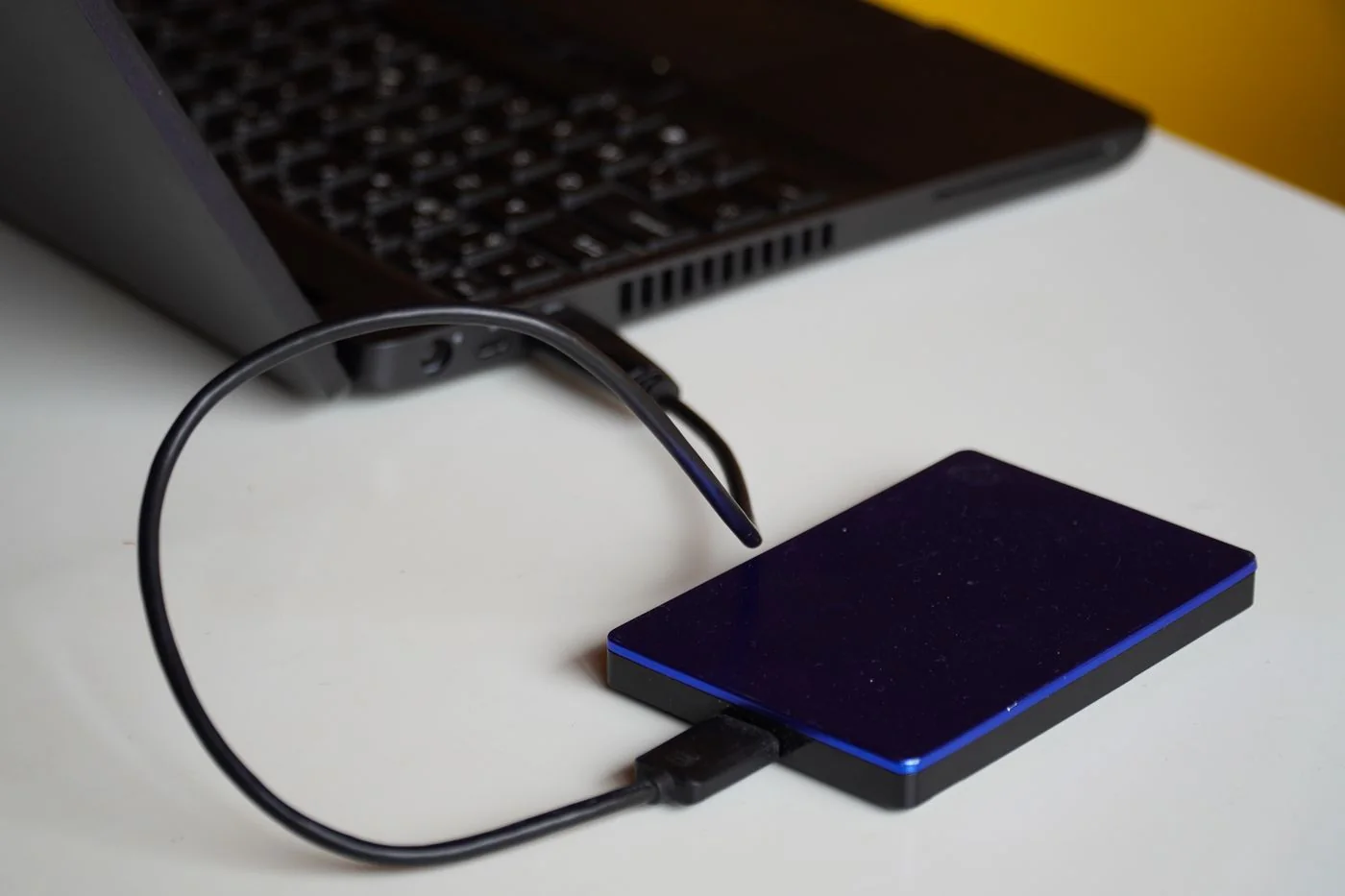
Separate visibility from the physical connection
First check the cable, port and any separate power supply. Use a known suitable data port and compare a compatible spare cable. With some connector types, a charging-only cable cannot carry data. Connect directly to the computer during the comparison to remove a hub as an additional possible cause.
Notice unusual sounds, repeated spin-up attempts or excessive heat. For a mechanically troubled hard drive containing irreplaceable data, repeated retries are not a sensible routine. Disconnect after a safe stop and consider qualified data-recovery help before running repair tools that write to the medium.
Inspect without changing the disk
The operating system may detect a drive even though it does not appear in the usual file window. On a Mac, Disk Utility's Show All Devices view includes the physical-device level. Windows Disk Management can provide additional information too. Initially use these views only to record the model, capacity and reported state.
Do not confuse the external device with the internal system drive. Avoid initialisation, erase or new-partition actions while existing data is needed. Even repair operations can alter the structure. If the drive becomes readable, first copy important material to another device before proceeding with deeper investigation.
Make a focused comparison
Another compatible computer can indicate whether the original connection chain is involved. Account for differences in filesystem support and possible encryption. A lack of write access on a different system is not automatically a fault. Use the intended credentials rather than random unlocking utilities.
Record completed tests and when the drive last worked normally. If the data is already verified elsewhere, model-specific diagnostics or reformatting can then be considered. Without such a copy, preserving the existing contents matters more than quickly making the drive visible again with all its files gone. Report any prompts exactly when asking for help.
Record a result that supports the next decision
Distinguish three states in your notes: the device is not detected at all, it is detected but no usable volume mounts, or it mounts but individual files cannot be read. These lead to different further checks. Include whether another port produces the same result and whether a required power supply was used correctly. A picture of the message can help, provided confidential filenames are not published with it.
If changing the cable makes the drive consistently readable, preserve important contents first and then observe a controlled reading task. Do not silently return the suspect cable to ordinary use. Label or replace it so it does not cause the same fault at another desk later. One reappearing drive icon is not sufficient reason to immediately delete the last independent backup.