Collect the first useful details
Record the device type, device name or inventory number, last confirmed location and approximate time. Note whether it was locked, shut down or still signed in when last used. If you do not know whether storage was encrypted, say so explicitly instead of assuming protection was enabled.
Check likely locations through known contact routes: the meeting room, transport operator, event venue or hotel. Do not publish credentials or complete inventory records while asking for help. A serial number may be useful in an official report, but does not need to be distributed indiscriminately on social media.
Notify the responsible contact
For work equipment, report the loss promptly using the established procedure. Describe the accounts that were signed in, whether a security key or phone is also missing, and whether confidential files were stored locally. This supports a targeted decision about sessions, access and managed-device actions.
Avoid independently changing many organisational settings when an administrator is coordinating the response. Explain any steps already taken so locking, recovery and investigation do not work against one another. For personally managed accounts, use the providers' genuine security pages from another trusted device.
Use locating and locking features already configured
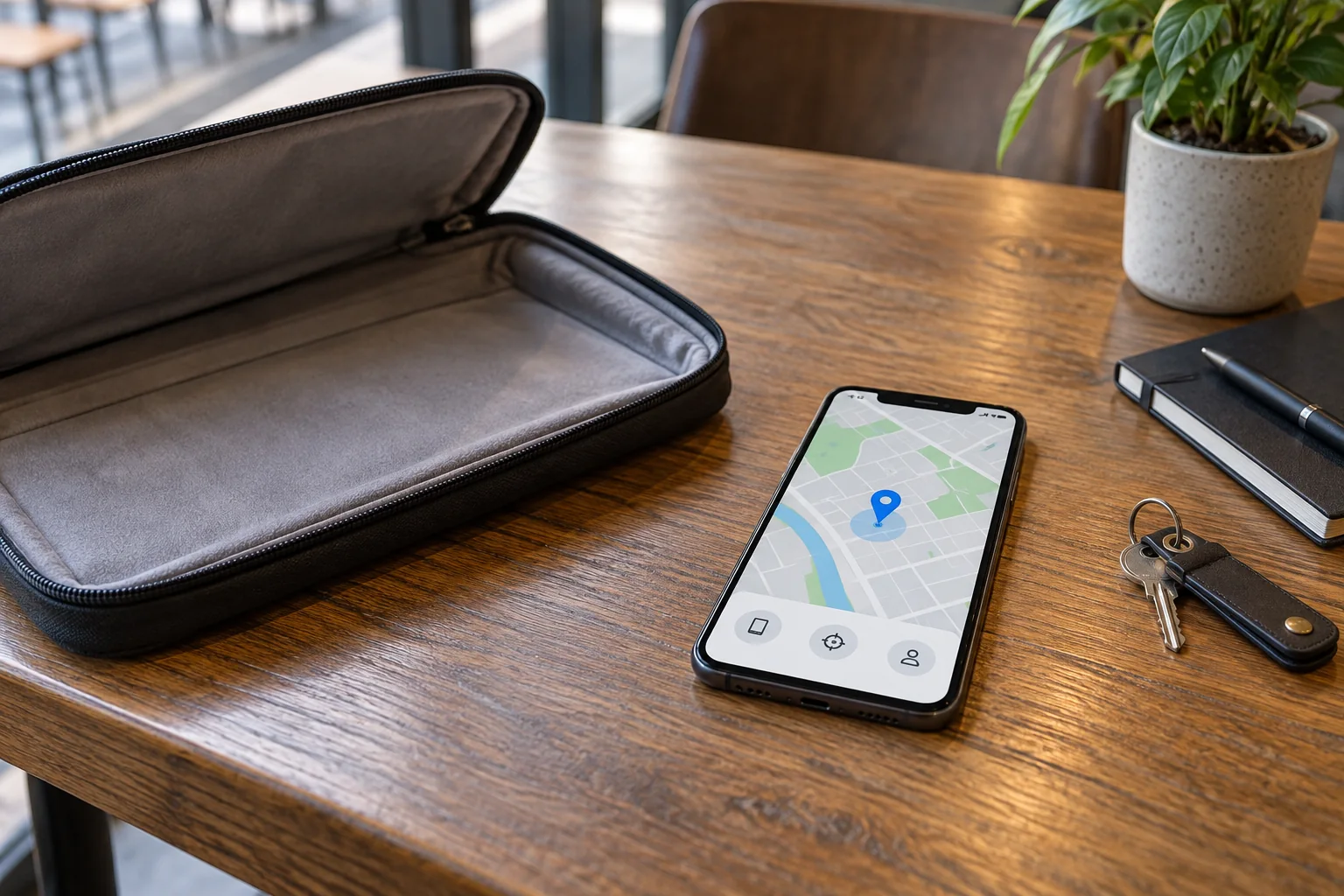
Open only the official device features that were previously set up for the missing equipment. A service installed afterward cannot retrospectively enrol a device you cannot reach. Available options depend on the operating system, account and earlier configuration.
A reported location may be old or approximate. Treat it as information for the appropriate contact, not as a reason to confront an unknown person yourself. If theft is suspected, use the relevant official reporting process for further action.
Remote erasure is a significant decision. It may destroy unbacked-up data and, depending on the system, alter subsequent locating options. Read the manufacturer's explanation and coordinate the decision for a work device. An action being requested also does not necessarily mean it has completed if the device remains offline.
Recover access and the ability to work
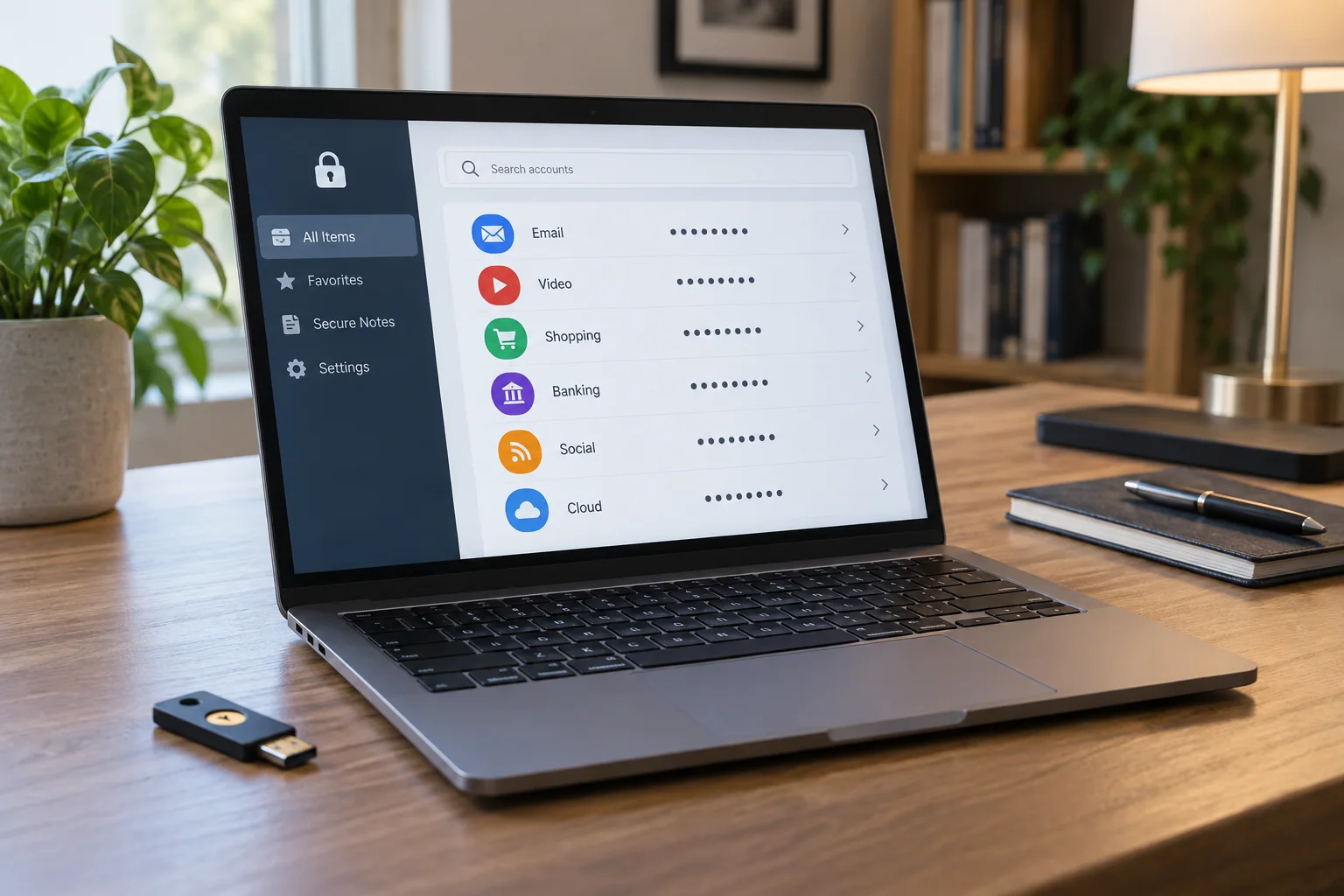
Identify which authentication methods depended on the missing device. A replacement computer alone does not solve the problem if the only second factor or recovery code was lost as well. Use recovery routes established beforehand and record unexplained account activity for further investigation.
Restore required files from a verified backup onto an approved replacement device. Do not import unfamiliar software or settings indiscriminately from an incidental storage device. After the immediate response, update the equipment record, recovery arrangements and incident timeline so subsequent decisions are based on reliable information.