Separate the possible failures
Imagine three situations. First, an internal disk fails. Second, somebody overwrites an important project file and notices a week later. Third, the whole storage unit and nearby equipment are stolen. One technical feature will not normally solve all three problems equally well.
A redundant disk arrangement may handle the first situation, depending on its design. It also reflects authorised deletions and unwanted changes in the shared data. An older version or snapshot may help with the second situation but can still depend on the same hardware. The third needs a copy genuinely stored separately.
Choose an independent destination
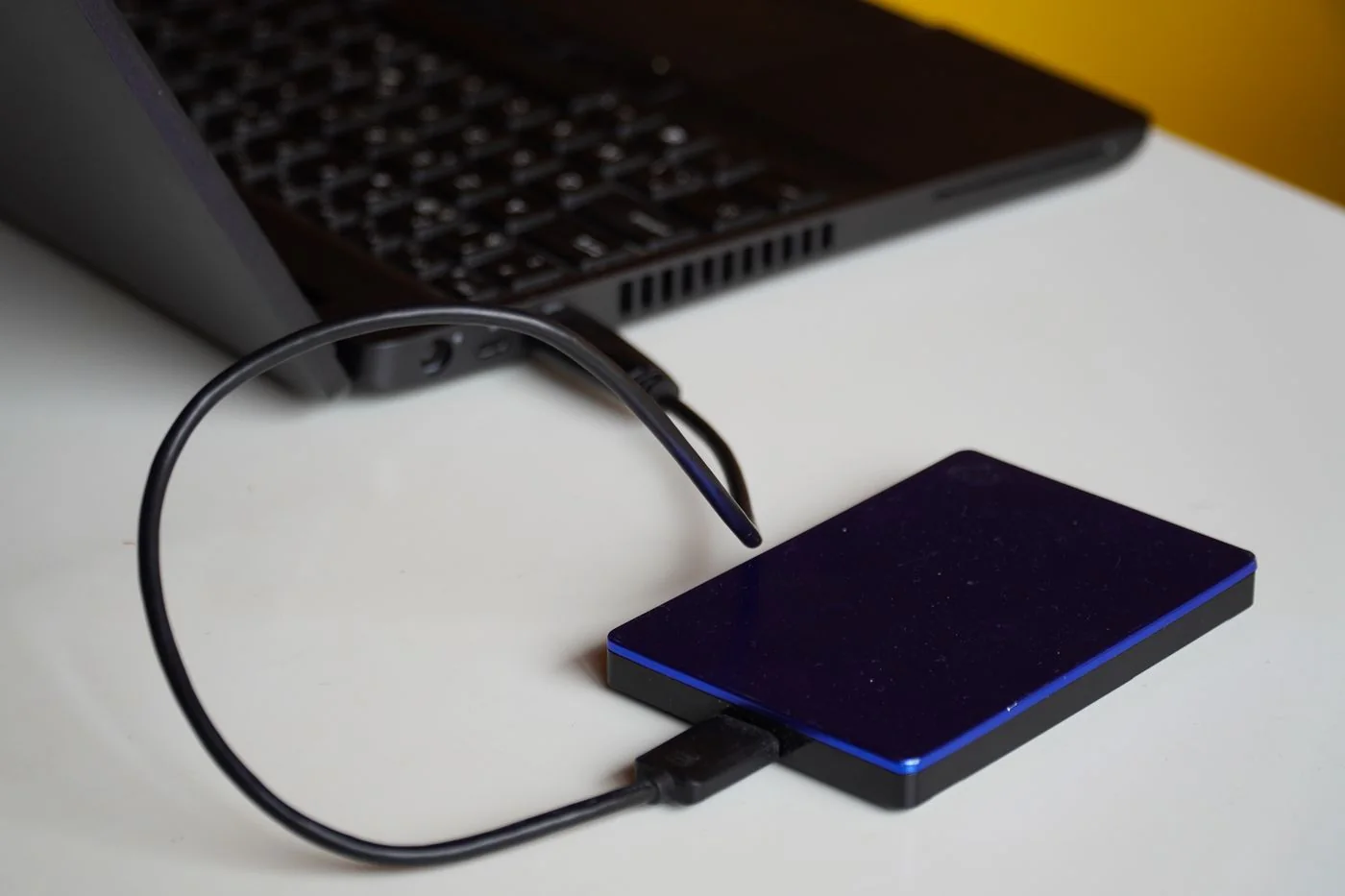
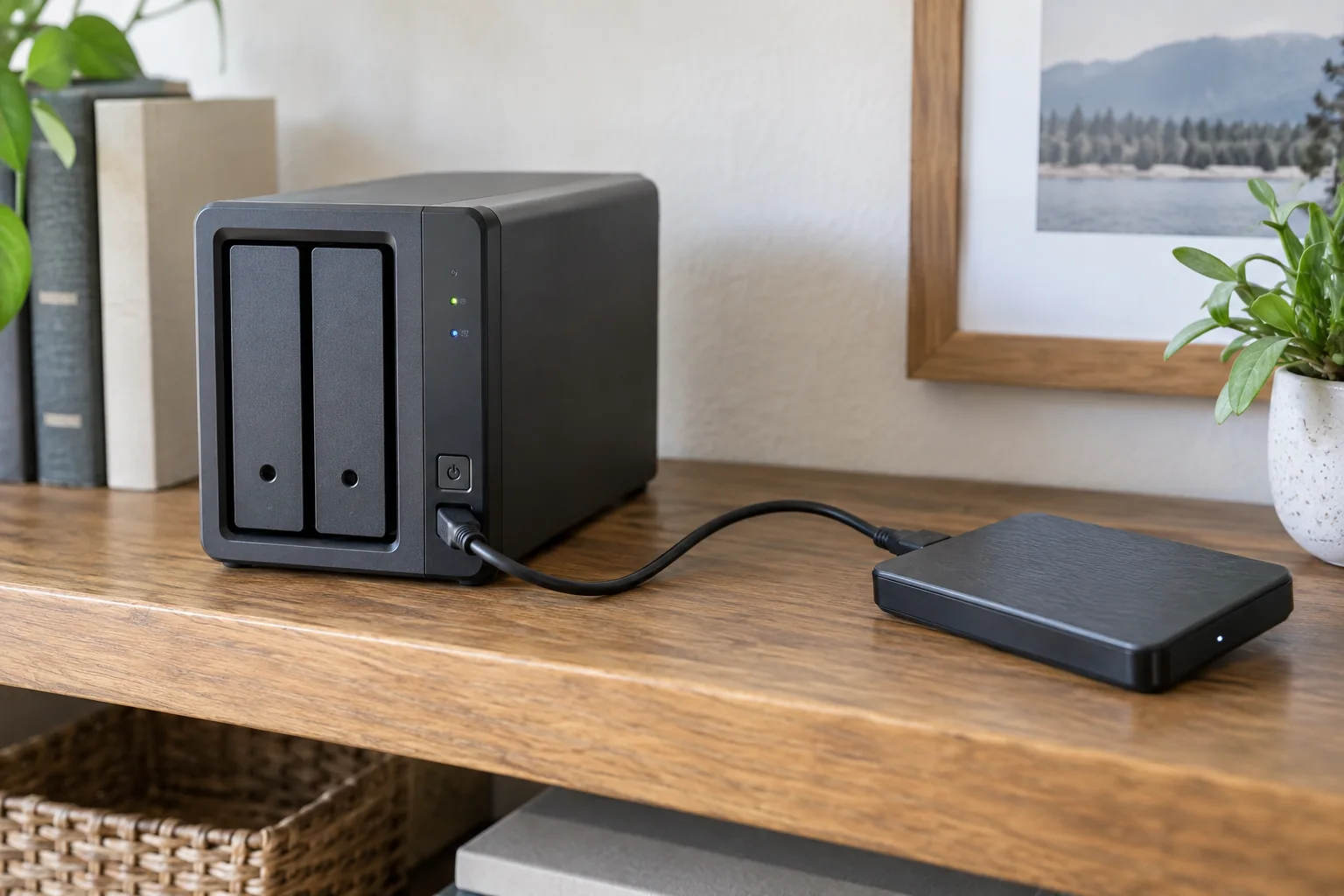
Possible destinations include an external drive, another storage device at a different location or an appropriate cloud-backup service. Compare more than capacity and cost. Consider access during an outage, protection from unintended deletion and the time required to restore. A large recovery over a slow connection can take a substantial period.
A continuously connected writable drive may be affected by some of the same faults or attacks. A separately stored copy reduces that shared dependency but must be updated regularly. If using multiple destinations, document the period each covers. Two disks in the same cupboard do not address every form of damage to the premises.
For a remote destination, establish who controls its credentials and what rights the backup account has. Avoid unnecessary administrator privileges. If a service offers immutable retention, identify precisely which data and dates it protects. A product label does not replace configuring the feature correctly and understanding how recovery works.
Include more than visible folders
Inventory shared folders, important application packages and any settings needed for recovery. A backup of ordinary files does not necessarily include data belonging to an application running on the NAS. Read both the backup software and application descriptions. Synology, for example, provides ways to include supported package data through its intended backup functions.
Record access permissions as well. A successfully copied folder may be unusable if nobody can open it, or unsafe if too many people gain access. Recovery to another device may require accounts and permissions to be mapped appropriately. Supplement the backup with an understandable record of intended access.
Plan versions and failure handling
Choose retention around how late a mistake could be discovered. If a project is reviewed only monthly, a few days of history may be inadequate. Also establish what happens when the destination fills and whether older versions are removed automatically. The intended run frequency and actual retention must work together.
Assign someone to handle failure notifications. A daily scheduled job can have failed for weeks because a destination password changed or a disk is absent. Regularly inspect the last successful run and its scope. A successful task covering some folders does not prove that every intended collection is included.
Consider recovery without the original NAS
Start by restoring one file to a separate destination. Then establish which software and keys would be required if the NAS no longer started. Some backups use a special archive format. Keep access to the required reader or recovery method and its current instructions. Do not arbitrarily copy individual internal archive components.
For encrypted backups, keep the key protected somewhere beyond the only original device. Consider whether an authorised substitute could carry out the process in an emergency. Do not distribute passwords openly to achieve this; use the intended controlled access to recovery information.
Record the result and time taken. For a small business, the recovery order may matter: current working projects first, then large older archives. This prioritisation turns the backup into a usable restart plan rather than merely another occupied disk. It also reveals whether the chosen destination can meet the actual need before an outage makes those limits urgent.
Estimate complete recovery using a representative subset. A tiny text file tests access but says little about the time needed for a large archive. Include decryption, extraction and rechecking permissions as well as transfer time. If the available recovery window does not match the volume, another destination or a staged recovery plan may be necessary. Record that decision before an outage. Otherwise, a technically existing backup may be discovered to be too slow only when several people are already waiting for their working files and decisions must be made under pressure.