Work from the printer to the part number
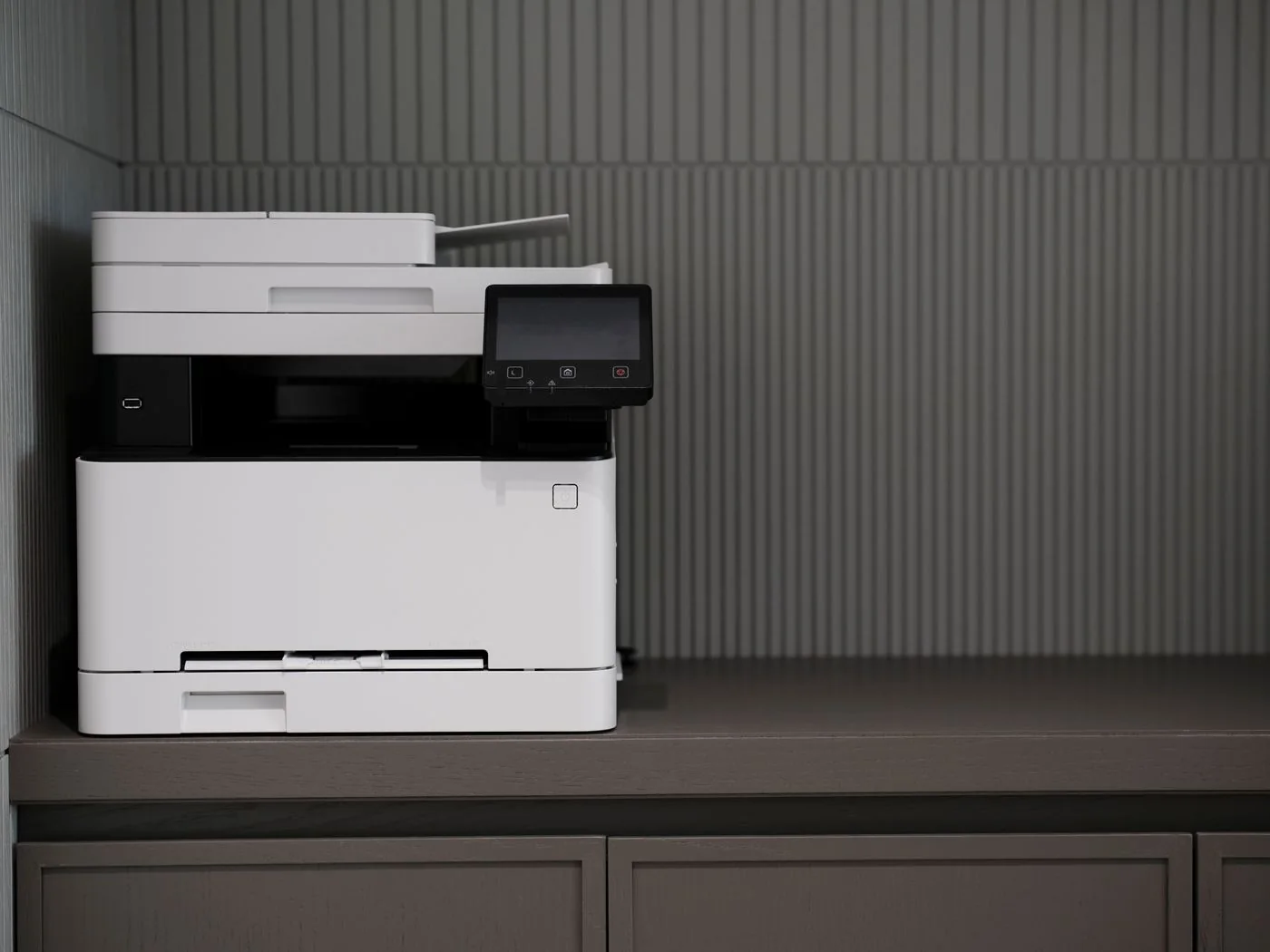
Read the complete model designation from the device or its system information. Compare it with the manufacturer's official supplies or accessories list. Search results may combine several generations with similar names, so the supported-model list for the particular item matters.
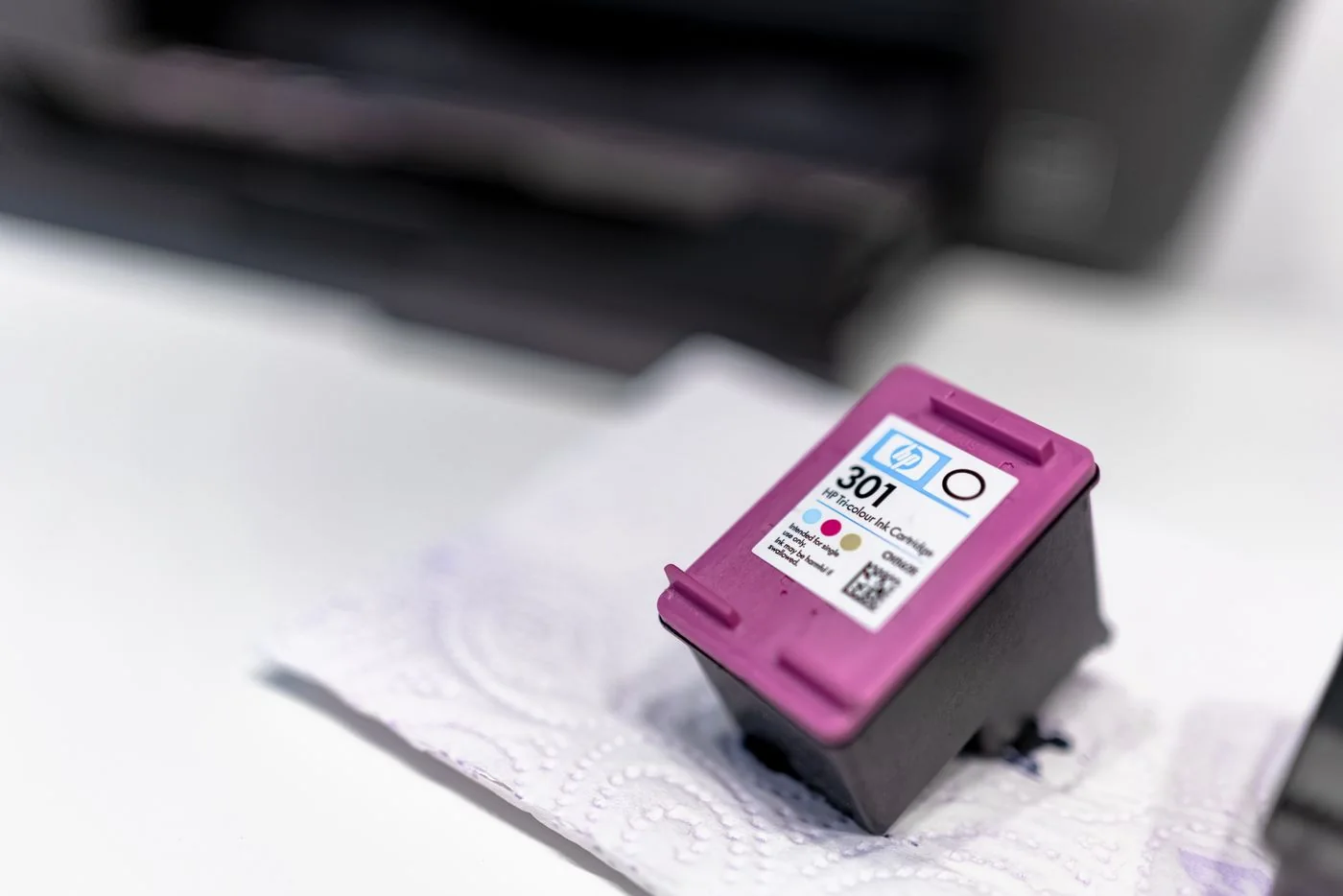
Record the part number and required colour or component. Toner, an imaging drum and a maintenance container are not automatically the same part. A warning about a maintenance unit is not resolved by buying an arbitrary toner cartridge. Check the wording on the printer before completing the order.
Compare variants explicitly
Standard and higher-capacity versions may be offered for one model. Compare the variants actually supported, their prices and the manufacturer's yield information. Published yields use defined test conditions; they are not a promise for every individual mix of documents.
For third-party supplies, inspect the specific compatibility statement and the seller's terms. Do not rely on a broad claim of suitability for many printers. The supplied package can matter too, including whether a necessary additional part is included or must be ordered separately.
Check delivery and installation
Compare the delivered part number with your notes before opening protective packaging. Have the model-specific installation instructions ready and remove only the transport protection they identify. Avoid touching sensitive surfaces that the manufacturer specifically tells you to protect.
Inspect the packaging for visible damage or leaked material too. Document an unusual delivery condition for the seller before attempting to install the part or clean it yourself.
Store spare supplies in their intended packaging and under the stated conditions. A small documented stock is easier to manage than several unlabelled leftovers for similar models. In a team, identify which printer uses each spare so a replacement printer does not lead to an accidental repeat order for obsolete supplies. Record the change when equipment is retired rather than waiting until somebody discovers the mismatch during an urgent print job.