Check the complete power path
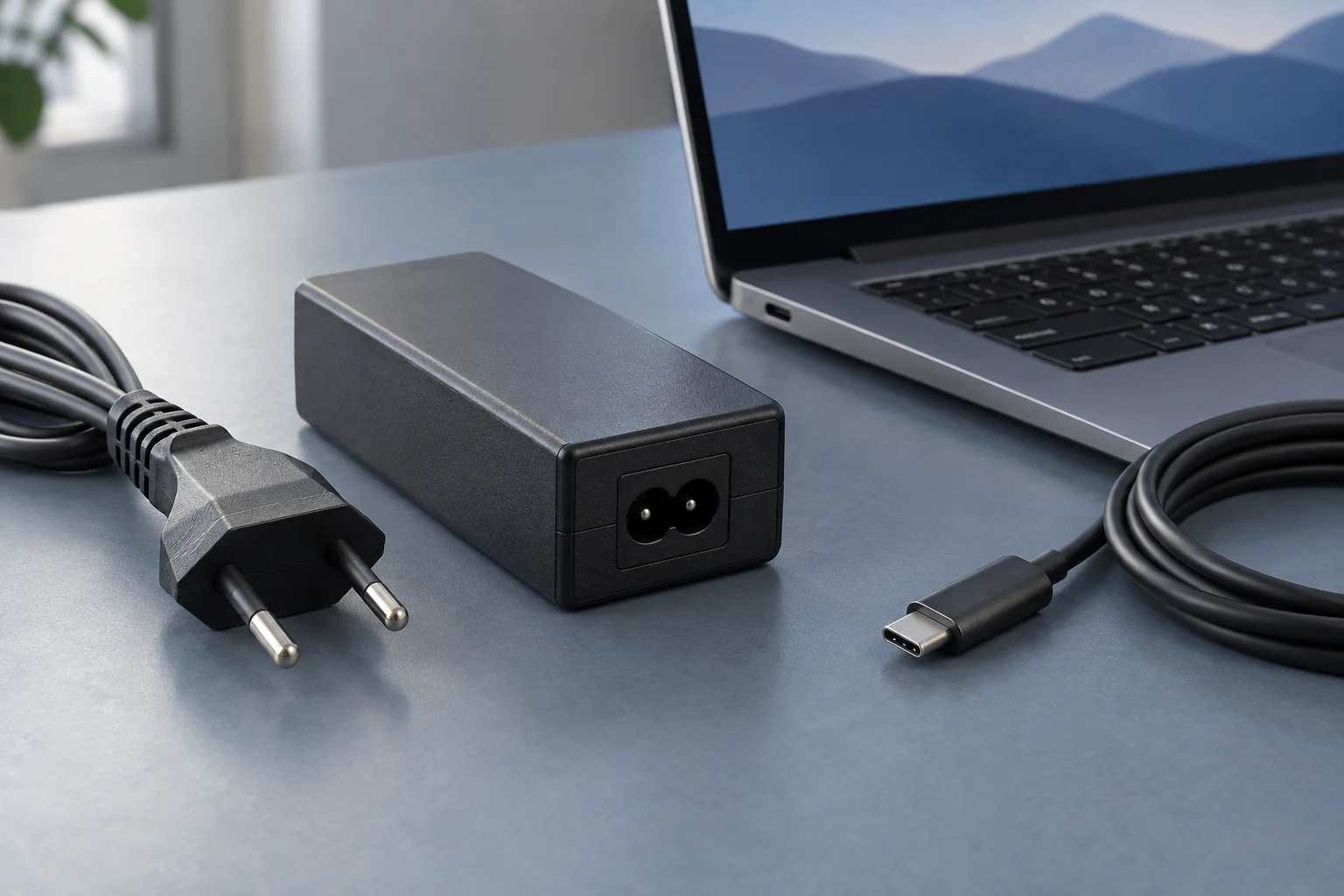
Use the manufacturer's specified charger, cable and charging port where available. Confirm the outlet works with another appropriate device. Reseat accessible connectors without forcing them. Inspect the cable, adapter and socket for damage; stop using damaged equipment rather than holding it at an angle until contact returns.
For USB-C, the shape of the connector does not establish its charging capability. The charger, cable and laptop port must support the required power arrangement. A phone charger can fit physically while being unsuitable for the laptop's needs. A dock may reserve some of its input power for itself and connected accessories, leaving less for the computer.
Remove one uncertainty at a time
If charging through a dock, test the supported charger directly at the laptop. Disconnect optional power-hungry accessories and close demanding work after saving it. Observe whether the charging status changes over a reasonable interval. Do not interpret a single percentage update as proof of a stable repair.
Read the manufacturer's information about charge limits, battery-health management and operating temperature. A deliberate charging pause may be normal. If charging resumes under lighter load, that suggests the original power setup needs investigation; it does not prove that a higher advertised wattage alone will solve every compatibility problem.
A useful comparison at the desk
Consider a laptop that charges directly but slowly loses battery through a dock during a call. Keep the call workload and screen arrangement the same while comparing the two supported power routes. If only the dock route loses charge, record the dock’s supply and specified host output. The result points towards that route without proving which individual component is responsible.
Also test whether attaching another device to a shared charger changes the behaviour. Read its documented power allocation before drawing conclusions. Avoid repeatedly switching supplies during unsaved work; use a planned test with work stored safely. A clear comparison can prevent buying a replacement battery when the original issue is the available external power.
Report the combination that fails
Record the laptop model, charger rating, cable and whether a dock was involved. Include the displayed message and whether the computer operates on external power. Test with a known compatible replacement only if one is available; an arbitrary adapter is not a useful control.
If the battery is swollen, the case is distorted or there is a burning smell, stop the test and obtain appropriate service. Otherwise, these observations help the manufacturer distinguish the power supply, charging port, settings and battery condition without unnecessary parts purchases.