Make the test route unambiguous
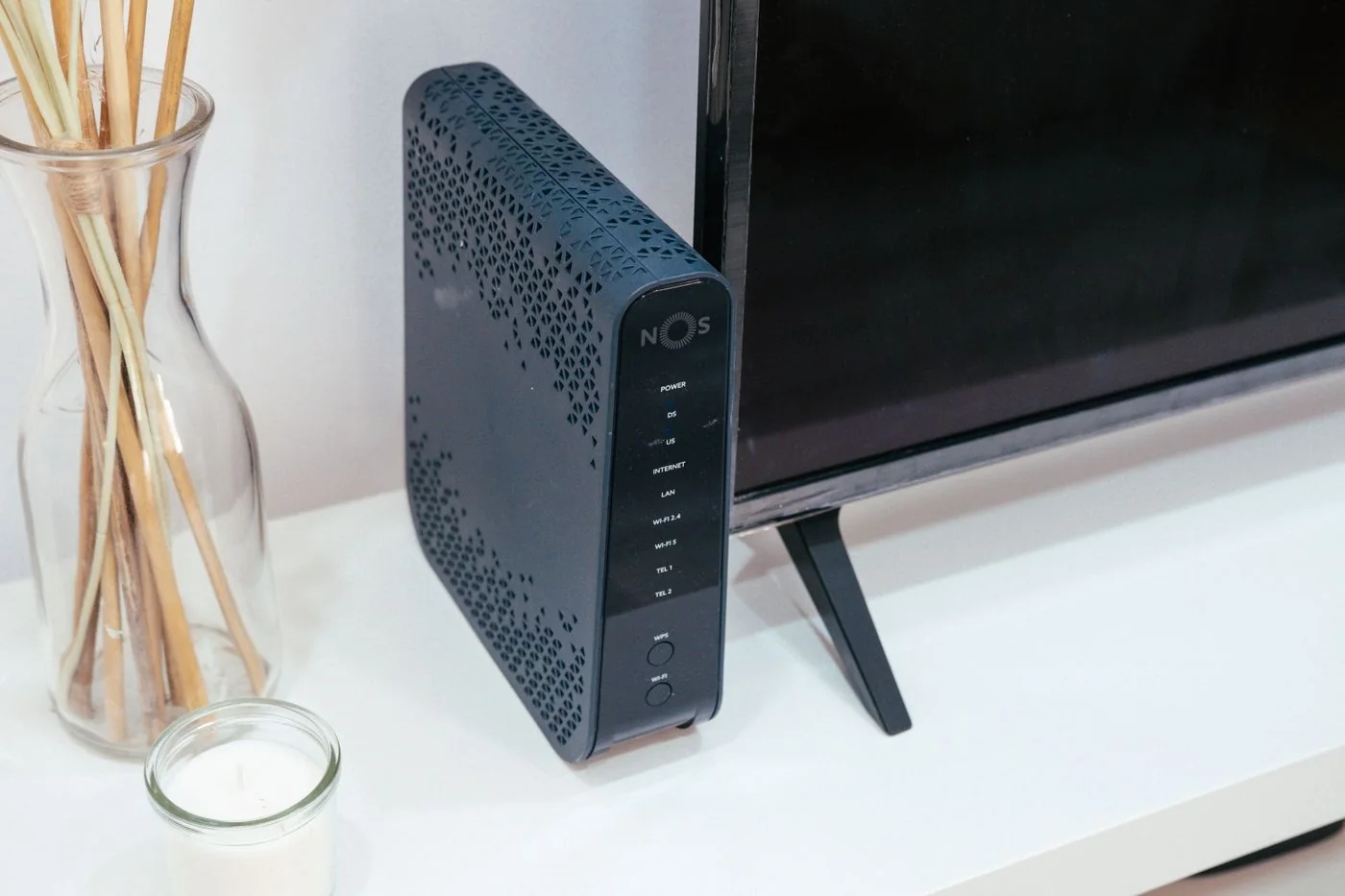
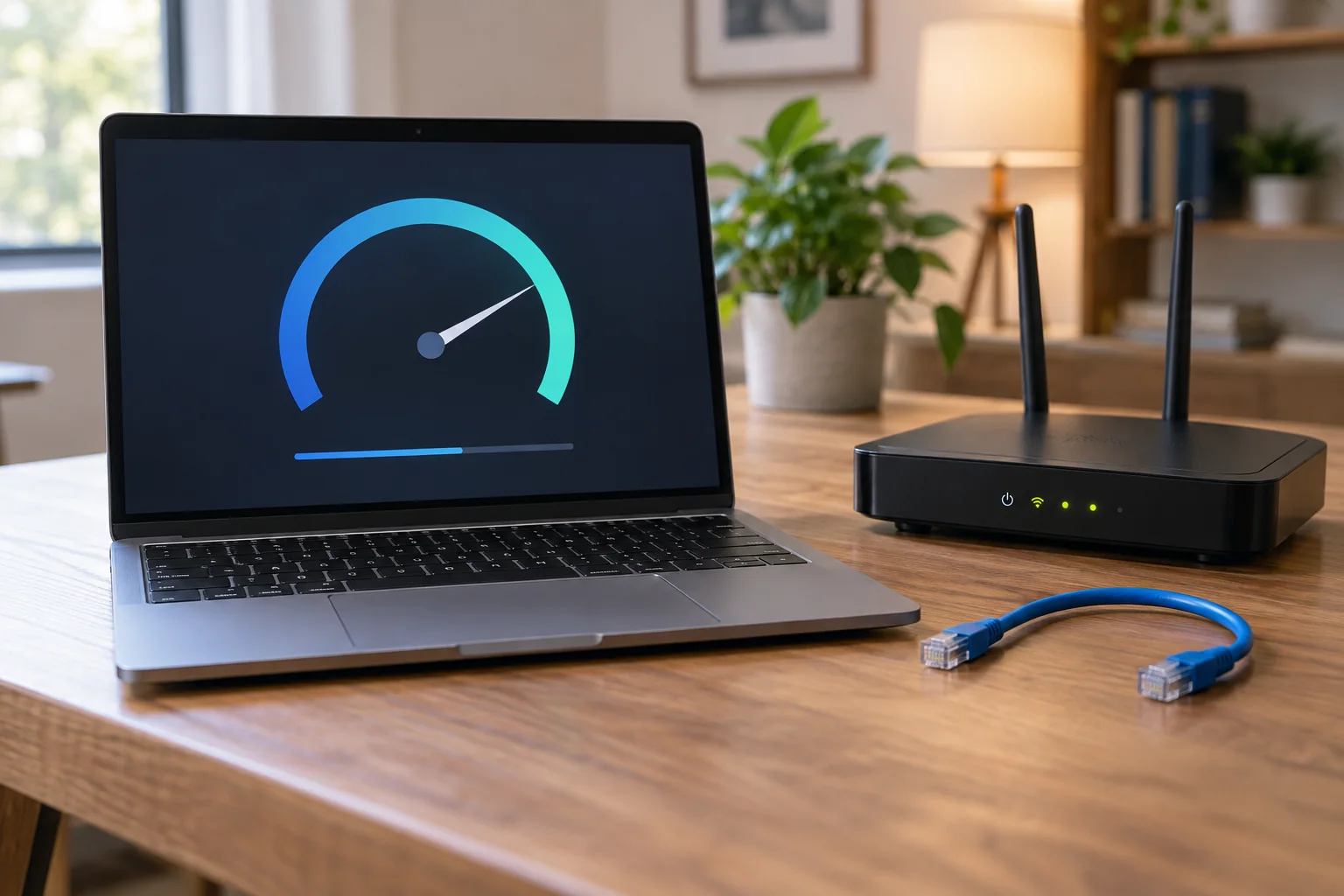
Use a known working router port and an undamaged network cable. Choose a LAN port; the socket labelled WAN or Internet normally serves a different purpose. Connect the laptop directly without adding an unfamiliar switch or wall-cabling route to the comparison.
If the laptop has no Ethernet socket, a suitable USB Ethernet adapter can provide one. Check its operating-system support and link speed. A USB-C-shaped connector alone does not tell you the adapter's transfer capability. Use existing, verified hardware before turning the test into a purchasing decision.
Turn Wi-Fi off on the computer during the test. You do not need to delete saved wireless profiles. Check that Ethernet appears as connected in network settings. A light beside the socket indicates a physical link, but does not guarantee that internet access works.
Repeat the original problem
Open the same application and perform the task that failed previously. For a stuttering call, another short call provides better evidence than merely loading a search page. Record the time and duration. Keep other large transfers reasonably similar during both comparisons so network demand does not become a hidden variable.
If the cable connection is stable, investigate the radio path and Wi-Fi adapter next. If the fault remains, possibilities include the internet connection, router, application or a shared service. One successful attempt means little for an intermittent fault. Repeat the comparison during the period when the interruptions usually happen.
If Ethernet is not detected at all, try another cable and LAN port first. Note whether the adapter itself appears in the operating system. A work computer may require a particular access profile for wired networks; do not change managed settings without the responsible administrator's guidance.
Remove the temporary arrangement
Enable Wi-Fi again if it will remain your normal connection. Remove the temporary cable from walkways and release the plug's latch instead of pulling on the cable. Keep your results with the router model and adapter name. This makes it clear which components were actually tested if you later ask someone else to investigate.