Plan from the working positions
Mark the important connection points on a simple floor plan: the desk, a meeting corner or the table used for video calls. Add the existing internet socket and available power outlets. A geometrically central position offers little benefit when a service shaft or thick wall separates it from the office.
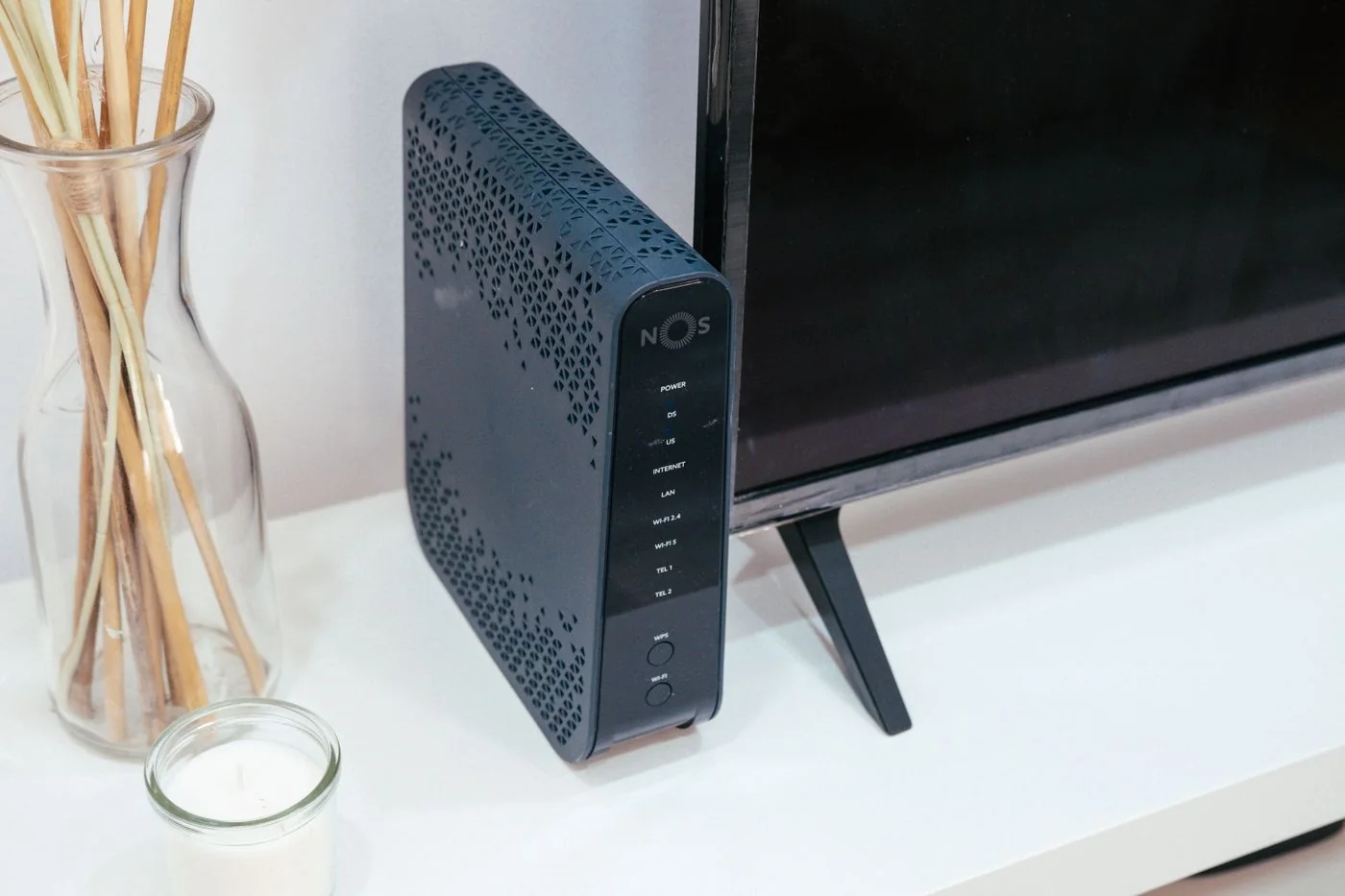
Try two or three reachable locations before buying a longer connection cable. An open shelf or table is usually a better starting point than the floor behind a metal cabinet. The router also needs the ventilation specified by its manufacturer. Do not put books on top or squeeze it between tightly packed folders.
Work around obstructions
Metal surfaces, large bodies of water and substantial building materials can affect the radio path. Moving the router sideways may help if the signal can then travel through a doorway instead of several walls. There is no fixed distance that produces the same improvement in every home. Compare performance at the destination rather than judging the signal indicator beside the router.
For a model with adjustable antennas, follow its own positioning instructions. Pointing every antenna towards the computer is not a reliable universal rule. Devices with internal antennas should also stand in their intended orientation; mounting one on a wall can produce different conditions from leaving it flat inside a cupboard.
Change one thing and check several places
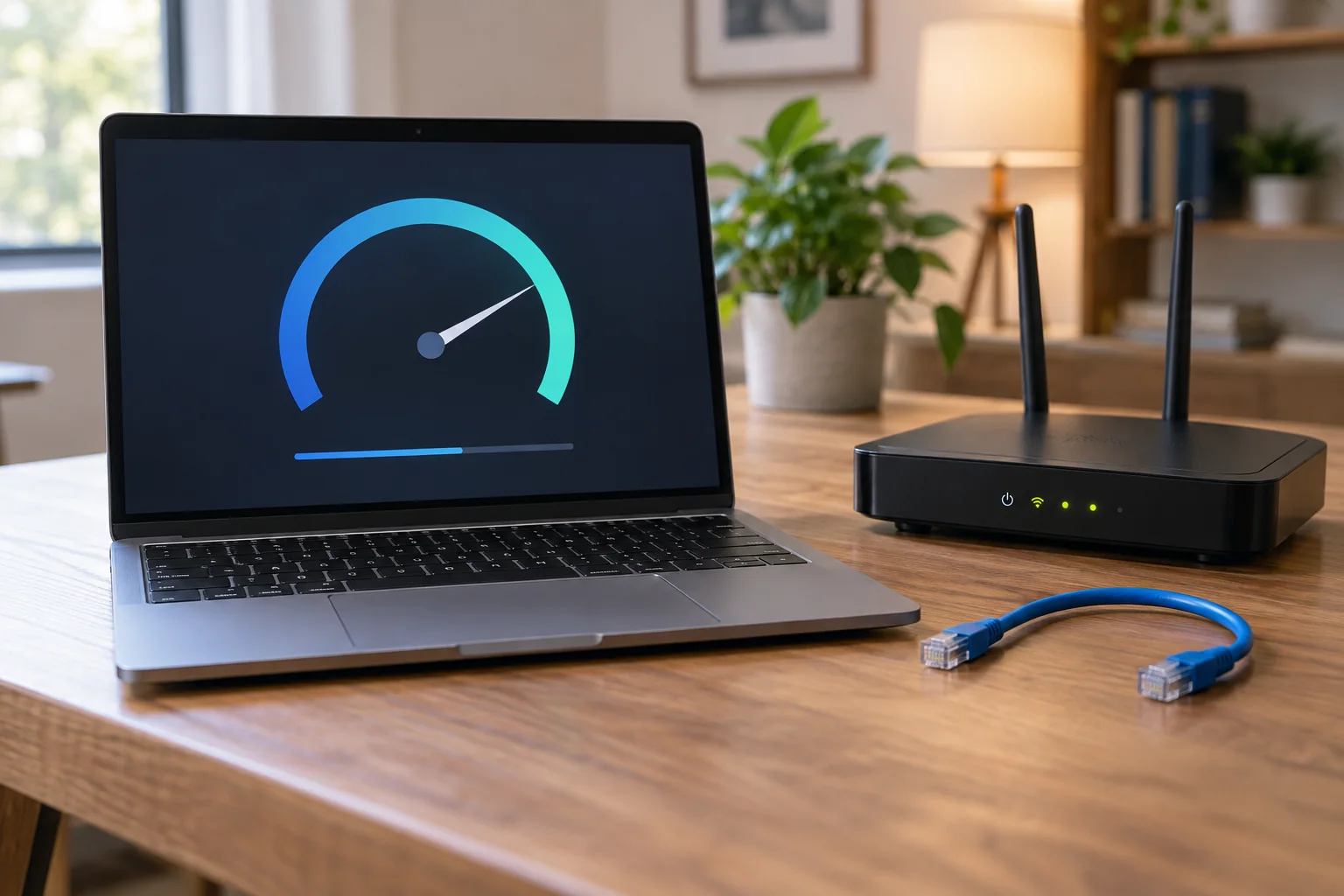
Use the same laptop and tasks for each comparison. At the desk, load a website, transfer a test file and, if possible, make a short call. Record the location, time and any interruptions. Repeat the test in a second important room so an improvement does not silently make another connection worse.
If the internet socket is in an inconvenient position, moving the whole router is not the only option. An access point connected by Ethernet can serve the office. Plan a cable route that avoids trip hazards and check the operating modes of your existing equipment before buying anything. A wireless extender placed directly inside the dead zone often has a poor connection of its own.
Check the chosen position again during normal use, with doors closed and the usual equipment in the room. The final location needs to work in everyday conditions and remain accessible when a cable must be checked or the router needs attention.