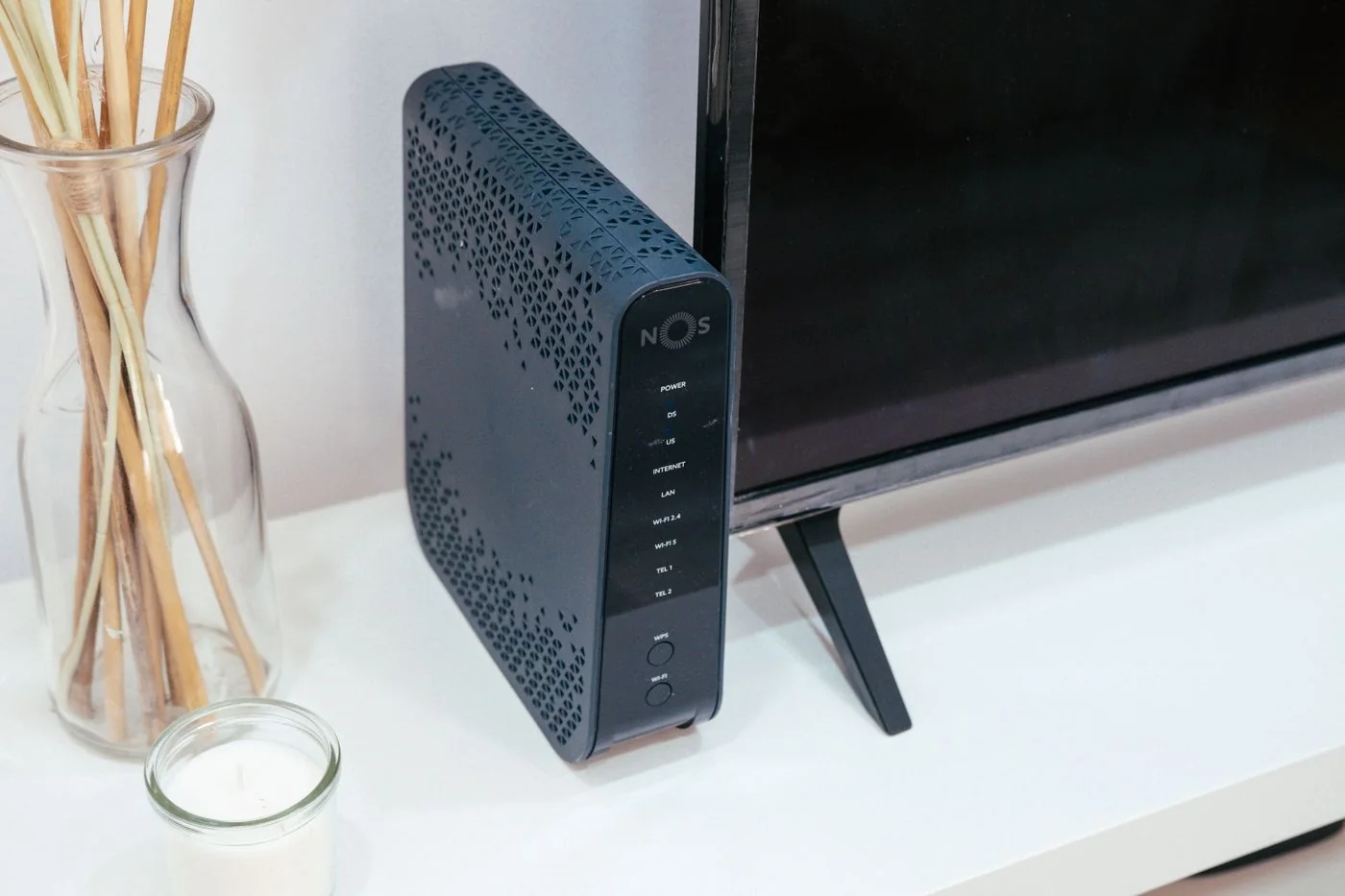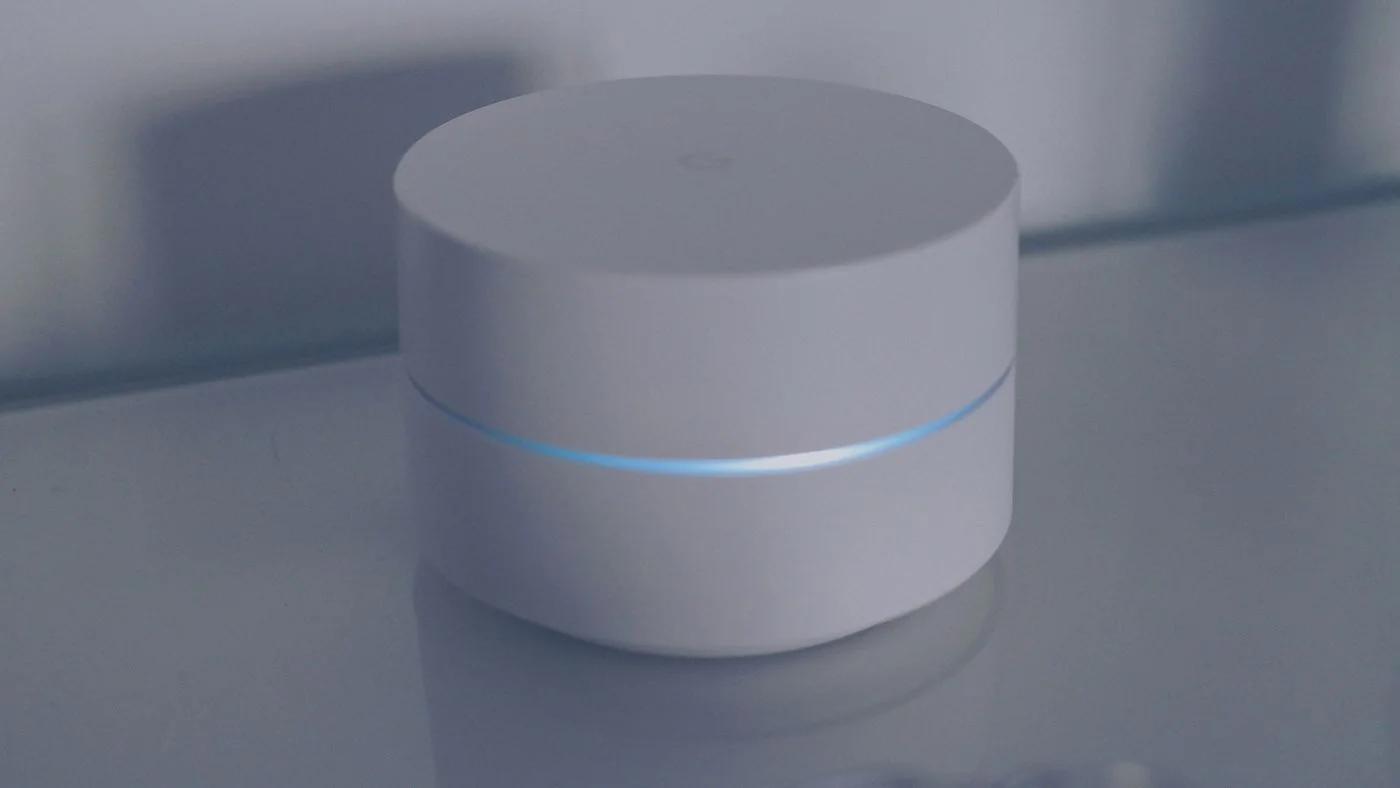
Understand the connection behind the access point
Draw the main node and proposed additional positions. Mark whether each will connect by cable or wirelessly. For a wireless node, distance to the laptop is only part of the problem; the path to the next suitable node matters too. A substantial ceiling may therefore matter more than several extra metres along a corridor.
For the first trial, put a wireless node where it still receives a stable connection from the existing network. The middle of the current dead zone is usually a poor starting point. Use the manufacturer's connection-quality indicator where available, then test real performance at the desk.
Begin with a small arrangement
Start with the main unit and one additional node. Test the office before adding more equipment. Extra nodes do not automatically create more usable capacity. Poor locations or unnecessary wireless hops can make diagnosis harder. Try moving an existing node before deciding that another is required.
Check which connection the client device actually uses. After moving rooms, a laptop may remain associated with a more distant access point. Judge a position after a stable test period rather than immediately after switching things on. The ability to display or control these associations depends on the system.
Include everyday conditions: closed doors, someone sitting at the desk and normal background transfers. A measurement in an empty corridor may not represent a working day. Record only one changed position at a time so its effect remains understandable.
Use wired backhaul with the correct topology
An existing Ethernet cable can take pressure off the wireless link between nodes. The mesh system and its selected operating mode must support wired backhaul. Follow the manufacturer's wiring diagram. For example, Deco satellites in router mode belong downstream of the main unit's LAN connection; access-point mode allows a different arrangement.
Do not connect the same equipment with several parallel cables as a precaution. Without an explicitly supported configuration, this can create a network loop. An existing switch must also meet the system's requirements. Record which cable reaches each port and confirm in the app that the wired backhaul is actually active.
Check the completed arrangement
Test more than a speed-test result: try a longer call and access to local equipment such as a printer. Guest and main networks may have different access rules. A device that cannot be reached from the guest network may be correctly isolated rather than suffering a coverage problem.
Once the arrangement works, record node positions and the operating mode. Keep units ventilated and accessible. Those notes save time when furniture moves or a device eventually needs replacing, and they prevent a working cable route from being mistaken for an unnecessary connection.