Try the alternative connection in advance
Check that your mobile plan permits tethering and has sufficient data allowance. Different conditions may apply abroad. Test reception at the actual working position; a strong outdoor signal does not guarantee a stable indoor connection. A window position may help, but avoid overheating the phone in direct sunlight.
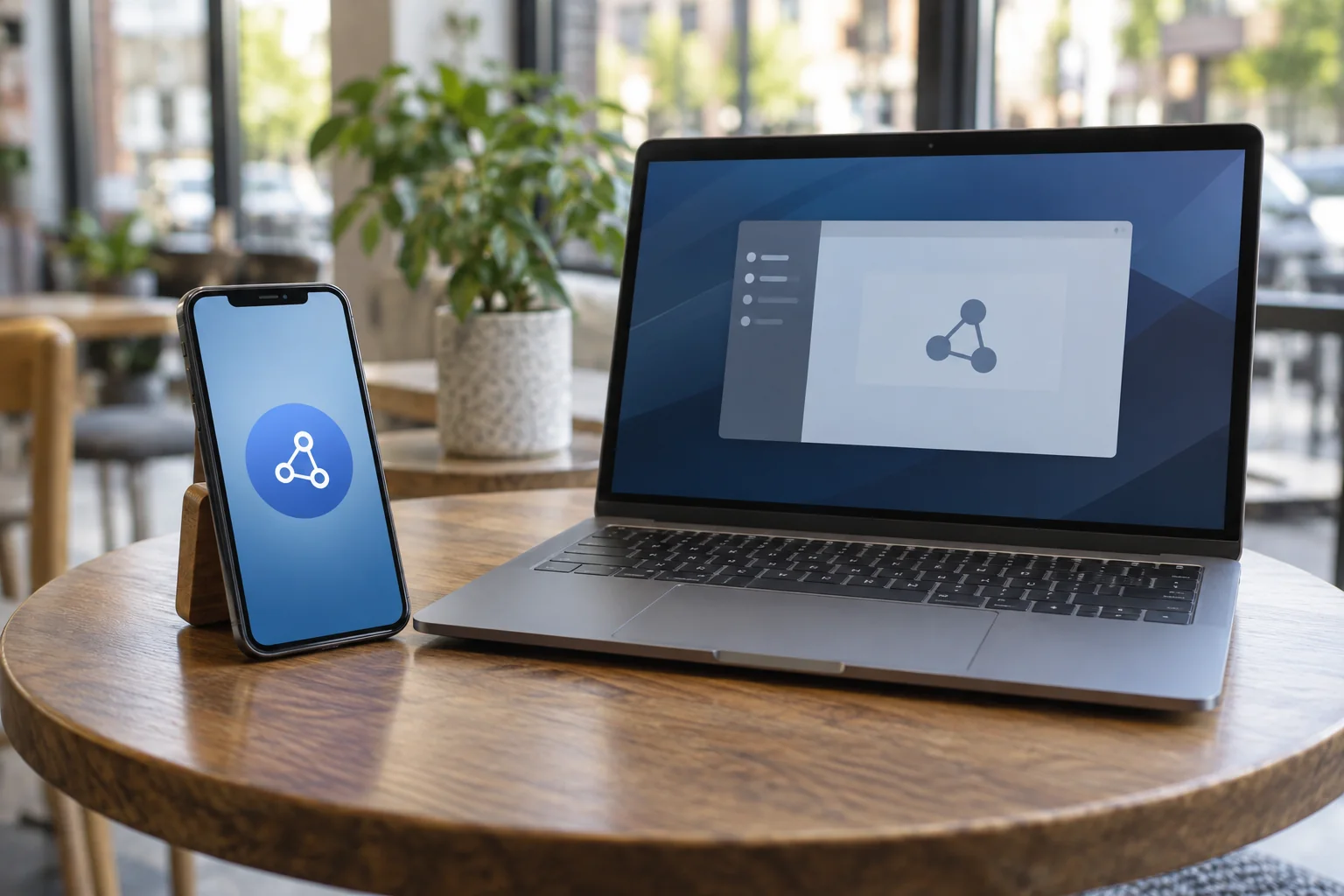
Enable the hotspot following the phone's instructions and use a separate password. An iPhone shares its cellular connection rather than simply retransmitting an existing Wi-Fi connection. If the feature is unavailable under your plan, ask the carrier. For work equipment, also use only connections permitted by your organisation.
Connect the laptop and briefly test the services you actually need, including any required VPN. Loading a website is not enough if the next appointment requires a video meeting or access to internal files. Check the whole task before relying on this alternative during an outage.
Also test what happens during an incoming phone call and after a short idle period. Behaviour depends on the device, network and settings. For a long appointment, the connection must work beyond the moment it is first enabled. Record how the laptop reconnects after an interruption and whether the phone’s hotspot screen needs to be open. Practising reconnection once saves time during a genuine outage.
Account for data use and power
Large updates, cloud synchronisation and video streams can consume substantial data. Where appropriate, mark the connection as metered in the operating system, but still check important applications. That designation does not guarantee that every application will stop its transfers. Pause non-urgent large transfers through their normal controls.
Keep a suitable power supply available and leave the phone openly ventilated. Charging while transferring substantial data can make it warm. If it becomes unusually hot or shows a warning, reduce the load and follow the device instructions. Do not operate it beneath papers or inside a closed bag.
When the normal connection returns, deliberately switch the laptop back and disable the hotspot. Check that paused backups and synchronisation resume. Record which applications worked during the trial and any limitations. The prepared alternative is then available for the next outage without another round of hurried experimentation.