Start with a drawing
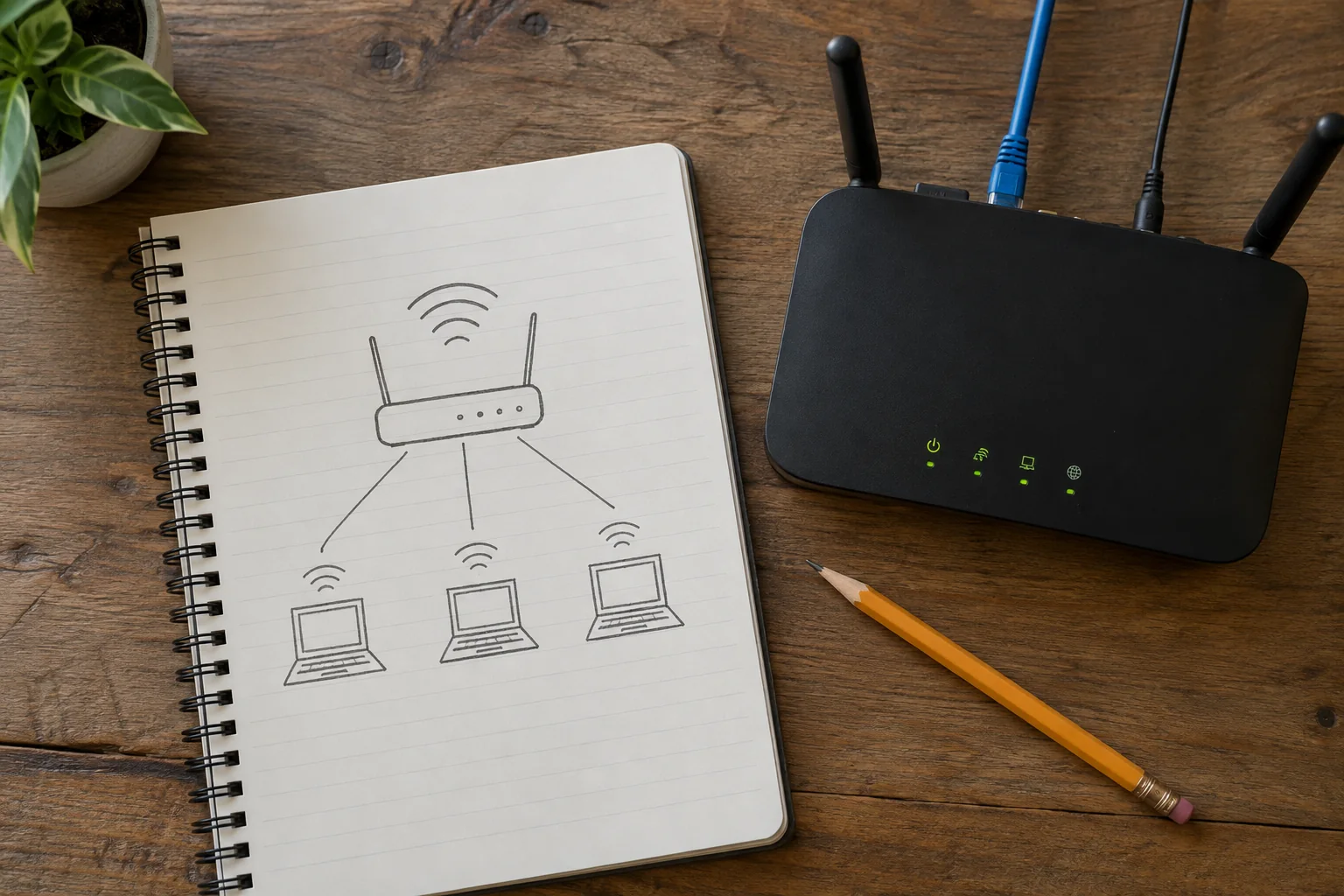
Draw simple boxes for the internet connection, router, switches, access points and important client devices. Join them according to the actual cables. Mark wireless links differently so nobody later searches for a cable that does not exist. Include locations such as hallway shelf or left desk rather than relying only on similar model numbers.
For each central device, add the manufacturer, model and any hardware revision. Record its power supply and which equipment would be affected if it failed. With several switches, the connection back towards the router is especially important. A labelled link is easier to identify than a photograph of an unexplained cable bundle.
Add a short note explaining how to return to a known arrangement. For example, a tested comparison may connect the office computer directly to the router while bypassing an intermediate switch. Describe only connections actually verified. An untested alternative wiring plan can create more confusion during a fault than it resolves. Also identify ports with special roles, such as the internet uplink or a reserved guest connection.
Separate settings from secrets
Record the intended network names, operating modes and special address reservations. Include guest access and any required VPN. State who may change the settings and where the official instructions can be found. A last-checked date makes the age of the information visible.
Passwords, private keys and recovery codes do not belong on an openly accessible diagram. Refer instead to their protected storage location, such as an approved password manager. A router configuration export may also contain confidential information and needs appropriate protection. The diagram and the settings backup serve different purposes.
Test the notes against the equipment
Walk through the drawing at the actual location. Can you identify the connection between the router and office? Do labels match the sockets? If another authorised person can understand the arrangement from the notes, the record is usually more useful than a long list of unexplained settings.
Update it immediately after replacing equipment or changing a cable route. Keep an accessible copy that is not available only on the network storage that might itself be unreachable during an outage. Remove obsolete access instructions so nobody accidentally restores an earlier configuration while trying to repair the current one.