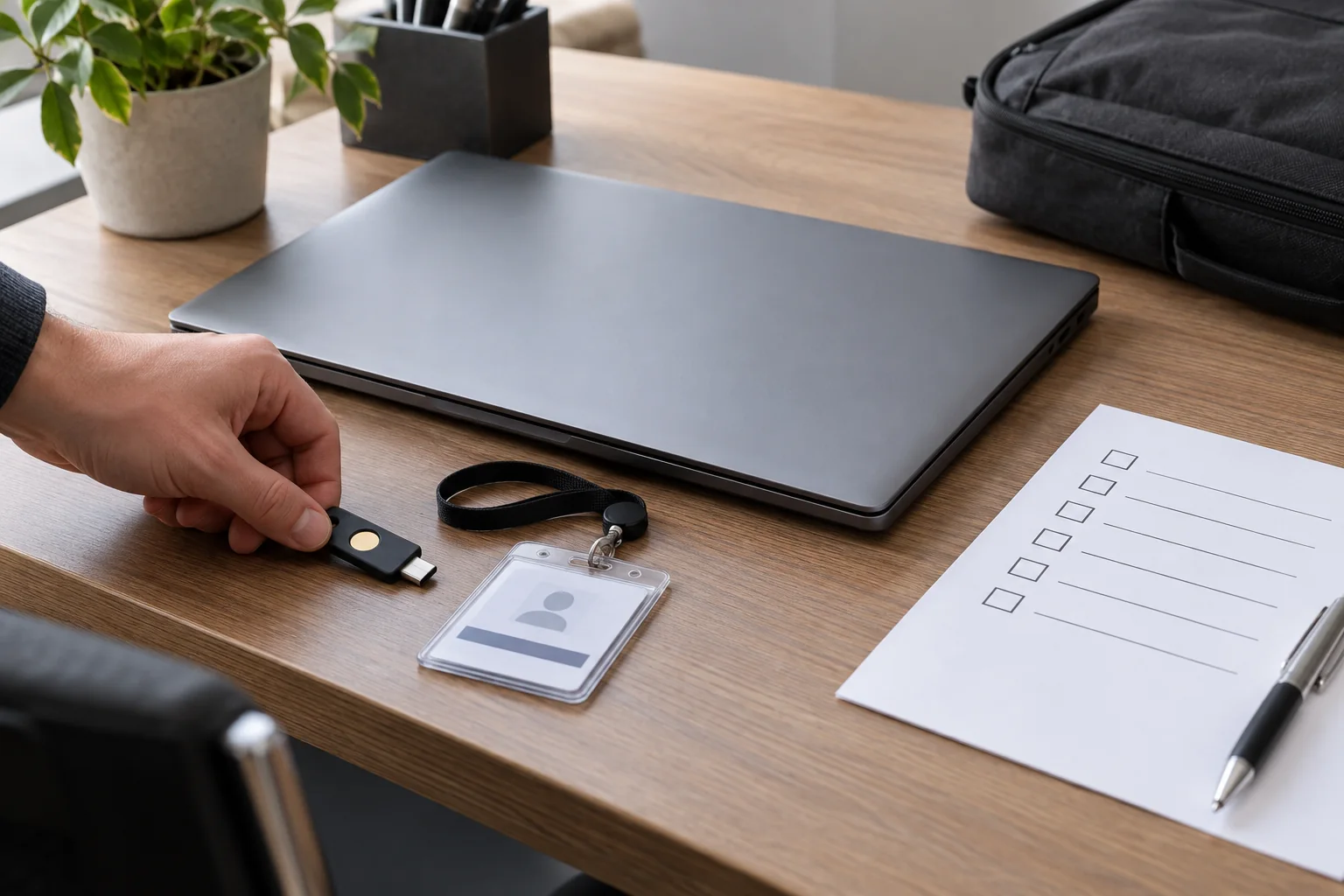
Collect tasks before selecting equipment
Establish which applications, shared locations and communication tools the role requires. A general job title does not identify the project folders or specialist software needed. Have the responsible person approve access and distinguish essential initial permissions from possible future responsibilities.
Include the working environment: a fixed desk, changing rooms or home working. This determines requirements for displays, connections, a headset and network access. Compare available equipment with those tasks instead of automatically copying the setup issued to the previous colleague.
Prepare the equipment record
Assign the computer and accessories clearly, recording model, identifier and condition at issue. Check the power supply, required adapters and the actual connection to the intended display. Equipment can function normally yet fail to provide the required display output through the dock available at that desk.
Complete required updates and managed setup before handover where this is possible without the personal sign-in. Allow time for restarts and verification. An installation progress bar still running on the morning of handover does not mean the workstation is ready to use.
Enable a personal sign-in
Arrange the intended individual account and deliver initial access through the approved process. Do not lend an existing colleague's account merely to make work start immediately. That mixes files, messages and responsibility in ways that can be difficult to separate afterward.
Reserve time for multifactor authentication and authorised recovery arrangements. Check whether these require an issued device or another approved method. Record successful completion in the handover checklist, not secret codes or the person's password.
Test one complete workflow together
Choose a small representative task: open an authorised file, save a working copy to the intended location and send an unimportant message. This establishes more than simply launching several applications. Confirm that the colleague uses their own account and intended resources rather than continuing an unrelated signed-in session.
Then test the relevant equipment. Frequent callers need the microphone, headphones and camera checked; paper-based work may need the intended printer and scan route. Avoid using genuinely confidential documents as test material. Assign a responsible person to each item that remains unresolved.
Explain storage and support
Show the intended storage locations and which files the existing backup process covers. Otherwise, a new user may keep important work only in Downloads or on an unprotected desktop. Also explain how to request recovery or report a lost device before either situation becomes urgent.
Provide an established support contact and the information needed for a request. The colleague should be able to identify the device and basic system details without exposing secrets. A short accessible note is more useful for this purpose than a long verbal explanation squeezed between appointments.
Follow up after initial use
After the first working days, check whether further permissions are genuinely needed or an existing process was simply unclear. Remove temporary access when its purpose ends. Record changed equipment and close outstanding items with a clear result rather than leaving them indefinitely marked as being investigated.
Keep the handover record somewhere later changes can be compared with it. It should describe the technical starting state and agreed access, not become an exhaustive record of the person's work. That distinction makes the record useful during the next equipment change and when a different support contact needs to help.