Finish moving your own work first
On the replacement computer or another trusted device, verify that important files are present and readable. Include local drafts, downloads, templates and information stored inside applications. A synced folder may display placeholders rather than complete files; deliberately open several needed documents to confirm actual access.
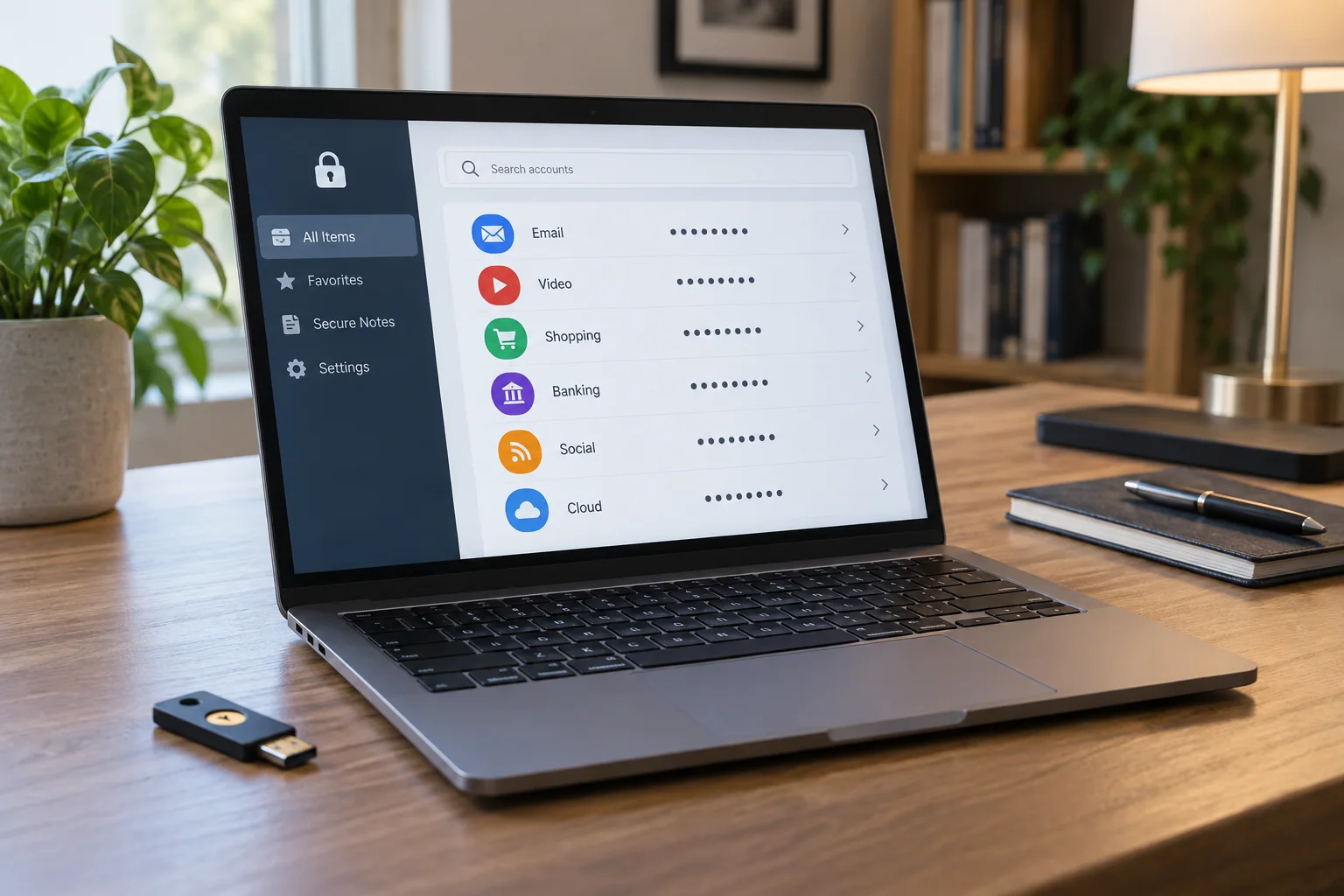
Check whether authentication methods or licence activations depend on the old computer. Establish replacement access before resetting it. Keep recovery codes separately. A backup stored only on the computer being handed over cannot serve its purpose during this transition.
Choose the manufacturer's procedure for the device
Read the instructions for your exact system and model. The process for a recent Mac can differ from older hardware, and Windows offers different reset options. An option that retains personal files is not appropriate for handing the complete device to an unrelated person.
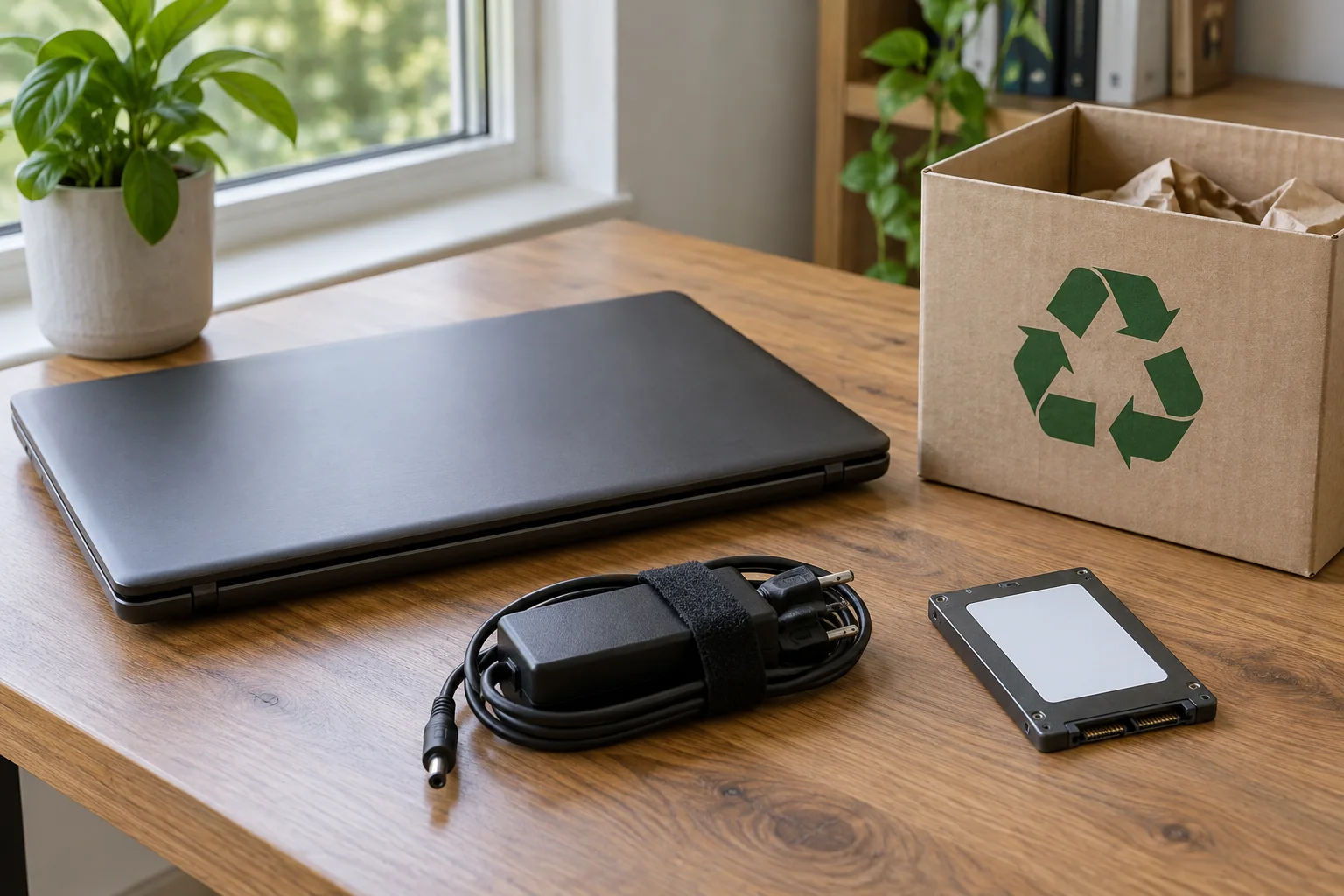
Do not choose solely by the shortest estimated duration. Check which drives and account data the selected procedure actually covers. Additional internal or external storage may require a separate process. After verifying backup contents, disconnect backup drives before erasure so they cannot accidentally become the target.
Handle managed or sensitive equipment separately
For a company computer, the organisation needs to determine authorisation, data retention and removal from device management. A private factory reset does not replace those steps. Do not pass the device on while ownership, management association or required retention remains unresolved.
A consumer erasure process is also not automatically suitable for every protection requirement. Microsoft's reset documentation distinguishes its built-in data-cleaning function from government and industry erasure standards. Where such requirements apply, have the prescribed procedure carried out and documented by the responsible team.
Check the process through to handover
Provide reliable power and let the chosen erasure or reset procedure finish. Then verify the resulting state using the manufacturer's instructions. A setup screen ready for the next person is a useful functional sign, but not an independent certificate of a particular erasure standard.
Do not sign back into your personal main account merely for a final test. That could put files or credentials back onto the computer. Instead, check the intended handover state and remove accessories, memory cards or USB receivers that are not included in the transfer.
Record the model, included accessories and completed process without attaching secret account information. Update your own device list afterward. The meaningful result is that your work remains available elsewhere and the next person does not depend on your credentials to use the equipment.