Check the task through a separate route
Open the relevant service using your own bookmark or its familiar app. A claimed invoice, account restriction or sharing request should be something you can investigate there. Do not use a telephone number supplied in the suspicious message to verify it. For a known business contact, use a number already held in your records.
An unexpected attachment from a familiar person also deserves a separate check. Their mailbox could be misused. Ask which document they intended to send and whether they sent it just now. A reply inside the same potentially compromised email conversation provides less reassurance than another established contact method.
Consider the address and the context together
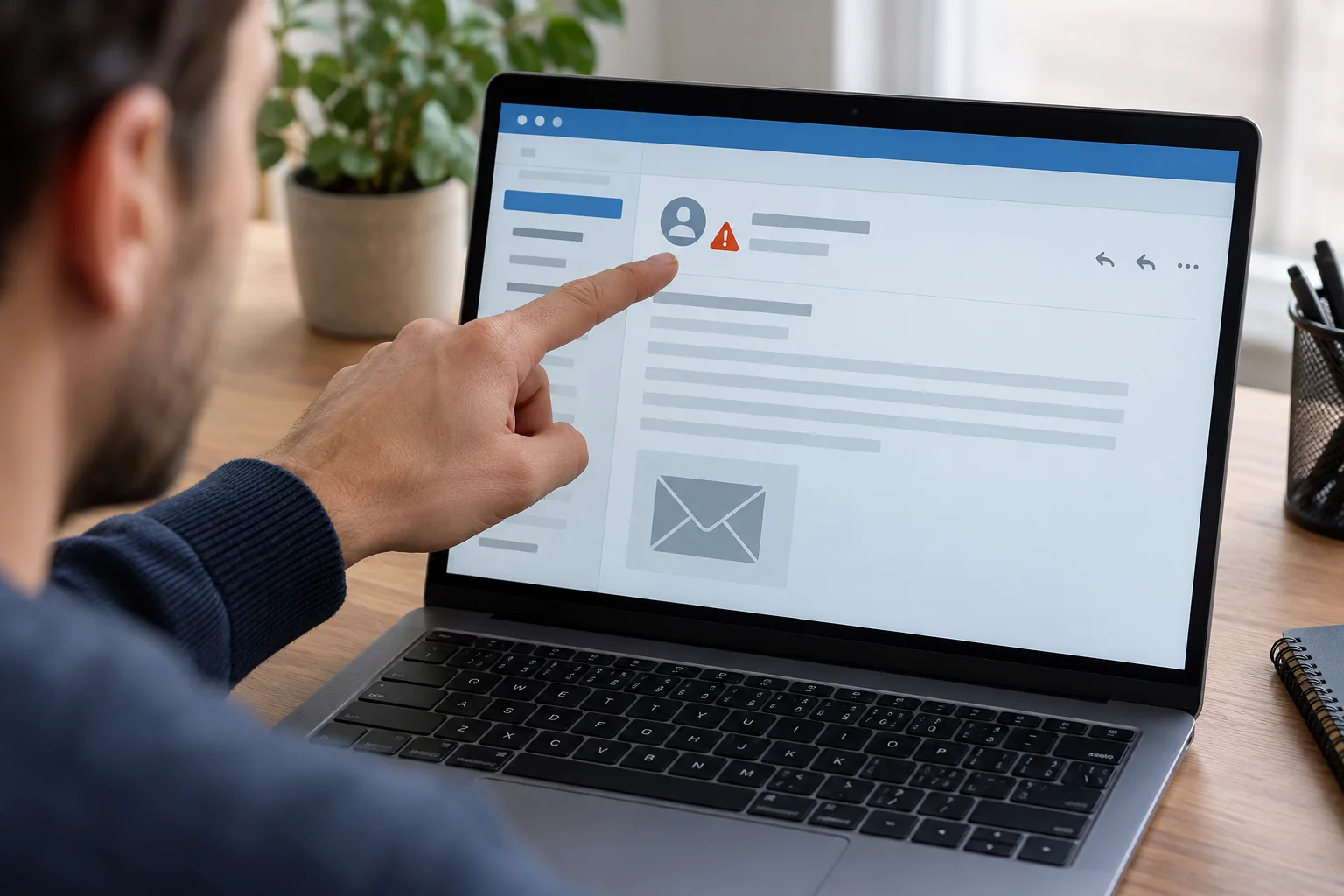
Expand the sender details to see the complete address. A familiar display name can sit above an unfamiliar address. Also ask whether the content fits a real task: does the order exist, do you know the project, and is an access change expected today? Correct spelling and a recognisable logo do not establish authenticity.
Previewing a link destination may provide another clue, but it is not a safety certificate. Long addresses, redirects and lookalike domains can be difficult to interpret. Do not paste a suspicious link into the browser merely to see what happens. Opening the genuine service independently remains a more useful verification step.
Do not activate content to investigate it
Avoid opening an attachment to discover whether it is harmless. Do not enable macros or install a supposedly required extension or remote-access program. A demand to disable protective settings is not a normal document-checking step. Report the message through your organisation's established process if you use a managed account or device.
If you already entered credentials, report that promptly through a known channel. Secure the affected account through the genuine service from a trusted device. Changing a password does not necessarily end every existing session or remove an unauthorised forwarding rule. Follow the provider's account recovery process or your organisation's instructions rather than treating one change as a complete resolution.
Make your report specific
Record the arrival time, subject and actions you took. Distinguish reading the message from opening a link, downloading a file and submitting information. Those details help someone assess the situation much more effectively than a general description of a strange email.
For a team account, let one person coordinate the response. This avoids several colleagues opening the same questionable attachment to investigate independently. After reporting, mark or remove the message according to the agreed procedure, preserving any evidence requested by the person handling the incident.