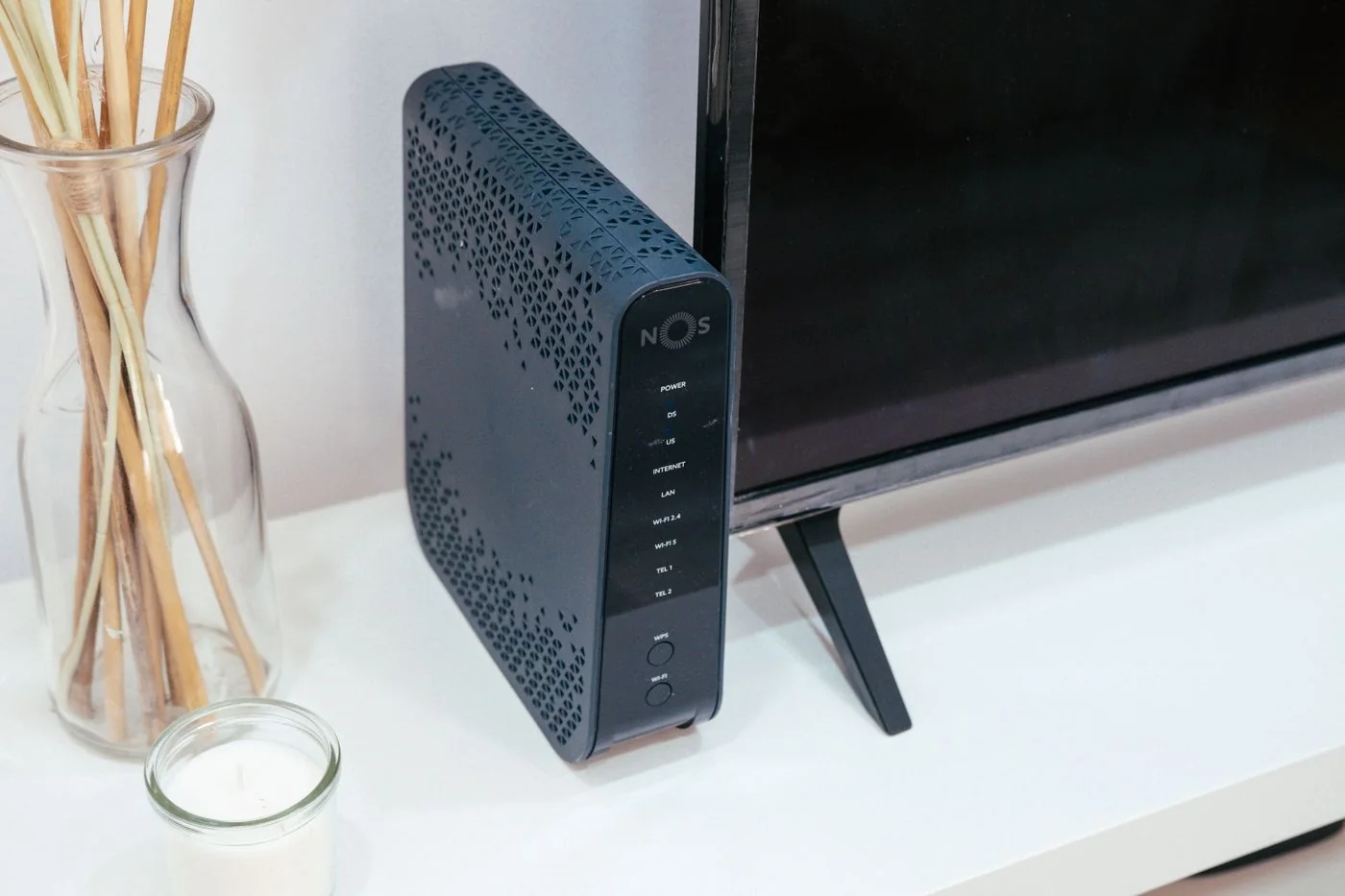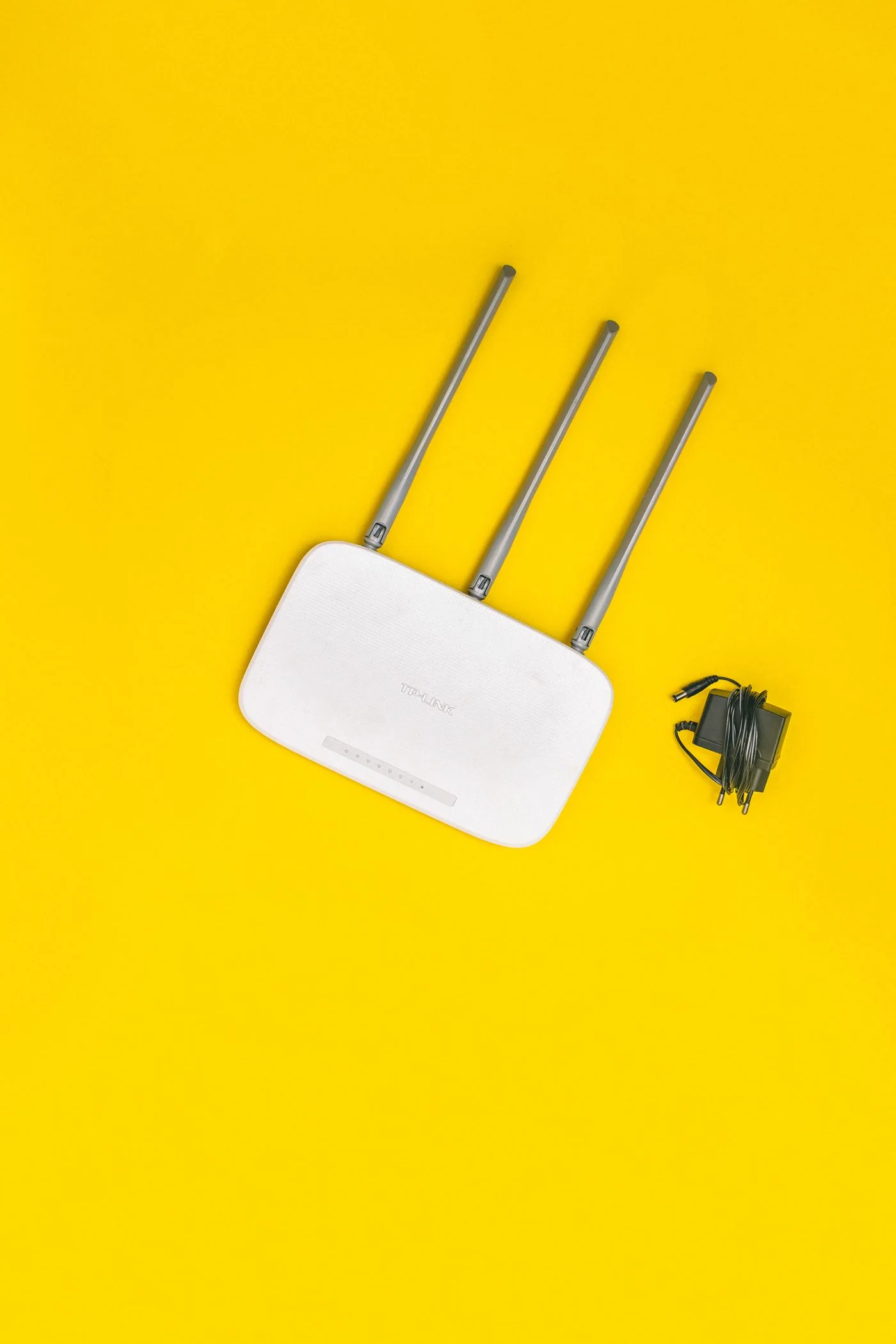
Choose the actual restart function
When a connection stalls, save ongoing work and tell other users first. Calls carried through the router and other connected services can stop during the restart. Where possible, use the clearly labelled Restart or Reboot function in administration settings. Read the confirmation completely before proceeding.
If the interface cannot be reached, consult the model instructions for restarting through its power supply. Do not experiment with a recessed Reset button. Depending on the device, holding it for a particular duration may initiate a factory reset. After powering up, allow time for the router to restore connections and services; repeated power cycling makes observation harder.
A reset requires preparation
Reset only when the step is necessary for the specific investigation and recovery has been prepared. Save a configuration backup where possible, and establish whether you have the provider, telephone and administrator credentials. A settings backup helps only if the target device and software support it. Restoring that backup can also reintroduce a faulty setting.
List special functions such as guest access, reserved addresses, additional access points, parental controls or a required VPN. Photograph cable connections without publicly exposing confidential credentials. For rented or provider-managed equipment, establish the intended procedure with the provider before making a destructive change.
A reset may also change reserved addresses. Printing software pointed at a previously fixed printer address might no longer find it even after the printer rejoins Wi-Fi. Identify these dependencies beforehand and record them beside the device name. The same applies to local storage shares and applications expecting a particular address. A list of visible wireless devices does not capture these relationships. After reconfiguration, check the real task, such as printing or opening the share, instead of treating a green connection light as proof that everything has been restored.
Judge the outcome by working services
After a restart, check more than the indicator lights. Test internet access from a computer, local connections and telephone service where relevant. Record whether the original fault has disappeared and how long the connection stays stable. A restart that helps for only a few minutes is evidence for further investigation, not a lasting solution.
If a reset has already happened accidentally, avoid further random changes. Identify the model and current status, find its first-time setup instructions and use the documented credentials. An understood recovery route is more useful than repeatedly pressing the same button or trying unrelated passwords from other equipment.