Read the model's limits
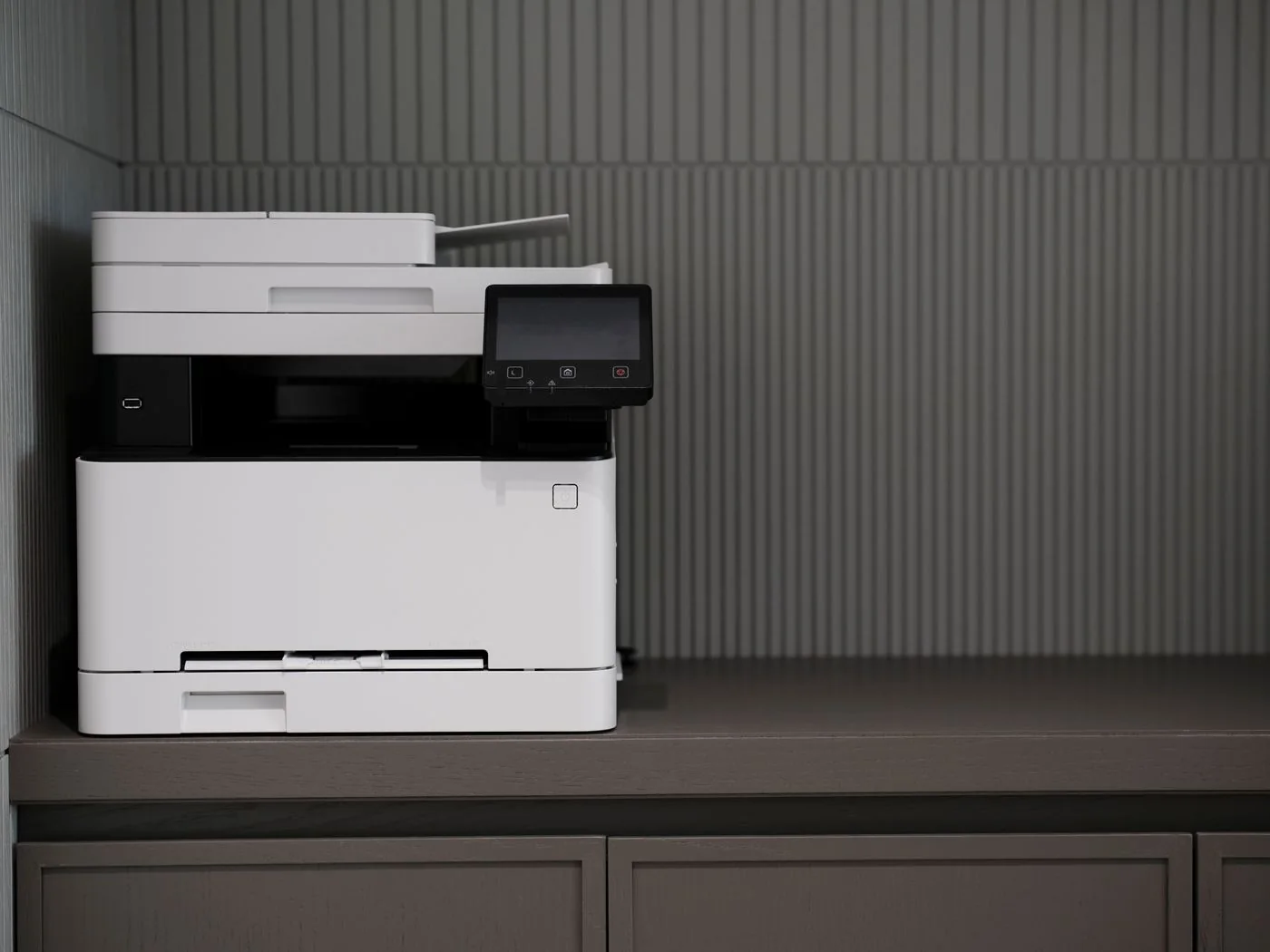
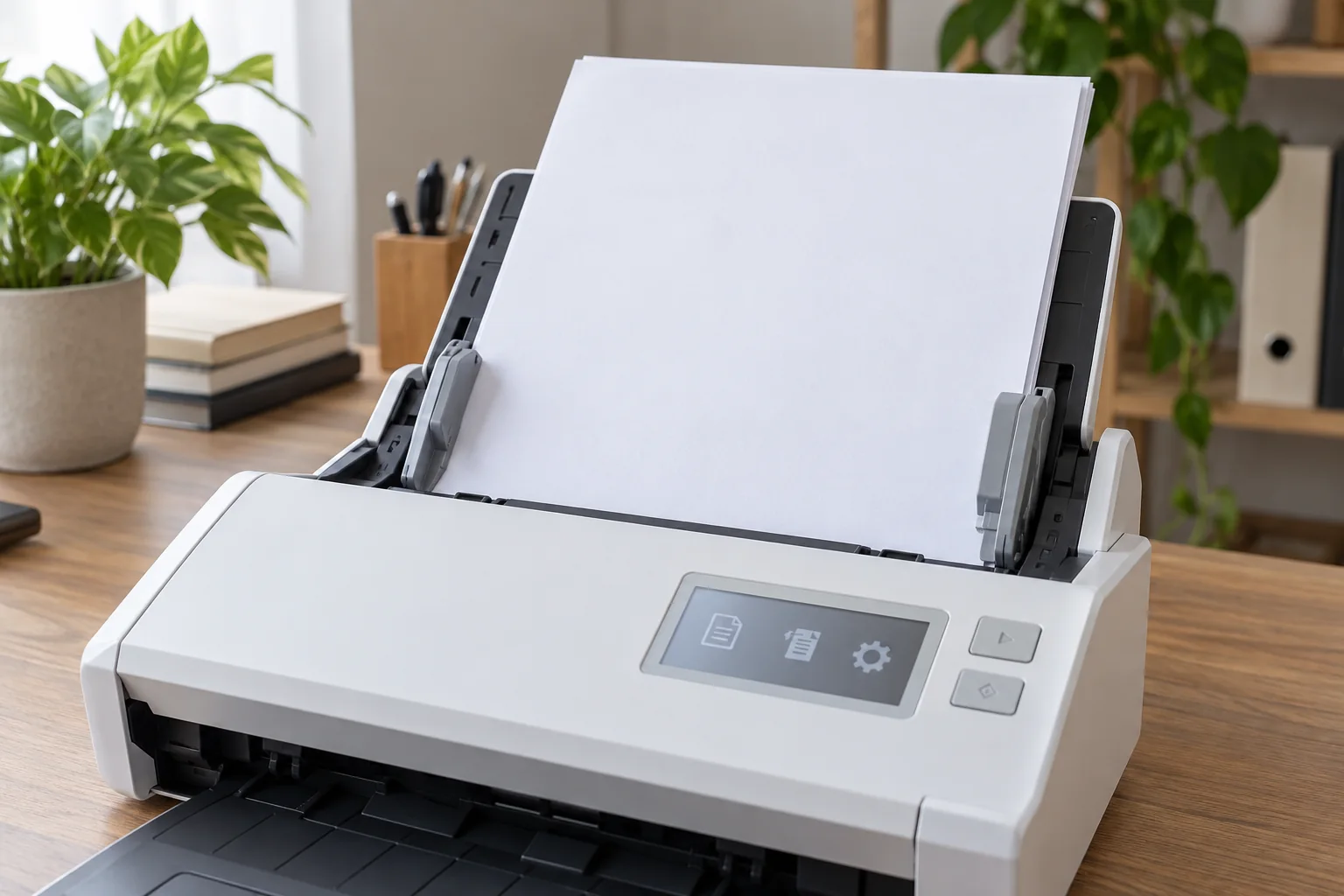
Check supported dimensions, paper weights and stack capacity in the device manual. A feeder intended for ordinary documents is not automatically suitable for photographs, cards or very thin receipts. Use a carrier sheet only if that specific model supports it and the manufacturer describes the procedure.
Also establish whether the feeder captures both sides. Automatic double-sided printing and automatic double-sided scanning are different features. Decide beforehand how unsupported reverse sides or unusual formats will be captured separately and placed in the correct sequence afterward.
Prepare the stack
Remove staples and paper clips, and inspect each original for loose notes, adhesive edges or damaged corners. Do not pull stuck pages apart forcefully. For irreplaceable or fragile originals, the flatbed may be appropriate where the device instructions recommend it.
Arrange the pages and align the stack as instructed. Set the guides to support the sheets without bending them. Avoid overfilling the feeder. A small initial stack shows whether the format, orientation and paper condition work before the whole collection is processed.
Observe feeding and check the result
Remain nearby during the first pass. If several sheets feed together or the paper skews, stop using the intended procedure. Do not pull a trapped original against the mechanism; follow the documented route for clearing a feed problem.
Afterward, compare page count and order with the prepared stack. Inspect at least the first, middle and last pages, plus transitions between different paper types. A successfully saved PDF can still omit a page. Keep the originals in order until this review is finished, and insert any separately rescanned page at its intended position rather than simply appending it at the end.