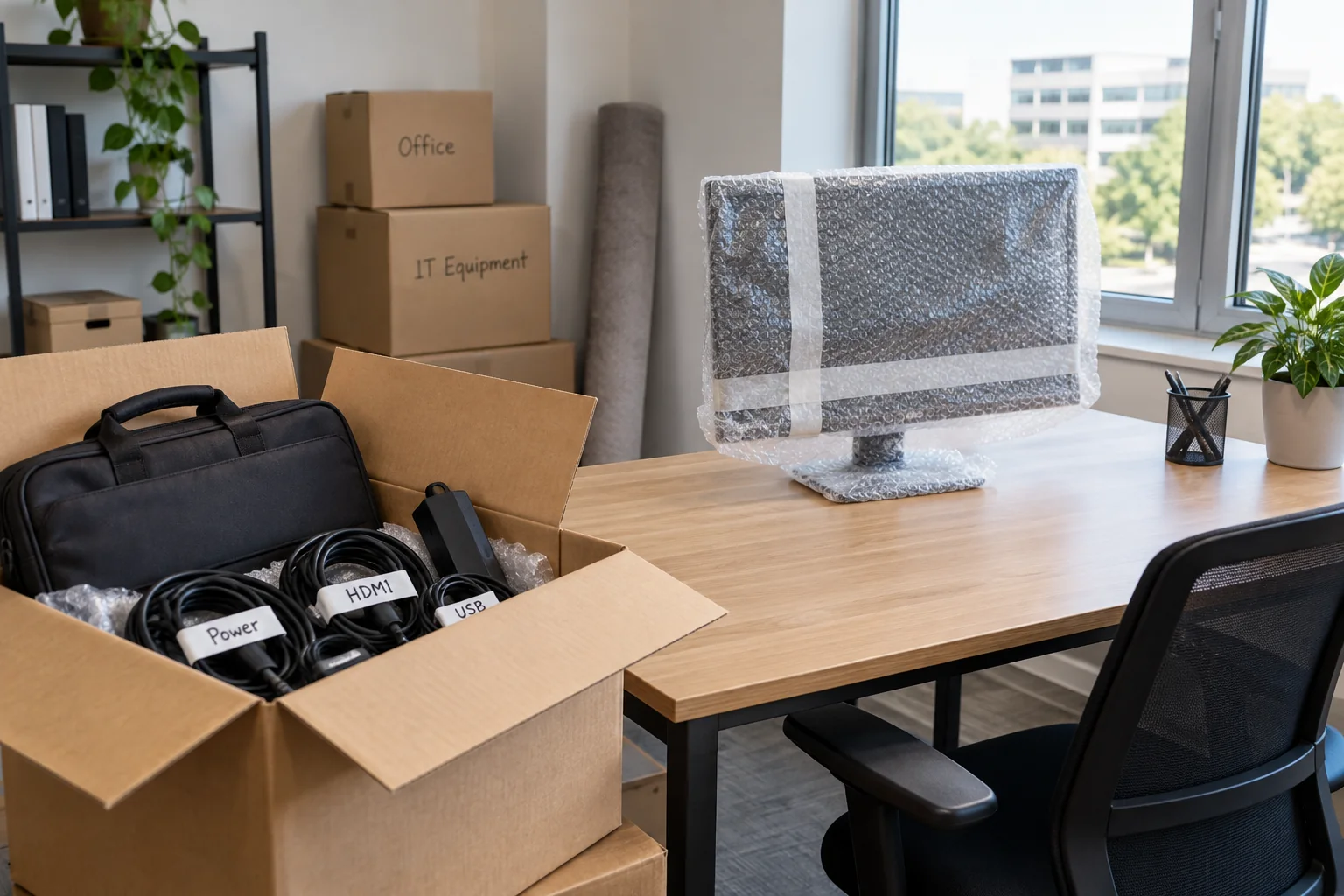
Start with the destination
Before packing, establish which power outlets and network connections are available at the new location. Check the desk, monitor positions and intended cable routes. A network socket on the wall does not prove that the required connection is already active. Confirm these details with whoever is responsible for the premises or network.
Know how internet access, sign-in and any required VPN will work on the first day. A mobile hotspot is only a usable temporary arrangement if it is permitted and the necessary applications work through it. Identify an alternative place for important meetings in case setup takes longer than expected.
Record connections before dismantling them
Make a short list of the computer, monitors, dock, power supplies and shared equipment. Label both ends of cables where their destination will not be obvious later. Photograph the wiring if helpful, without capturing confidential screen content or access information. A photograph supplements the equipment record; it does not replace missing model details.
Check the backup status and confirm that important work files are available at the intended backup destination. Allow active synchronisation to finish before shutting down. Plan a way to recover data independently of whether the journey is expected to take only a few minutes. A short trip is still a change of location involving handling and disconnection.
Protect vulnerable parts separately
Shut equipment down properly and disconnect it from power. Pull cables by their connectors rather than putting strain on the sockets. Pack monitors so that no concentrated pressure reaches the display surface. Use suitable original packaging where available, and secure loose accessories so they cannot strike the equipment during transport.
For printers and other equipment containing movable parts, follow the manufacturer's transport instructions for the model. Transport locks, ink containers and permitted orientation vary. Generic advice to put every device on its side or remove a cartridge may therefore be inappropriate.
Keep the first setup kit together: computer, matching power supply, necessary cables and input devices. Make it accessible before the remaining boxes are unpacked. Where equipment contains confidential information, establish who transports it and when it changes hands. Do not leave it unattended in areas that other people can freely access.
Connect things in a sequence you can test
Start with the computer, one display and essential input devices. Check networking and sign-in next. Add further monitors, docking functions and accessories individually. If a fault appears after one step, the most recent connection is easier to investigate than an entire wiring arrangement changed at once.
Check display resolution, screen arrangement and the selected audio output. Try a short video meeting and access a shared folder that the work actually requires. Open a harmless sample file and send a small print job if the workstation includes a printer. A power indicator does not confirm that any of these functions work.
Adjust the workplace after using it
After several hours, look for cables that restrict movement, a power supply sitting in an unusually warm position or Wi-Fi that varies at the final desk location. Route leads without creating trip hazards or trapping them between furniture parts. Keep ventilation openings clear; an open location cannot always be replaced by a closed compartment without consequences.
Update location and equipment assignments in the register. Record outstanding items with an owner and a target date, such as a network connection that is still missing. Remove temporary arrangements only after the intended setup has been tested. The move is then complete when the workplace supports its actual tasks, rather than merely when the boxes are empty.