Make a short device list first
List computers, phones, printers and other wireless equipment. Include rarely used devices and additional access points whose settings may not update automatically. Establish how you will reach the router if its wireless connection drops, for example through an already configured Ethernet connection.
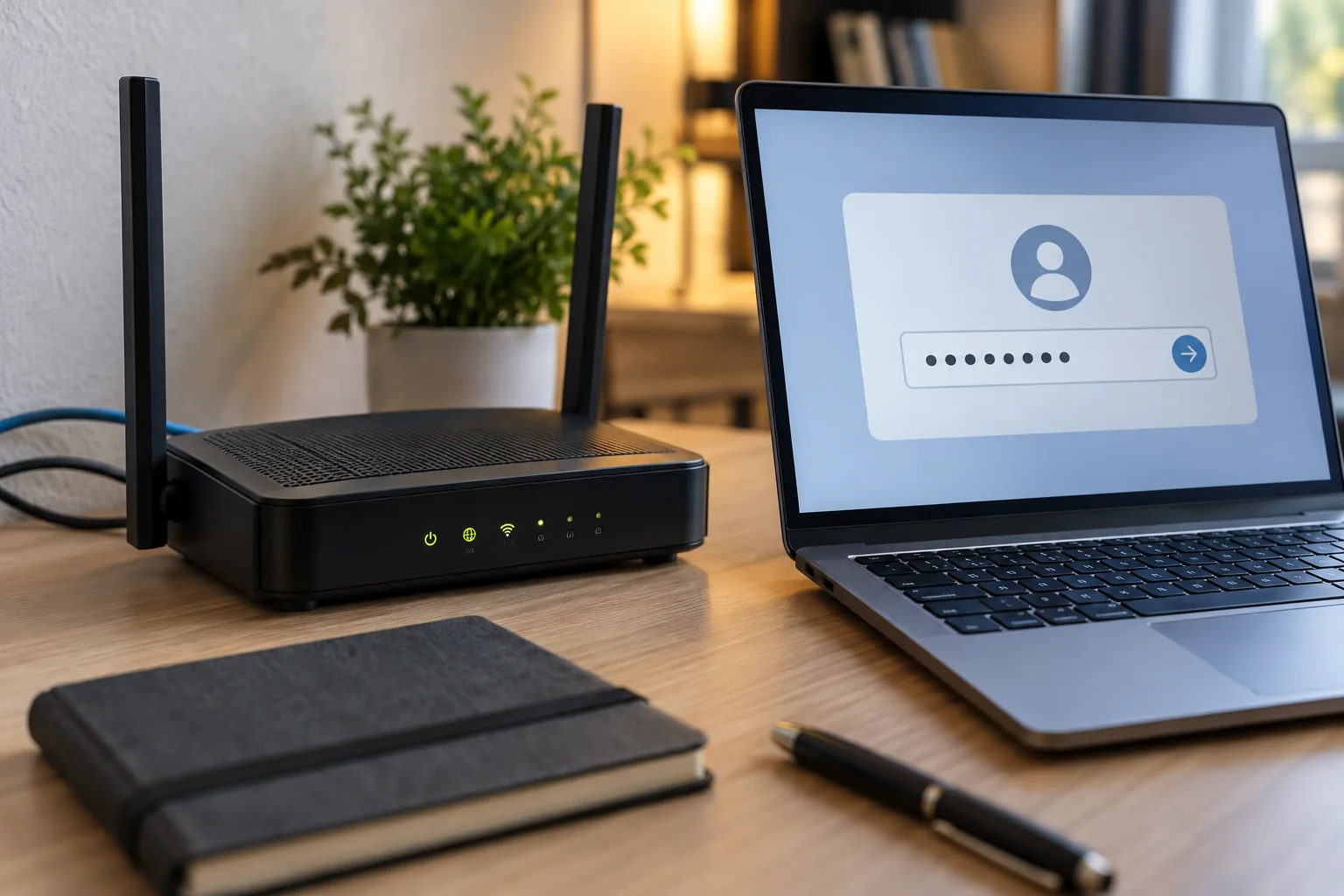
Choose a long, unique password and store it somewhere protected that you can still reach later. Avoid an address, company name or simple variation of the previous password. Someone who knows the old credential should not easily guess the replacement. Permitted characters and lengths depend on the router and participating devices.
Change the intended setting
Open the official router administration interface and locate security settings for the intended wireless network. Confirm whether you are editing the main or guest network. Do not accidentally change the administrator password and assume that visitors have lost wireless access. Those credentials serve different purposes.
Keep suitable encryption enabled. Current equipment may support WPA3; a mixed collection of devices may need a supported WPA2/WPA3 mode. Do not select an outdated or open mode merely because one device fails to reconnect immediately. Investigate its compatibility and saved network profile instead.
Reconnect and verify deliberately
Reconnect one computer first with the new password, then test internet access and router administration. Add the remaining devices one at a time. A device with an old profile may request a new password or require the saved network to be removed and added again. Only do that once the new credential is safely available.
For a printer, send an actual test job rather than relying on its Wi-Fi indicator. Replace stored QR codes or printed access cards. Give visitors credentials for a separate guest network where possible. If an unauthorised person previously had administrator access, changing only the Wi-Fi password is insufficient; review administration accounts and settings too.
Keep the device list until the next normal working day. It helps reveal forgotten equipment before an urgent task depends on it, while making clear which devices have already been checked and which still need attention.