Write the desk as a connection list
List the keyboard, mouse, webcam, headset, storage, monitors and network connection. Mark which devices must work simultaneously and which are occasional. Include the connector on each device and any specific speed or power requirement. A keyboard and a large external storage drive can use similar-looking USB plugs while imposing very different demands.
For displays, record the required resolution, refresh rate and whether each screen should show a separate desktop. For the laptop, record whether it must charge through the same cable. Add the exact computer model and operating system, because the accessory's host compatibility determines which advertised functions are available.
Choose the simplest supported arrangement
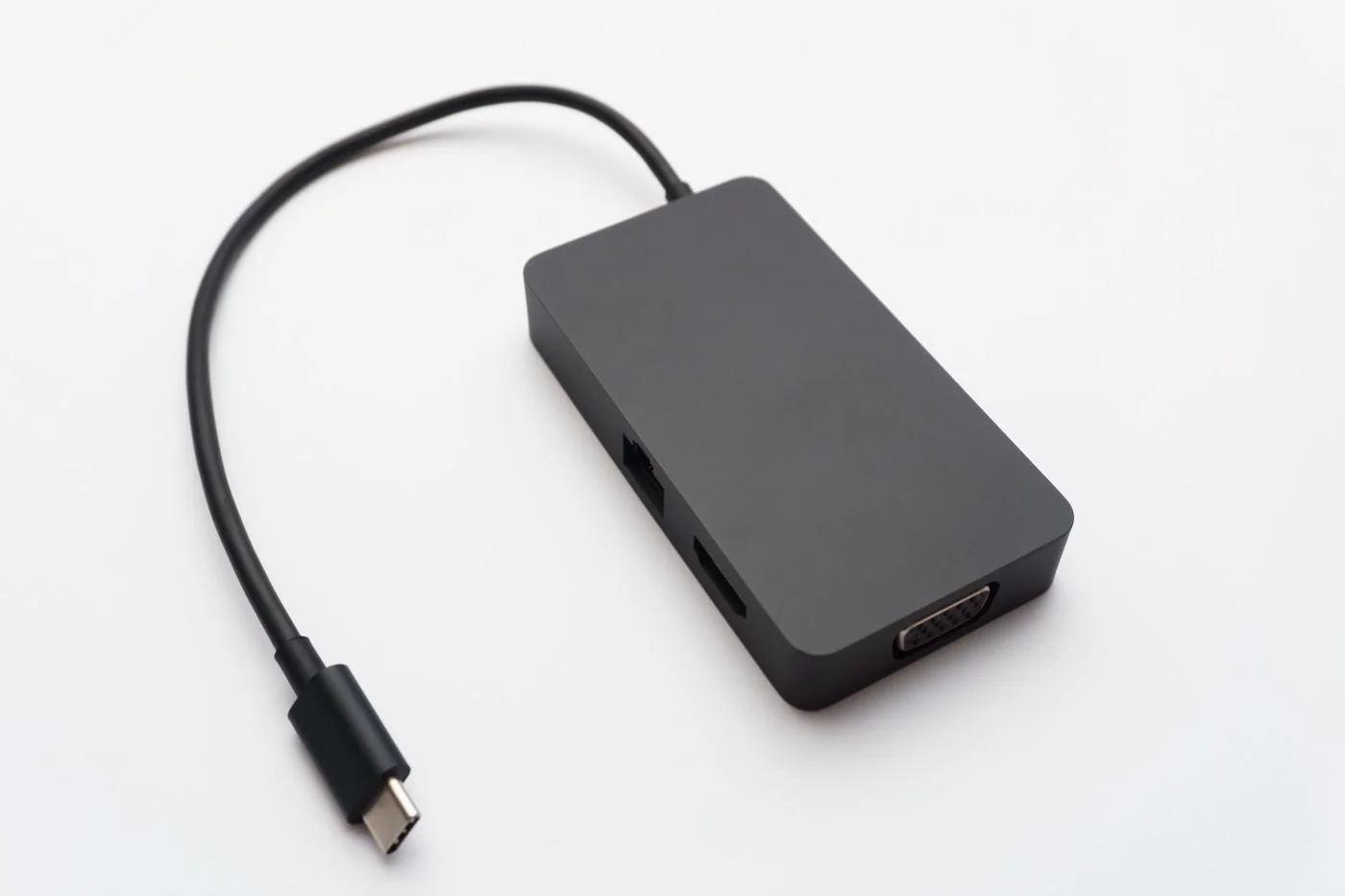
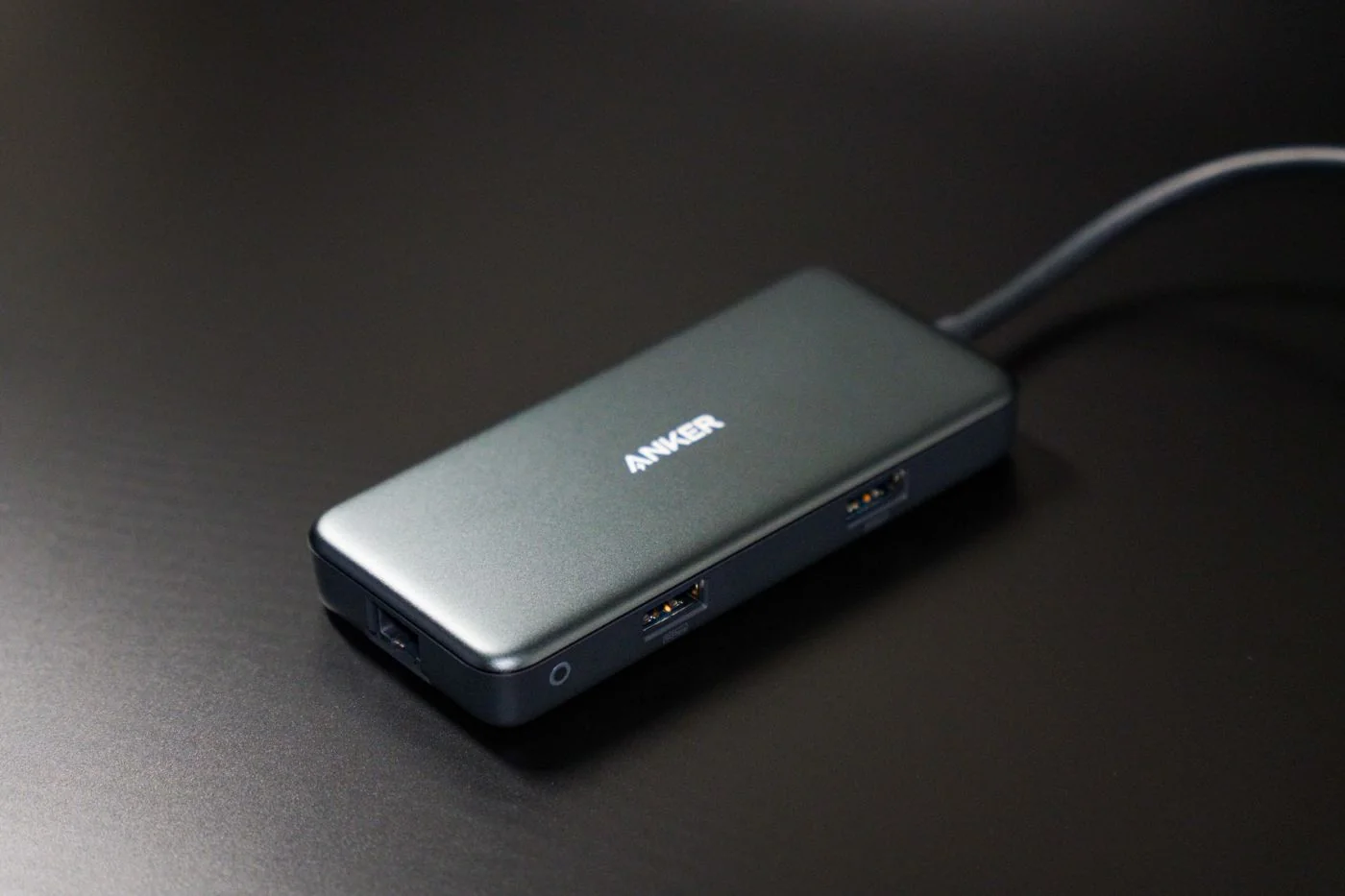
A basic hub may be sufficient for several low-demand USB accessories. A powered hub can suit devices that need more available accessory power, but its power supply does not automatically charge the laptop. Check that function separately. If you need networking, displays and one-cable laptop power, a dock may fit the task better, provided its requirements match the computer.
Look beyond socket count. Several ports can share the same upstream connection. A high-speed drive transferring data while a camera is active may expose a limitation that is invisible when a mouse is the only device connected. Read supported simultaneous use and avoid assuming every port delivers its maximum capability at once.
Some docks need software for video or networking features. Check operating-system support, installation permissions and the supplier's update process. On a managed computer, confirm that the required software is allowed before purchasing. A device advertised as universal can still have conditions that matter to your setup.
Check power and cables as part of the purchase
Find the power actually offered to the laptop, not just the dock's input rating. Confirm whether a power supply and host cable are included. A compact travel adapter may need a separate charger to provide pass-through power, and it can reserve power for its own operation. Read the complete product description rather than adding numbers from separate labels.
Measure the host cable's reach and the space around the laptop port. A very short captive cable can leave an adapter hanging from a socket. A desk dock needs a stable position, ventilation and access to commonly used connections. These physical details affect daily use even when the electrical specifications match.
Test the real workload
Begin with the essentials, then add devices one at a time. Test a call, a file transfer and the display arrangement you intend to use. Check charging under that workload and verify reconnection after a break. A product that merely lights up is not yet tested for your desk.
Keep the successful configuration in a short note with cable and port details. If a problem appears only when one additional device is connected, that is useful evidence about power or shared capacity. Use it to ask a precise support question rather than replacing the entire setup without understanding the constraint.