Skip to content
fernholz
/ IT
Home
All guides
About this website
DE
/
EN
← All guides
20 guides
Displays & accessories
Displays & accessories
Find out what a USB-C port supports
Read the guide
↗
Displays & accessories
A dock charges the laptop but shows no picture
Read the guide
↗
Displays & accessories
Choose a suitable display cable
Read the guide
↗
Displays & accessories
Check compatibility before adding two monitors
Read the guide
↗
Displays & accessories
Set comfortable display scaling
Read the guide
↗
Displays & accessories
Plan monitor placement and desk space
Read the guide
↗
Displays & accessories
Select the correct monitor input
Read the guide
↗
Displays & accessories
Investigate a flickering external display
Read the guide
↗
Displays & accessories
USB hub or dock: define the connections you need
Read the guide
↗
Displays & accessories
Check the power needs of USB devices
Read the guide
↗
Displays & accessories
Position a webcam for video calls
Read the guide
↗
Displays & accessories
When a webcam is not detected
Read the guide
↗
Displays & accessories
Select the intended microphone for a call
Read the guide
↗
Displays & accessories
Find the cause of echo during video calls
Read the guide
↗
Displays & accessories
Check headset connectors and adapters
Read the guide
↗
Displays & accessories
Reconnect a Bluetooth accessory
Read the guide
↗
Displays & accessories
Investigate an unreliable wireless mouse
Read the guide
↗
Displays & accessories
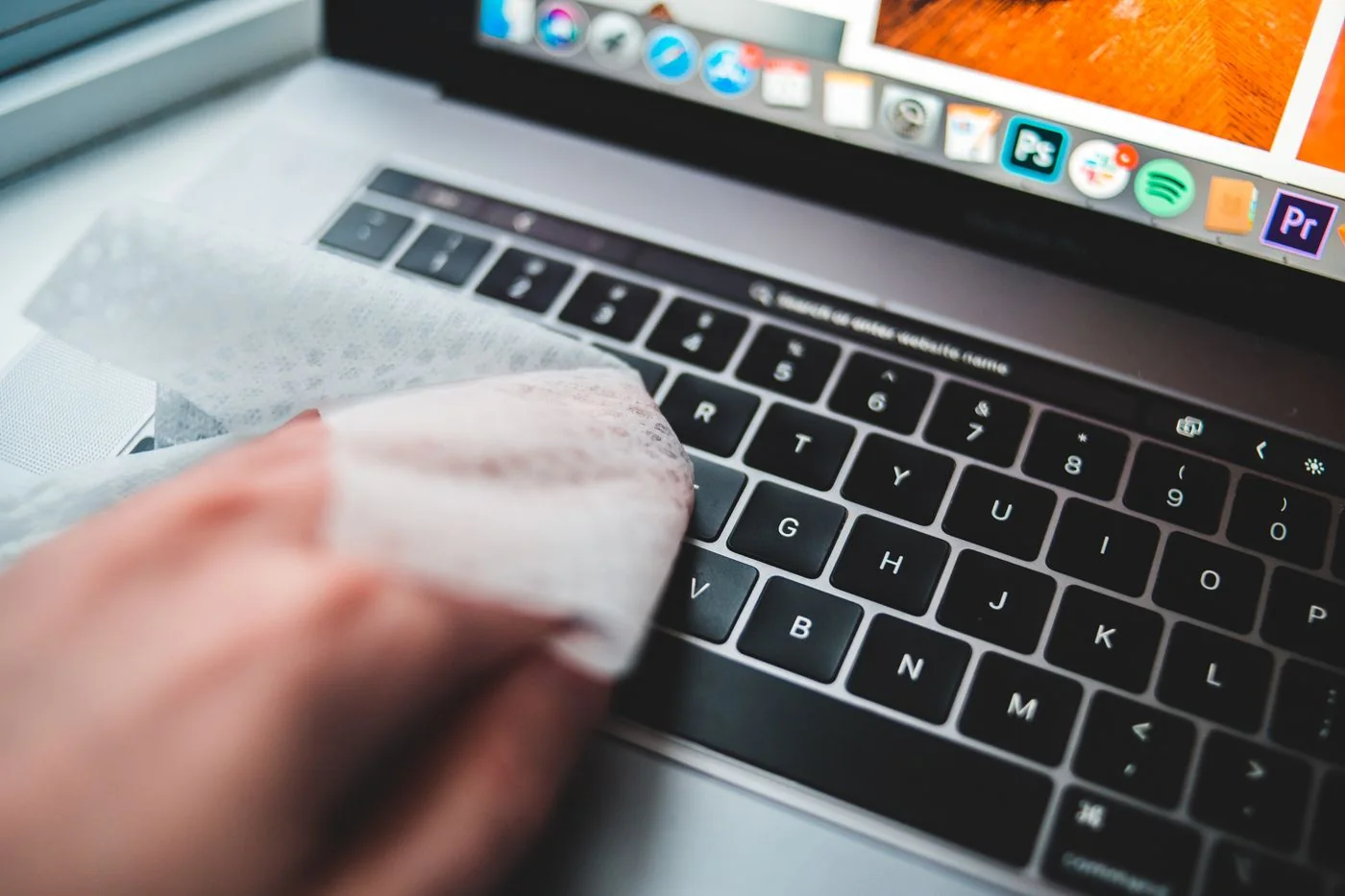
Clean a keyboard and mouse using their care instructions
Read the guide
↗
Displays & accessories
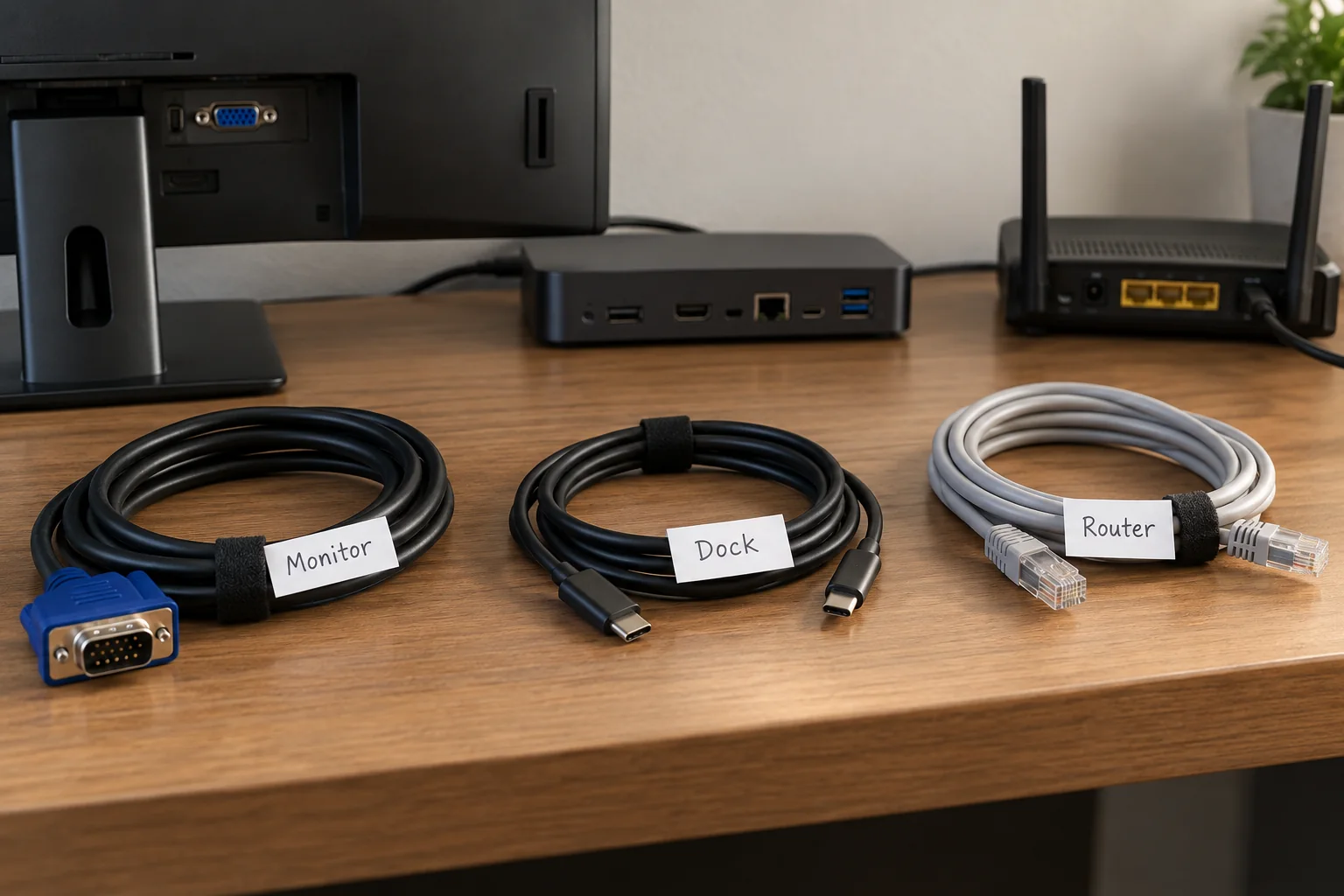
Label desk cables so they remain identifiable
Read the guide
↗
Displays & accessories
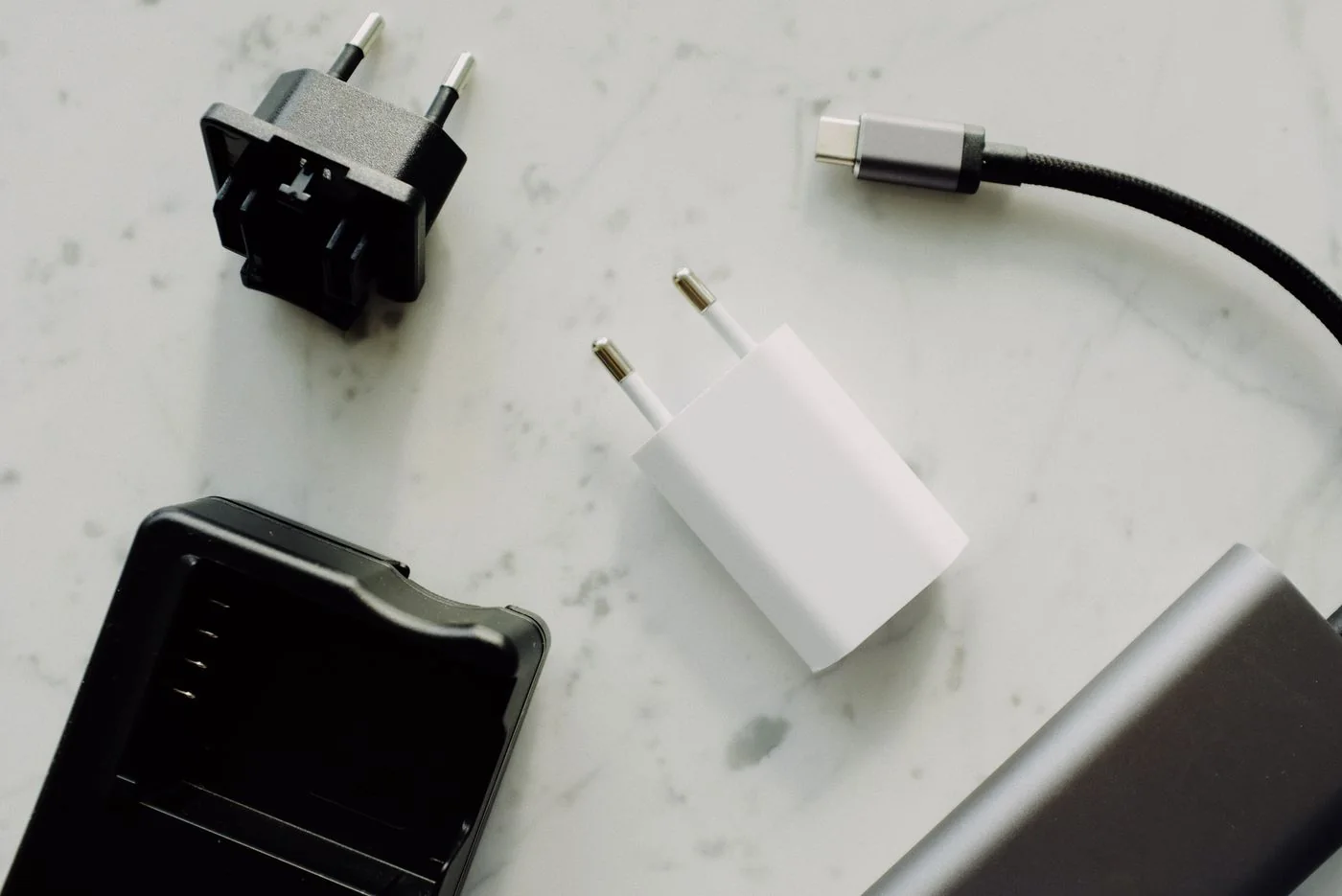
Pack connection accessories for different workplaces
Read the guide
↗