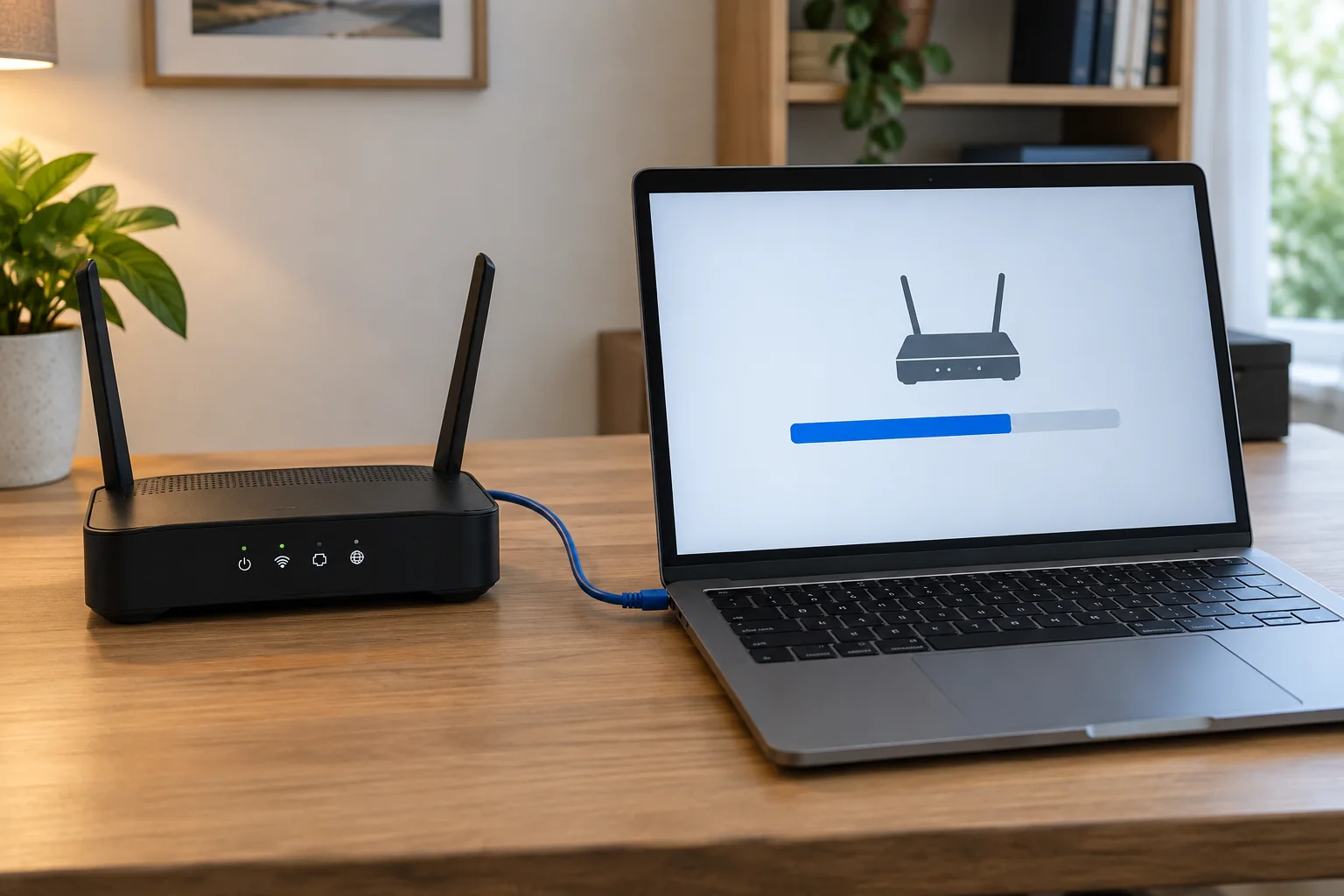
Networks & Wi-FiA router update can fix faults and include security improvements. To avoid an unnecessary interruption during work, identify the model, suitable software and recovery information beforehand.
Read the guide 
Files & backupA completed project should remain understandable without relying on its original editor's memory. That means keeping final outputs, necessary source material and a short explanation of how they relate.
Read the guide 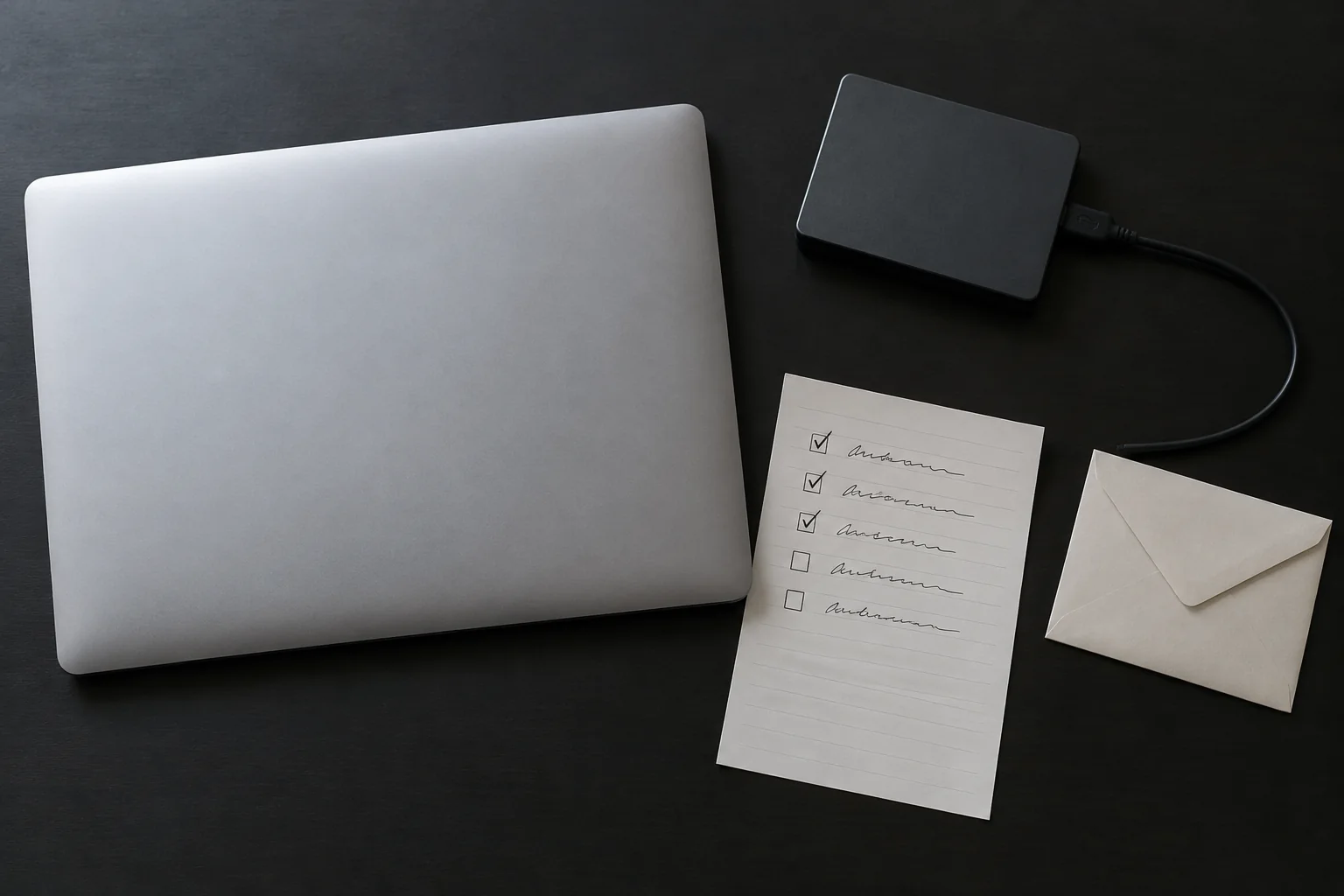
Computers & systemsResetting a computer changes much more than restarting it. Depending on the option, applications, settings and personal files can be removed.
Read the guide 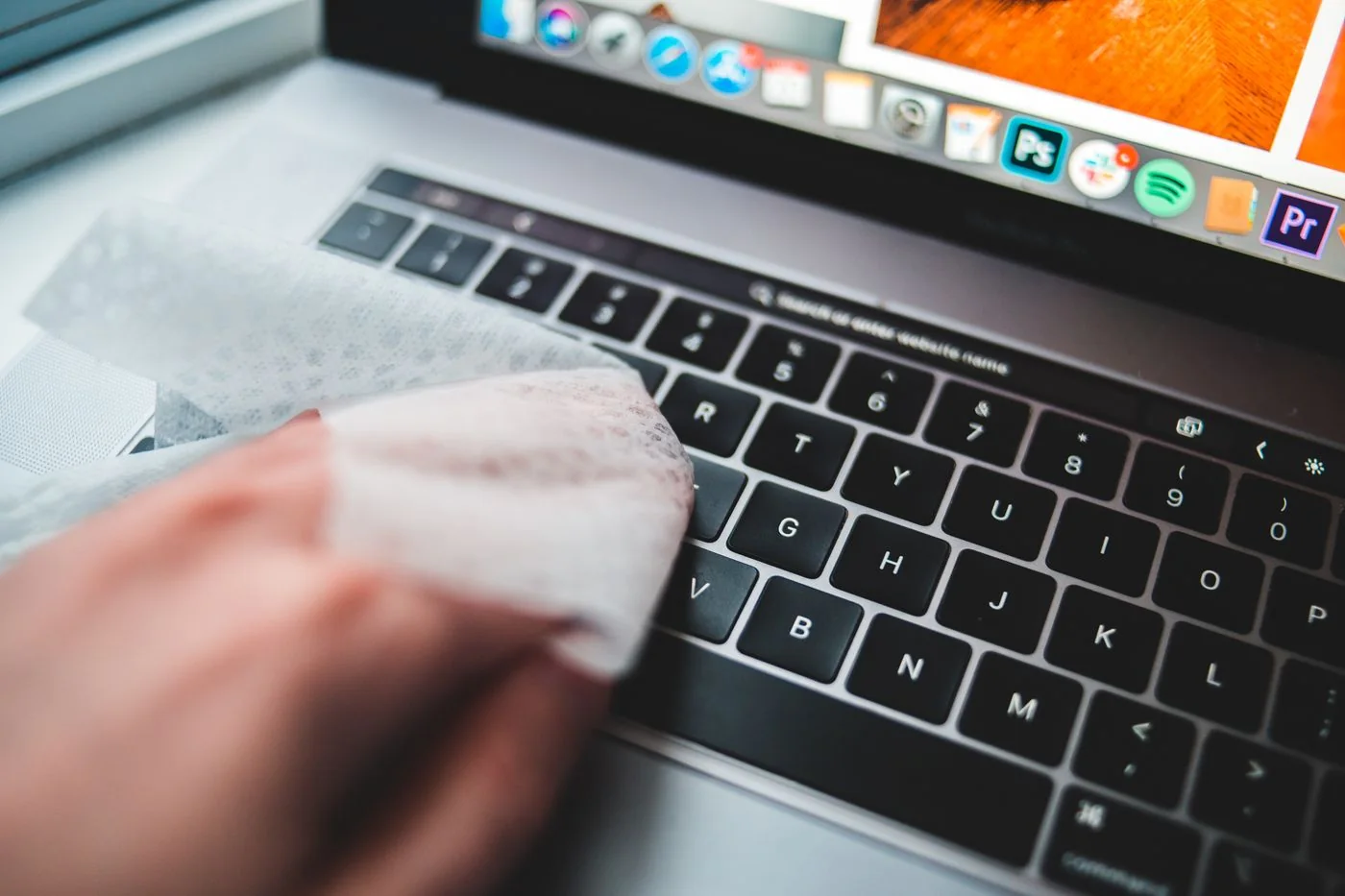
Displays & accessoriesKeyboard and mouse materials vary, so cleaning advice should come from the manufacturer of the actual device. A method allowed for one hard surface may be unsuitable for a coating, printed key legend or fabric component.
Read the guide 
Networks & Wi-FiA useful network record does not need to be a technical manual. It should show each device's role, where cables end and which settings must survive a replacement.
Read the guide 
Files & backupFiles often exist across a laptop, cloud service, external drive and network storage. Without a map, it becomes unclear which copy is authoritative and which is genuinely backed up independently.
Read the guide 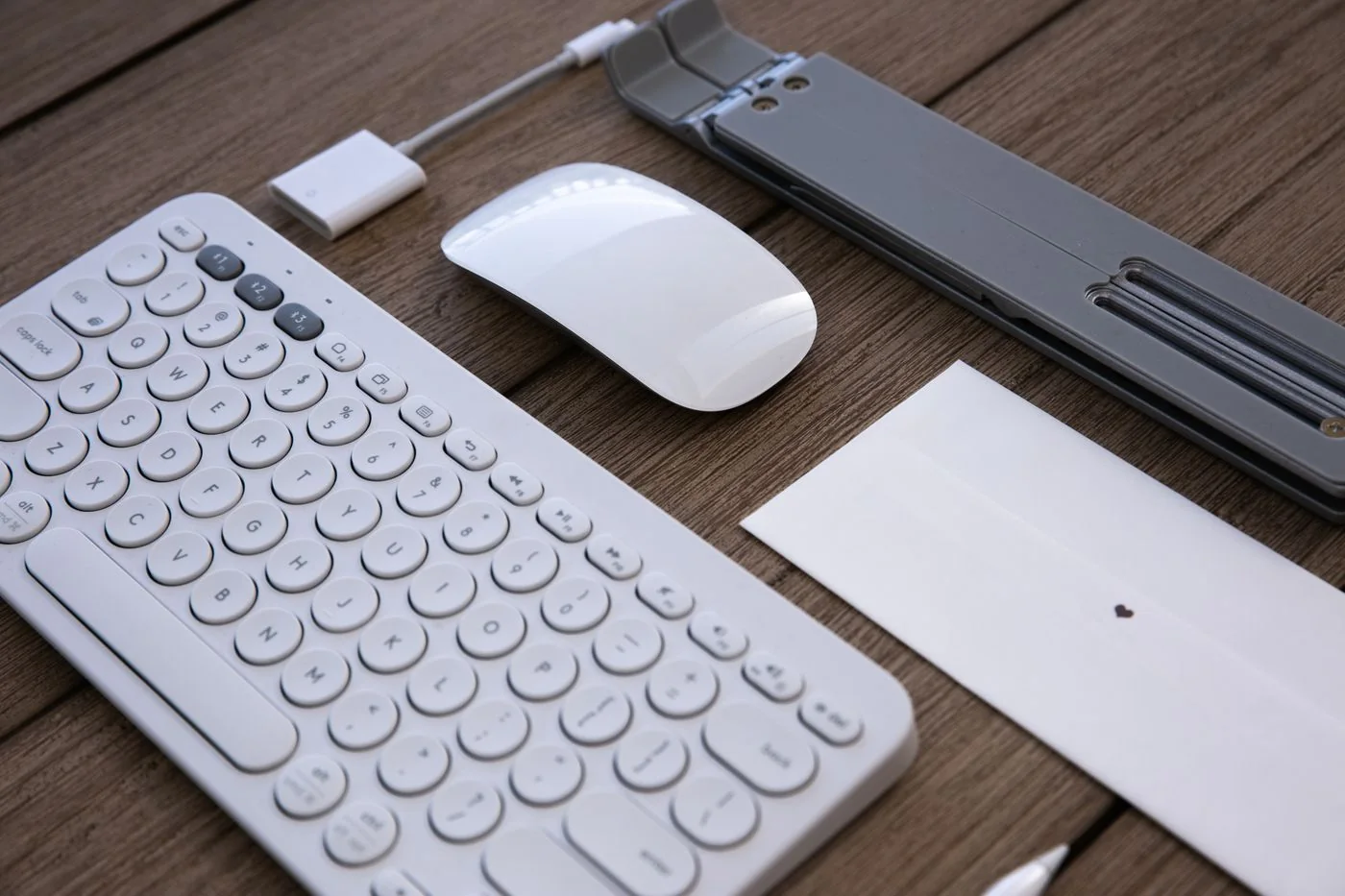
Computers & systemsIf Y and Z exchange places or punctuation appears on the wrong keys, check the selected keyboard layout before suspecting broken hardware. The printed keycaps describe the physical keyboard, while the operating system's input layout decides which character a key produces.
Read the guide 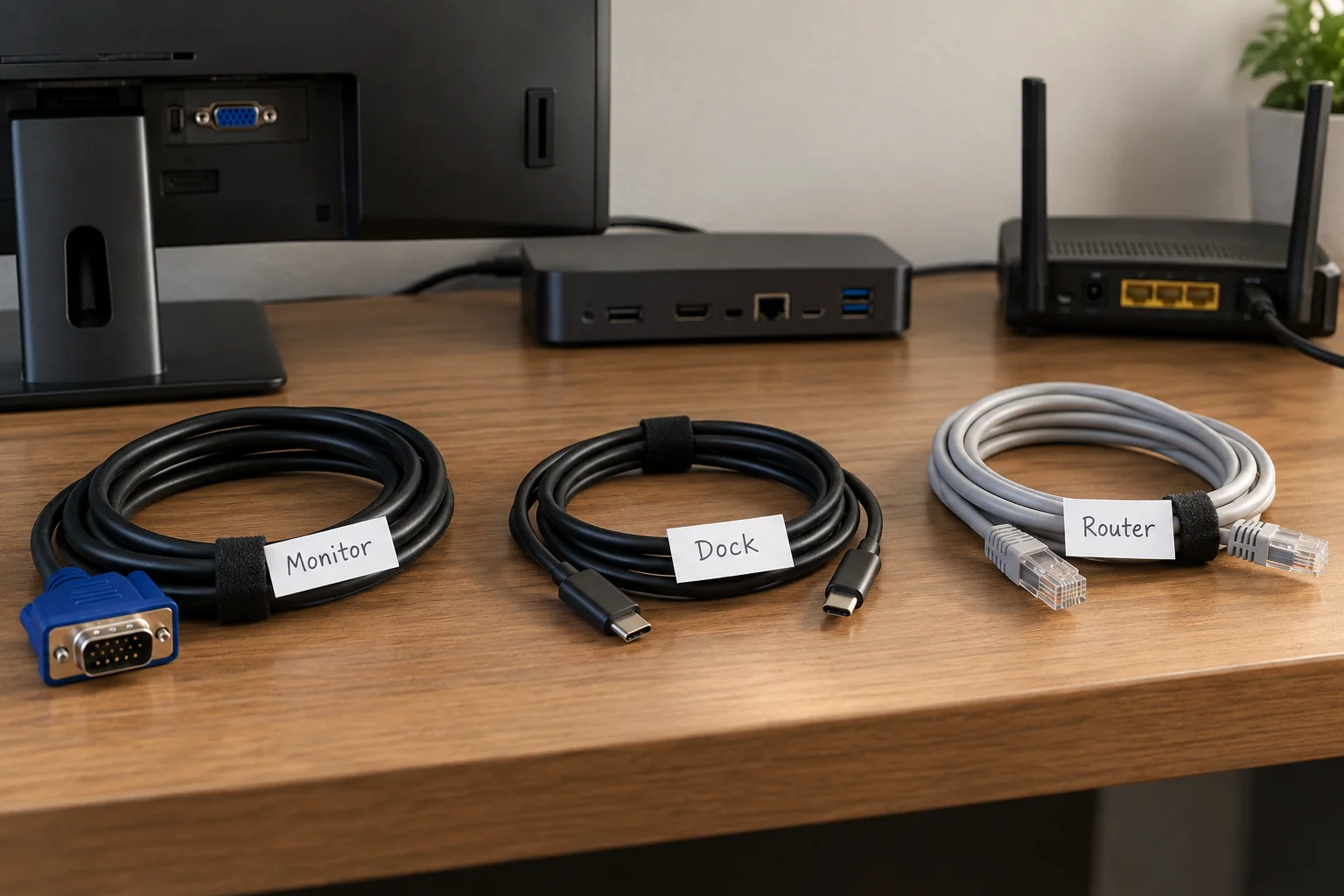
Displays & accessoriesCable labels are useful when they answer a real question: which plug belongs to which device, and where does its other end go? A label saying only “USB” adds little when six USB cables share the same route.
Read the guide