Files & backup
Understand a NAS in a small office
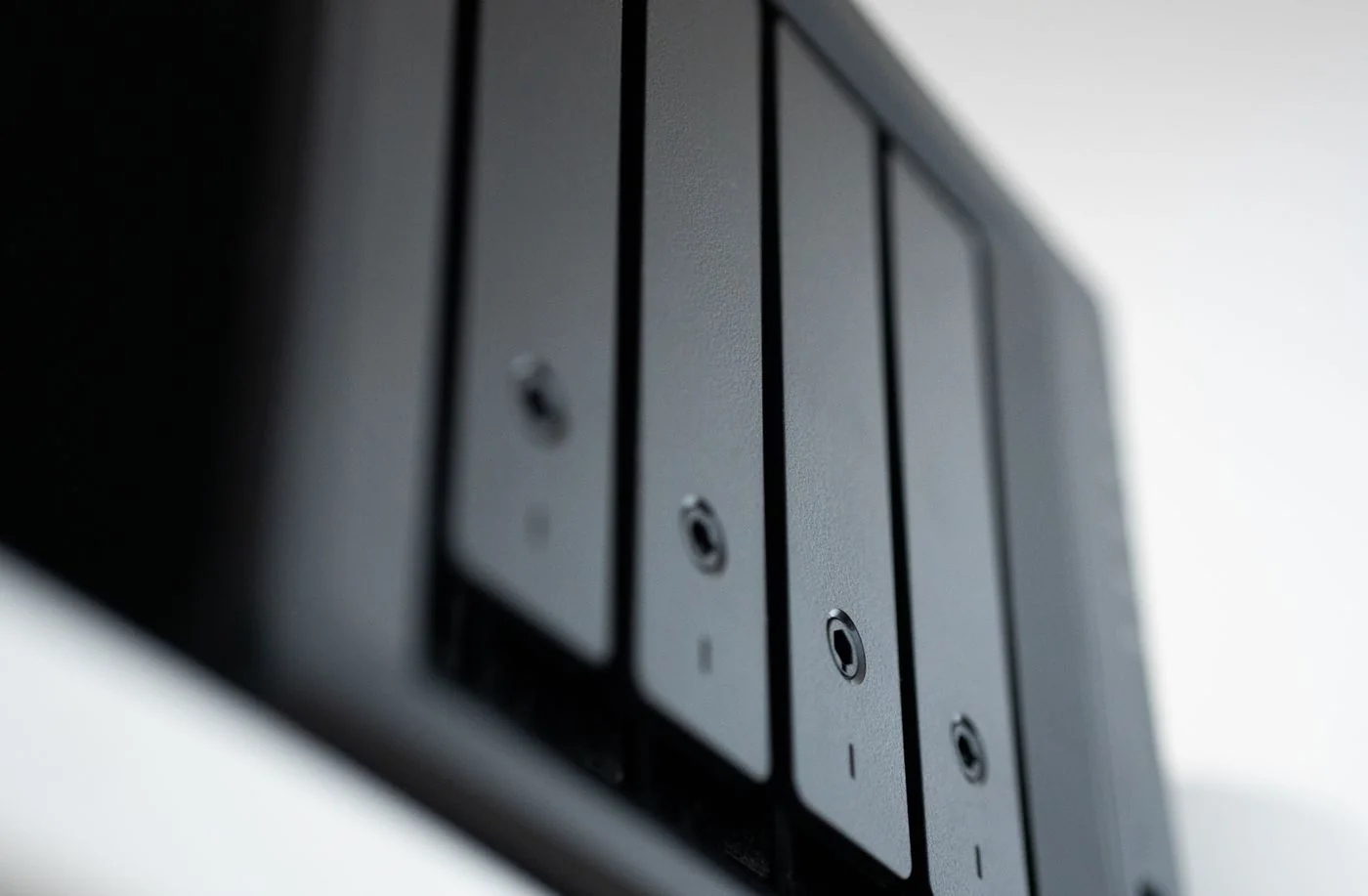
A NAS is storage accessed through the network. Several authorised devices can use shared files without requiring a particular workstation to stay switched on.
Read the guideA NAS is storage accessed through the network. Several authorised devices can use shared files without requiring a particular workstation to stay switched on.
Read the guide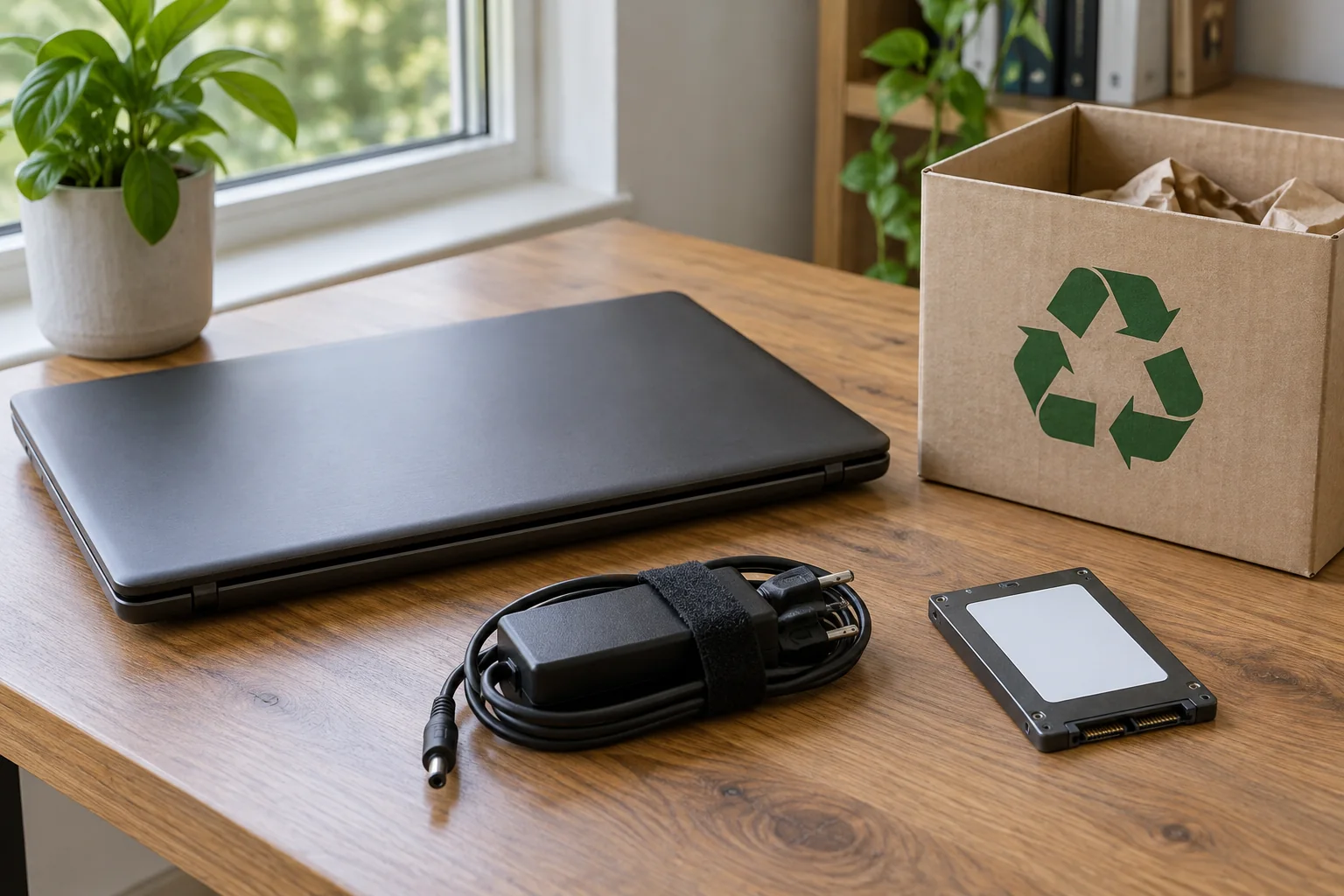
Before passing on a computer, establish two outcomes: the next person can set it up afresh, and the data you still need exists independently of that device. Deleting a few visible folders is not enough.
Read the guide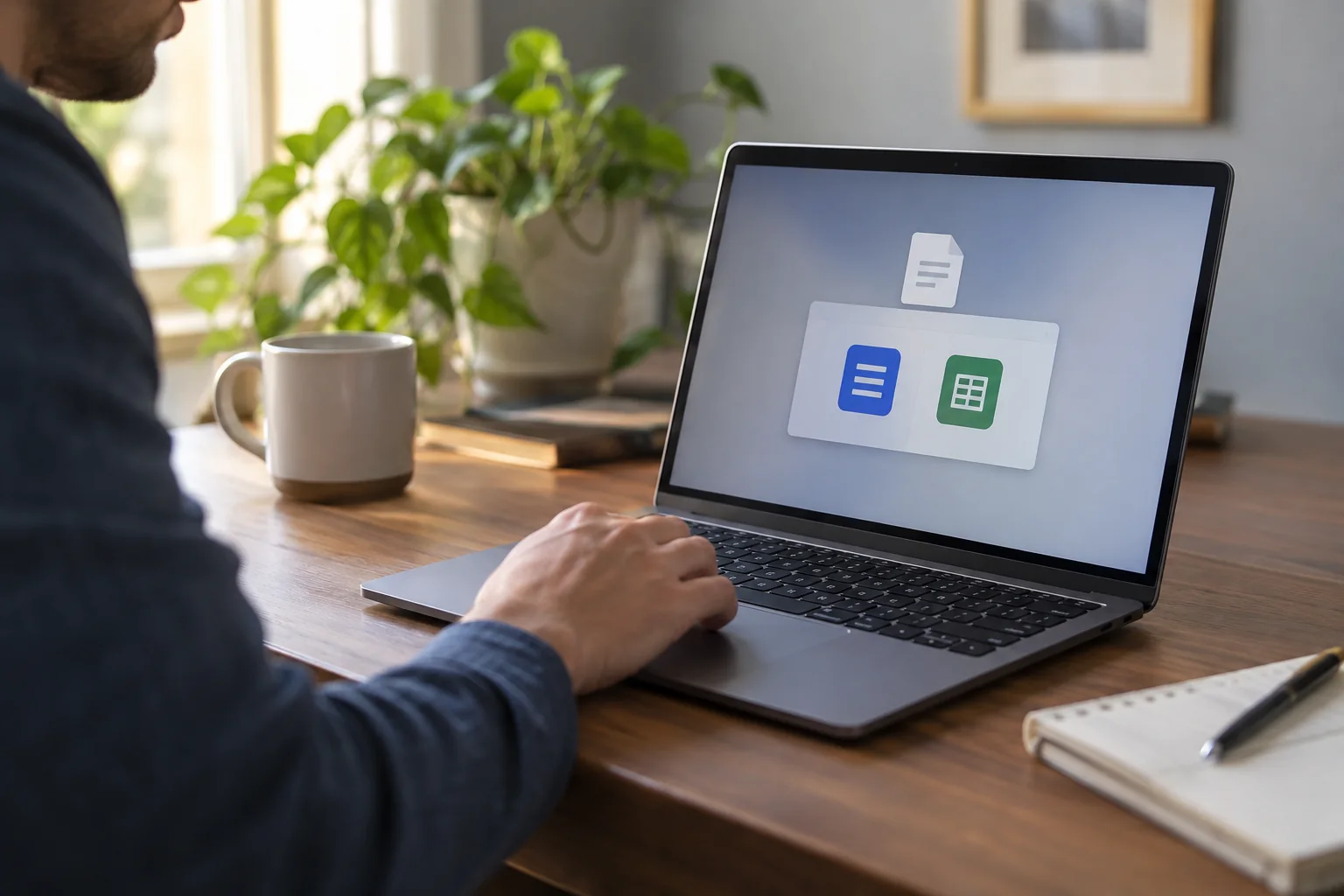
A file opening in the wrong program usually means its default association needs attention. It does not necessarily mean the file is damaged.
Read the guide
Pairing records an association between devices; connecting uses that association for the current session. An accessory listed as paired may still be connected to another computer or waiting in the wrong channel.
Read the guide
Broken video-call audio can come from the network, but it does not have to. A wrong microphone, high computer load or a problem at the other end may look similar.
Read the guide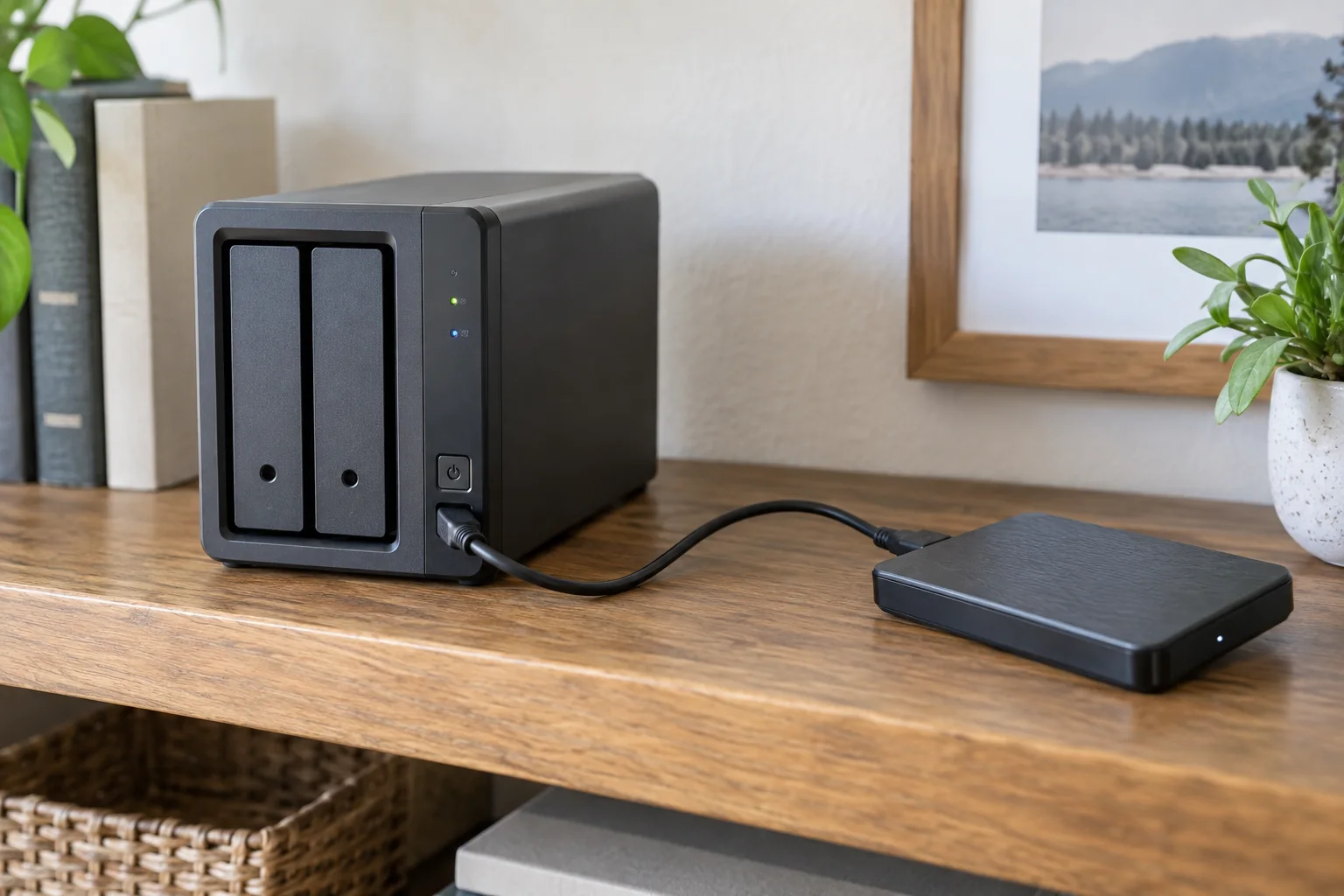
A NAS with several drives may keep operating after one disk fails, if its configuration supports that. This provides availability.
Read the guide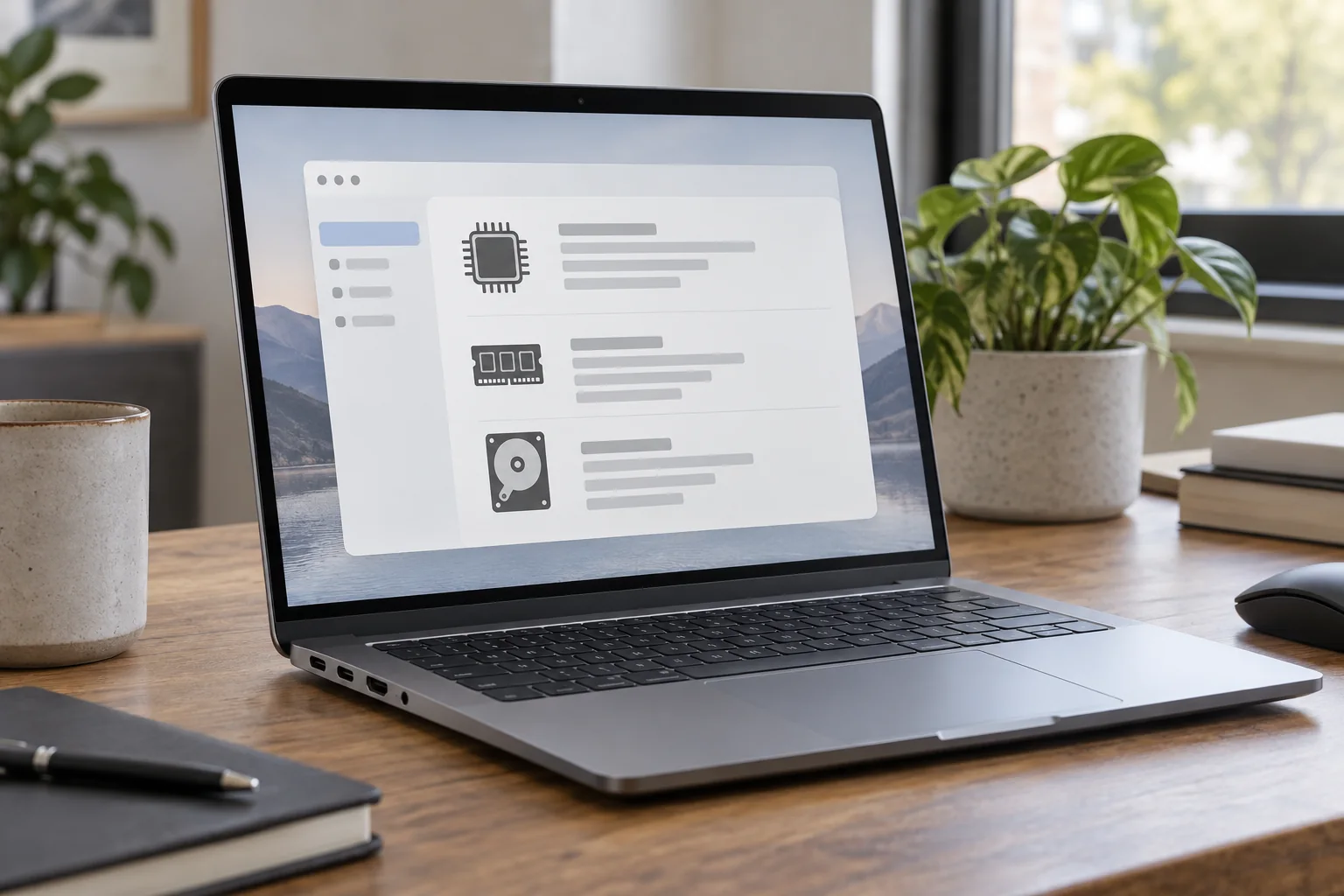
“A Windows laptop” is rarely enough information for choosing a dock, downloading a driver or asking for help. A useful device record separates the computer's exact model, operating-system version and relevant hardware specifications.
Read the guide
An unreliable wireless mouse can lose its radio connection, run low on power or struggle to track the surface. Those faults can all feel like a jumping pointer.
Read the guide