Files & backup
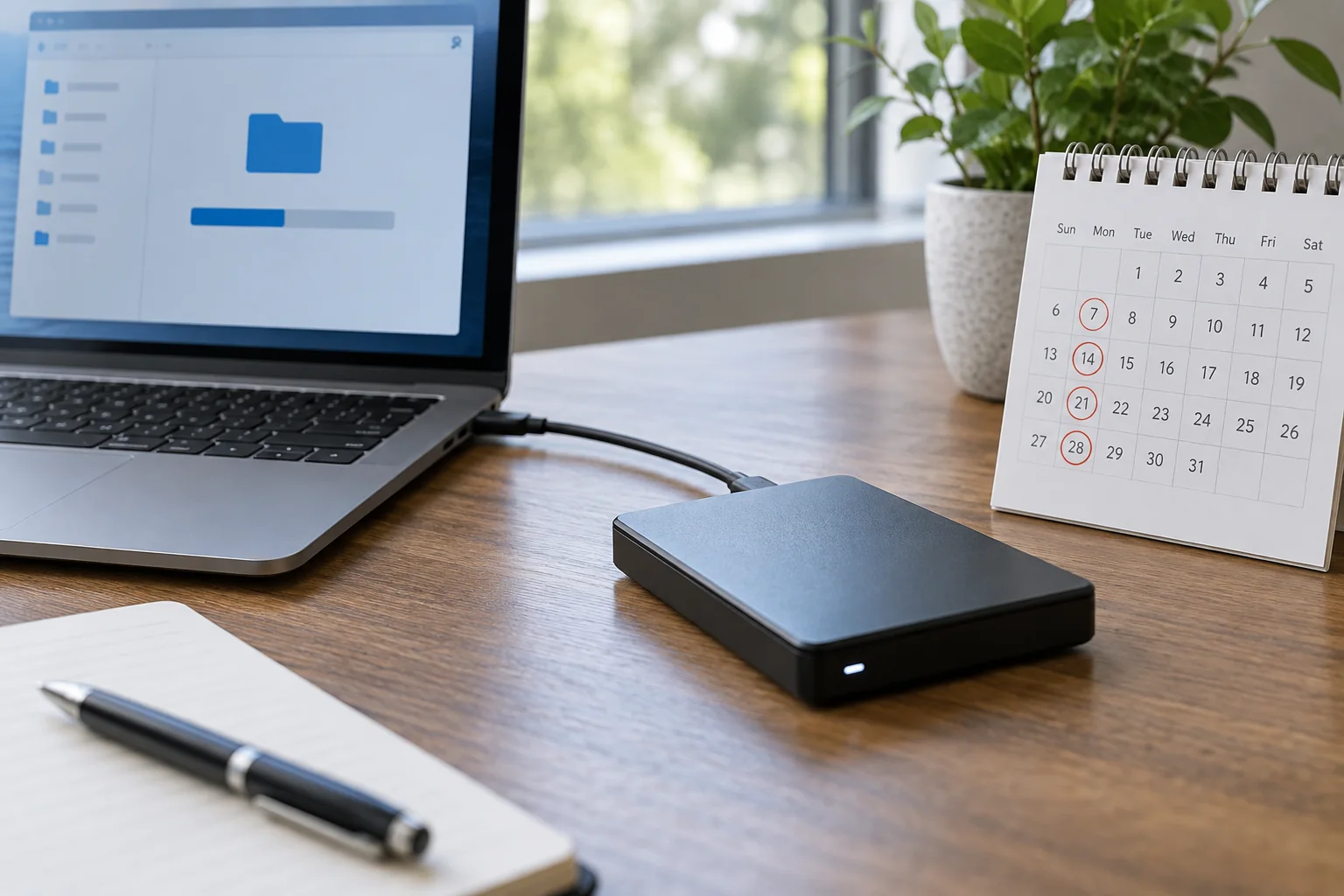
Match backup frequency to your work
Backup frequency depends on how much work you could afford to lose between runs. A weekly copy may suit rarely changed documents while being far too infrequent for daily project work.
Read the guideBackup frequency depends on how much work you could afford to lose between runs. A weekly copy may suit rarely changed documents while being far too infrequent for daily project work.
Read the guide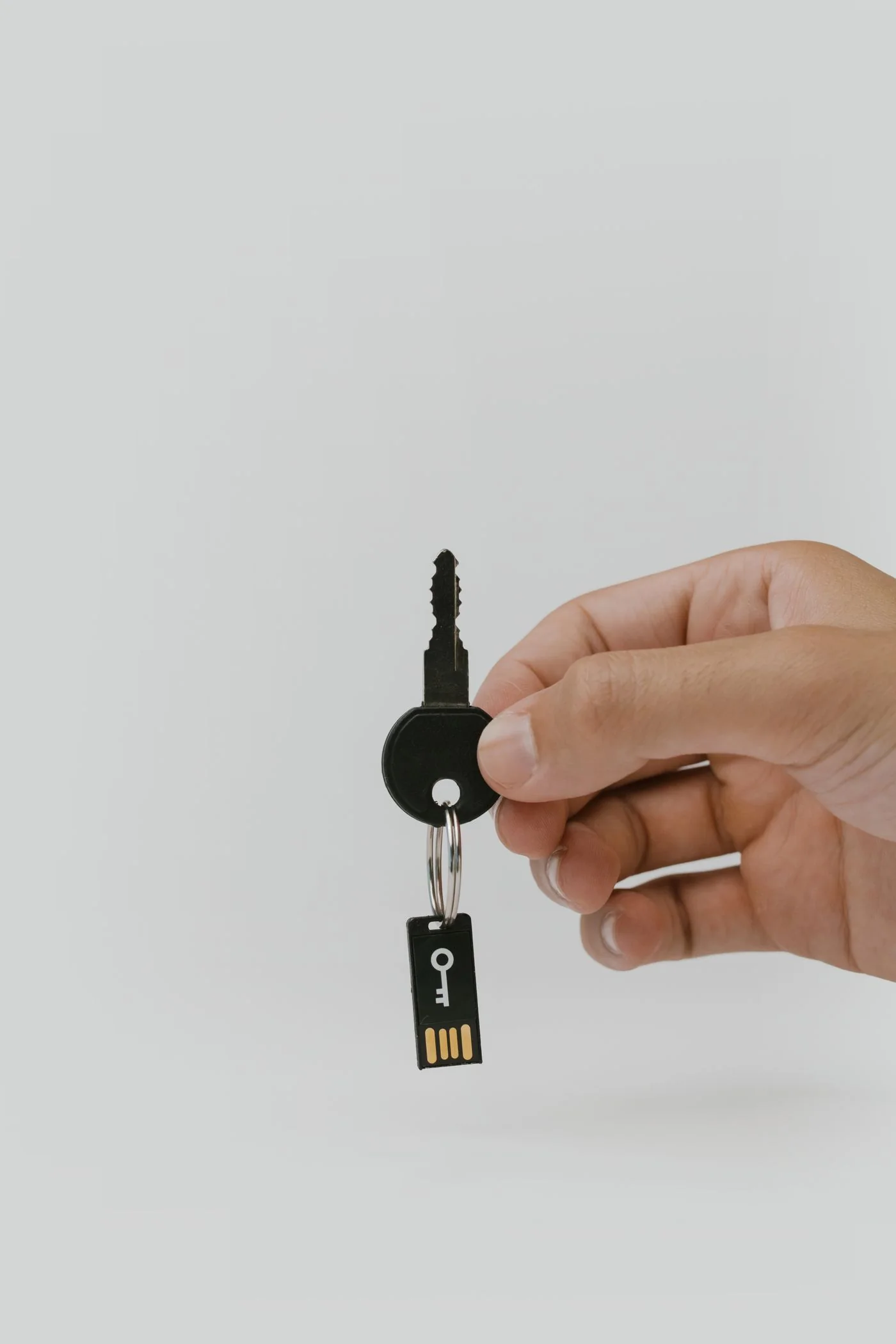
A passkey can replace or supplement password sign-in. For everyday use, the important questions are where it is stored and which devices can use it.
Read the guide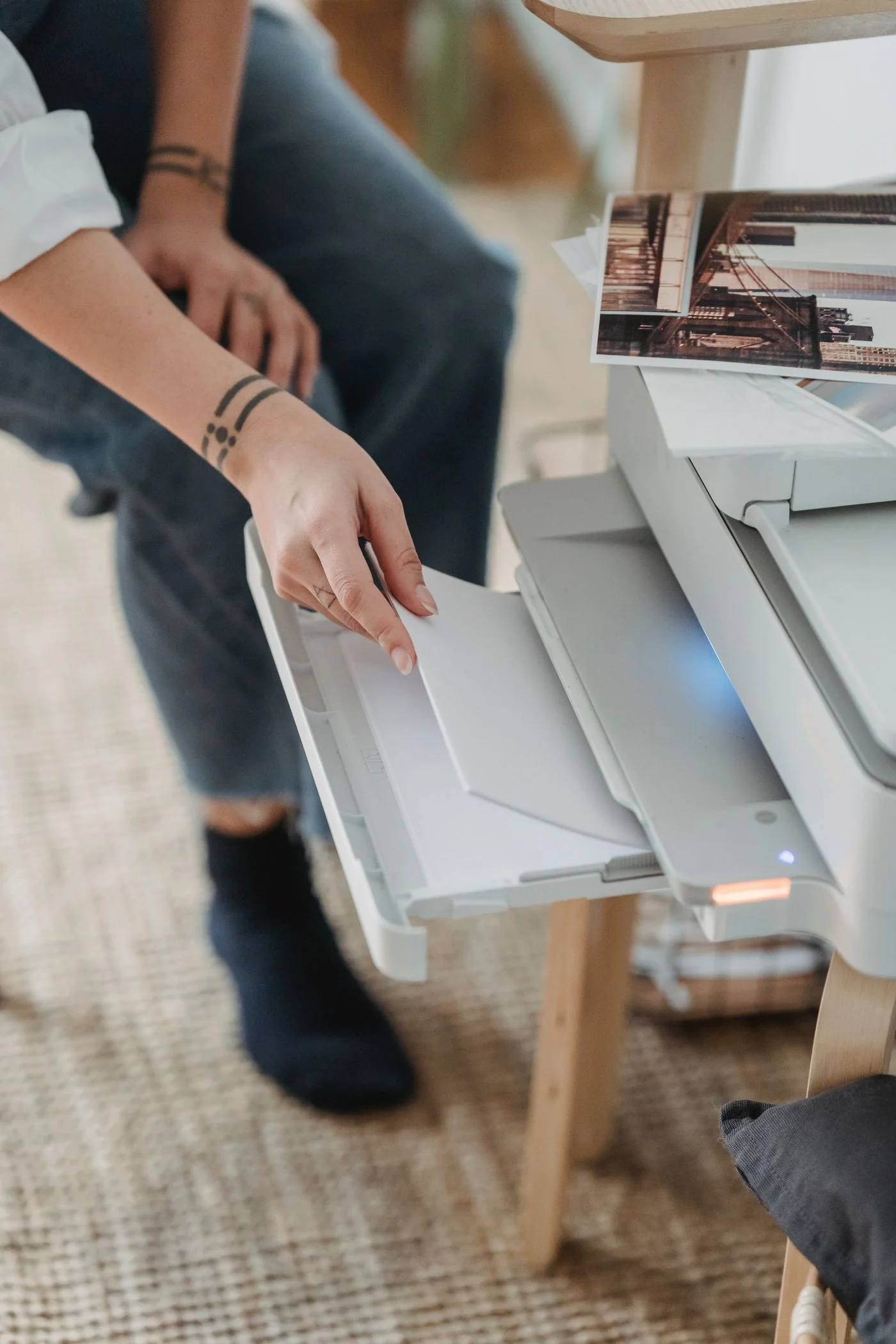
When text disappears at the edge or a print is unexpectedly small, inspect the document size, print settings and loaded paper separately. All three can specify different dimensions.
Read the guide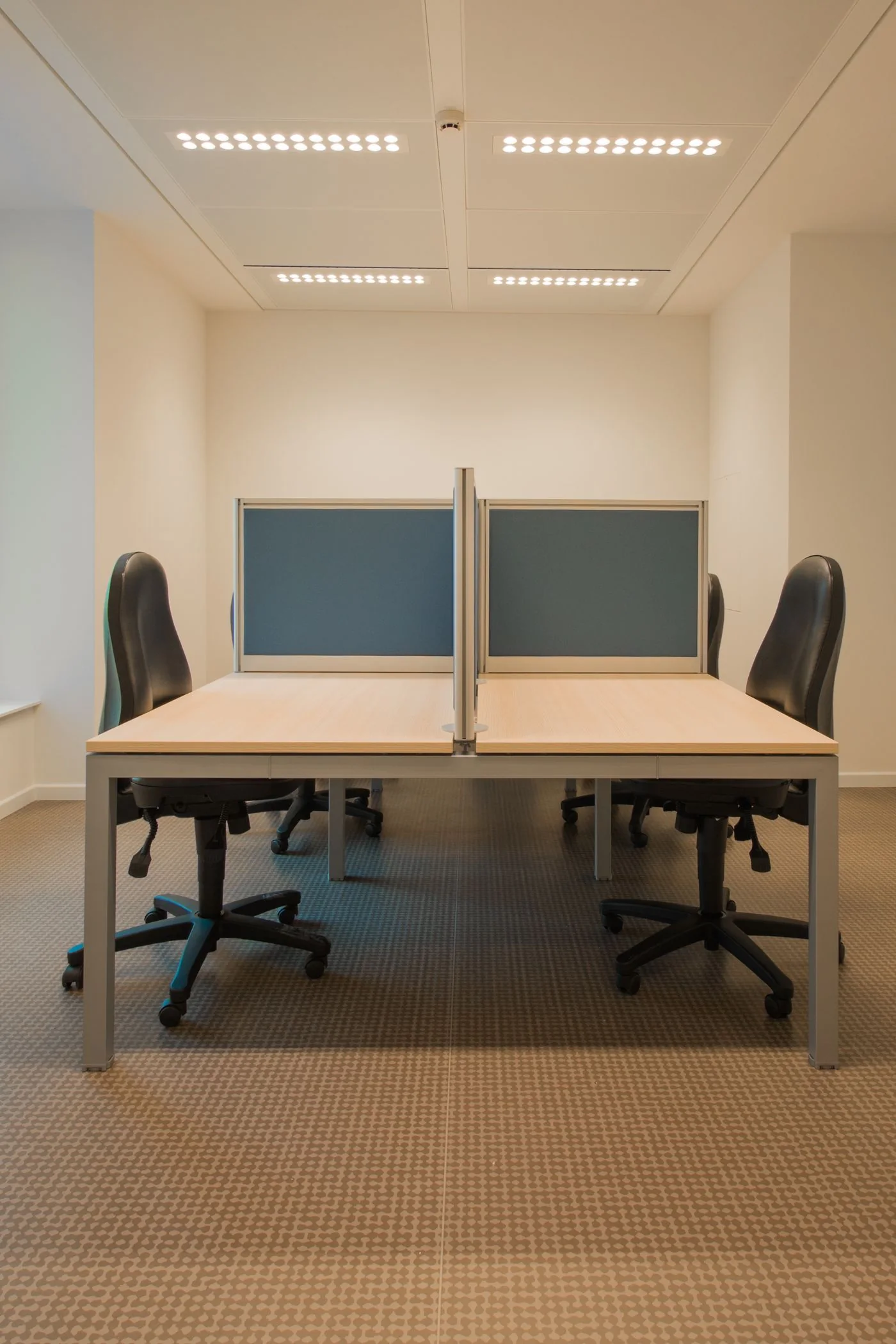
A computer used by several people needs a recognisable transition between users. When everyone continues in the same session, browser accounts, saved files and recently opened documents become mixed together.
Read the guide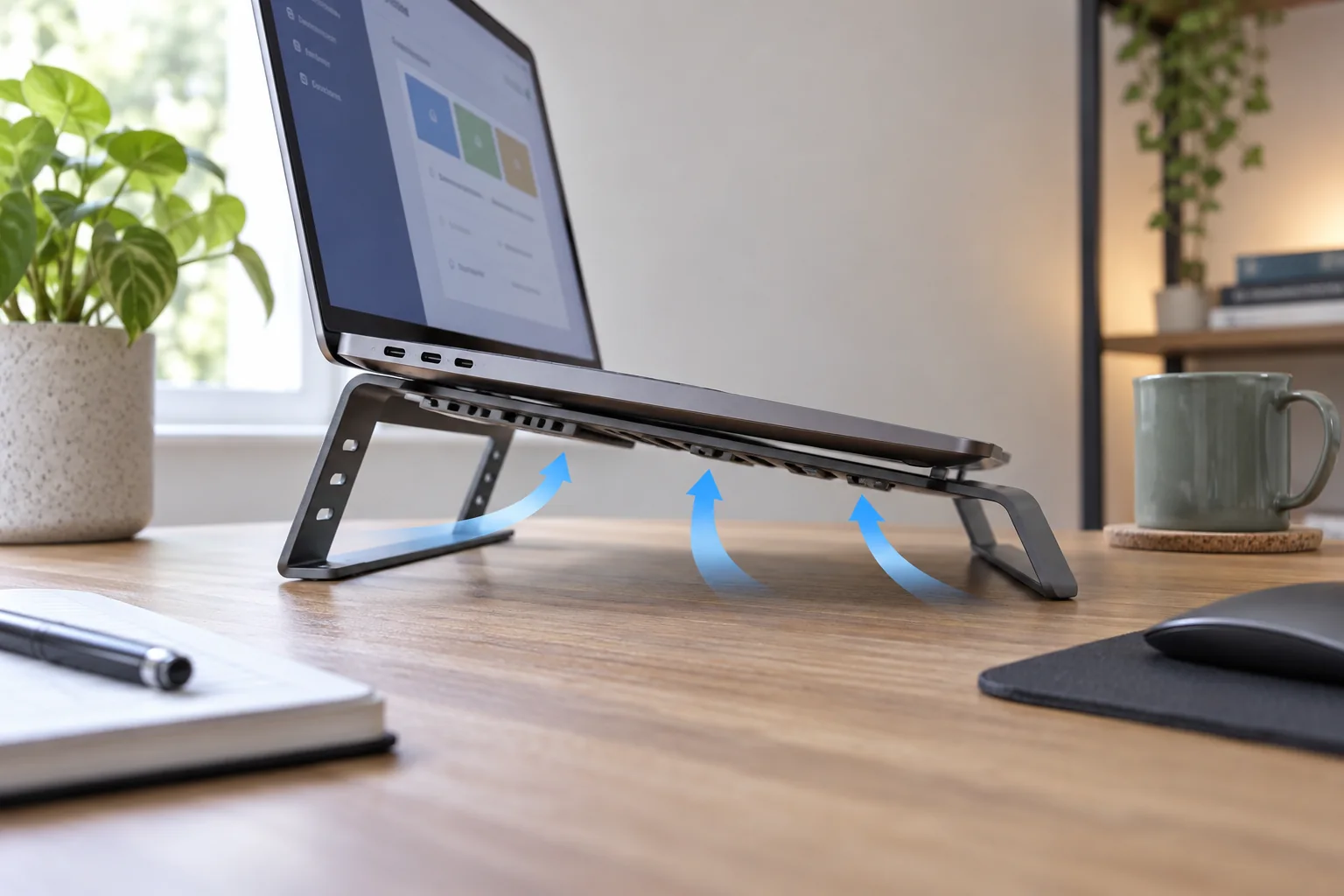
Warm surfaces are expected when a laptop is working, but a change from its usual behaviour deserves attention. Compare like with like: exporting a video, charging the battery and joining a call can create more heat than editing a short document.
Read the guide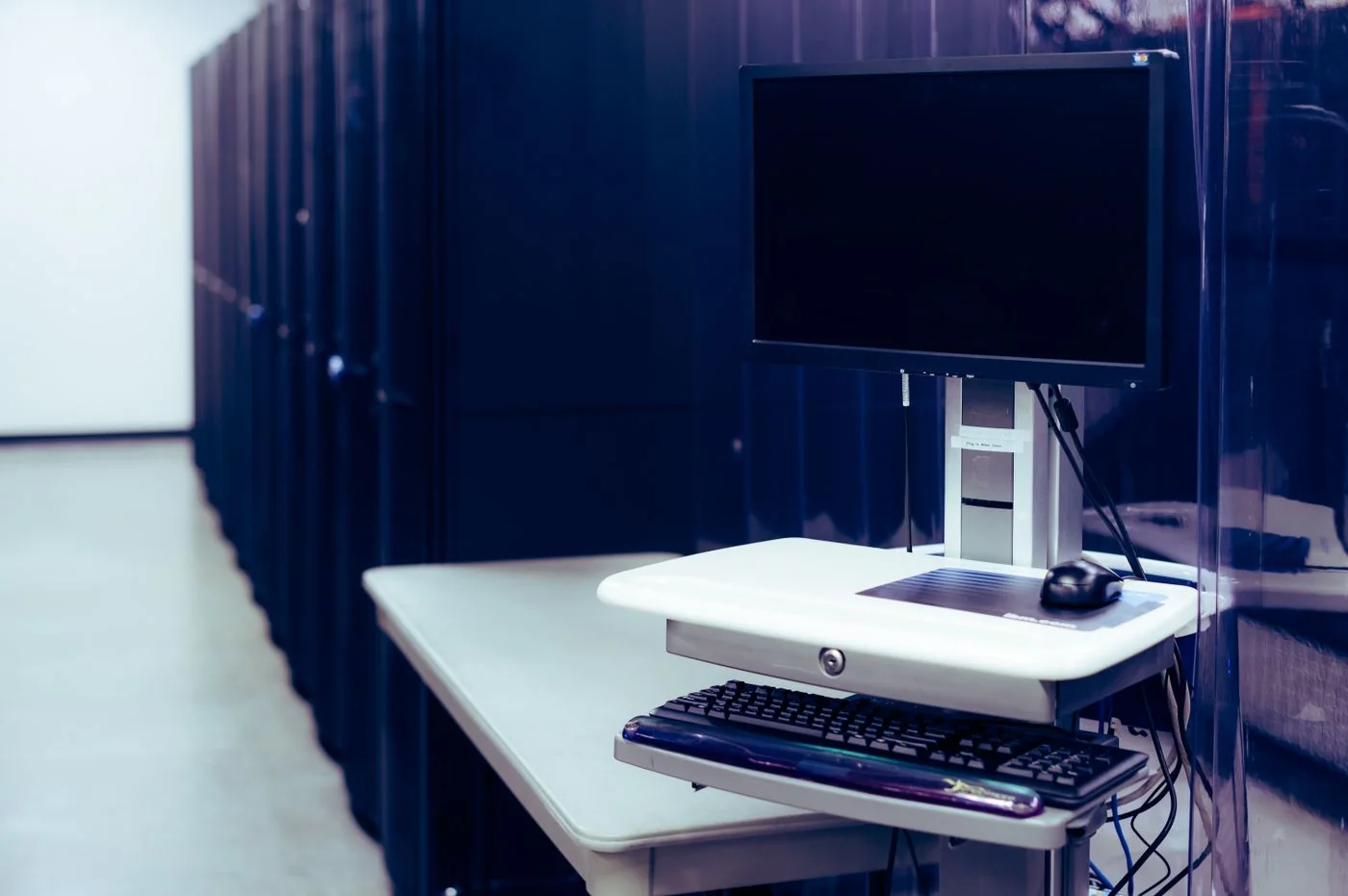
A monitor position should fit the person and the task, not just leave an attractive gap on the desk. Begin with the chair and normal seated position, then place the main screen where you can read it without repeatedly twisting or leaning forward.
Read the guide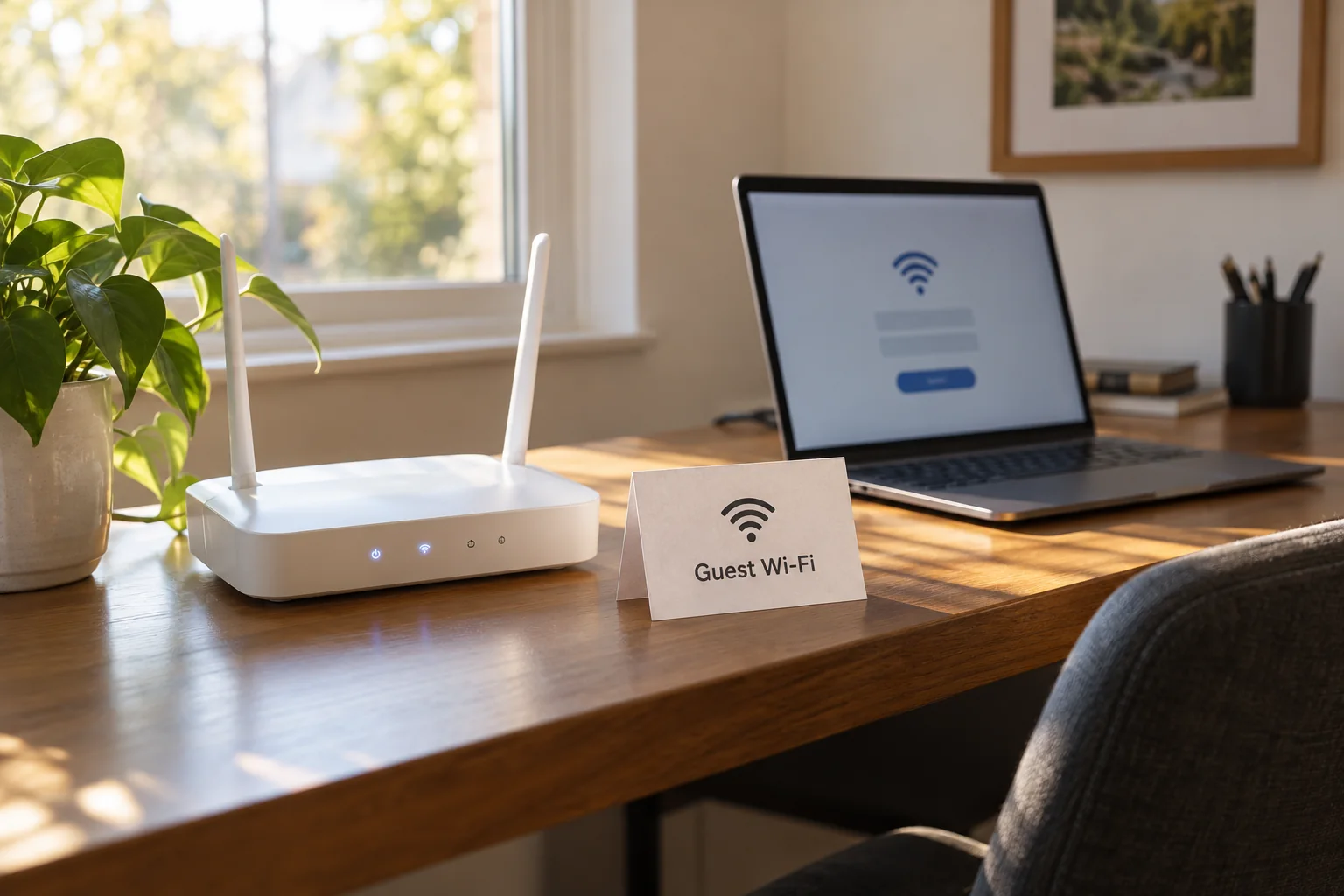
Visitors usually need internet access, not access to your work files, printers or router administration. A guest network can separate those requirements.
Read the guide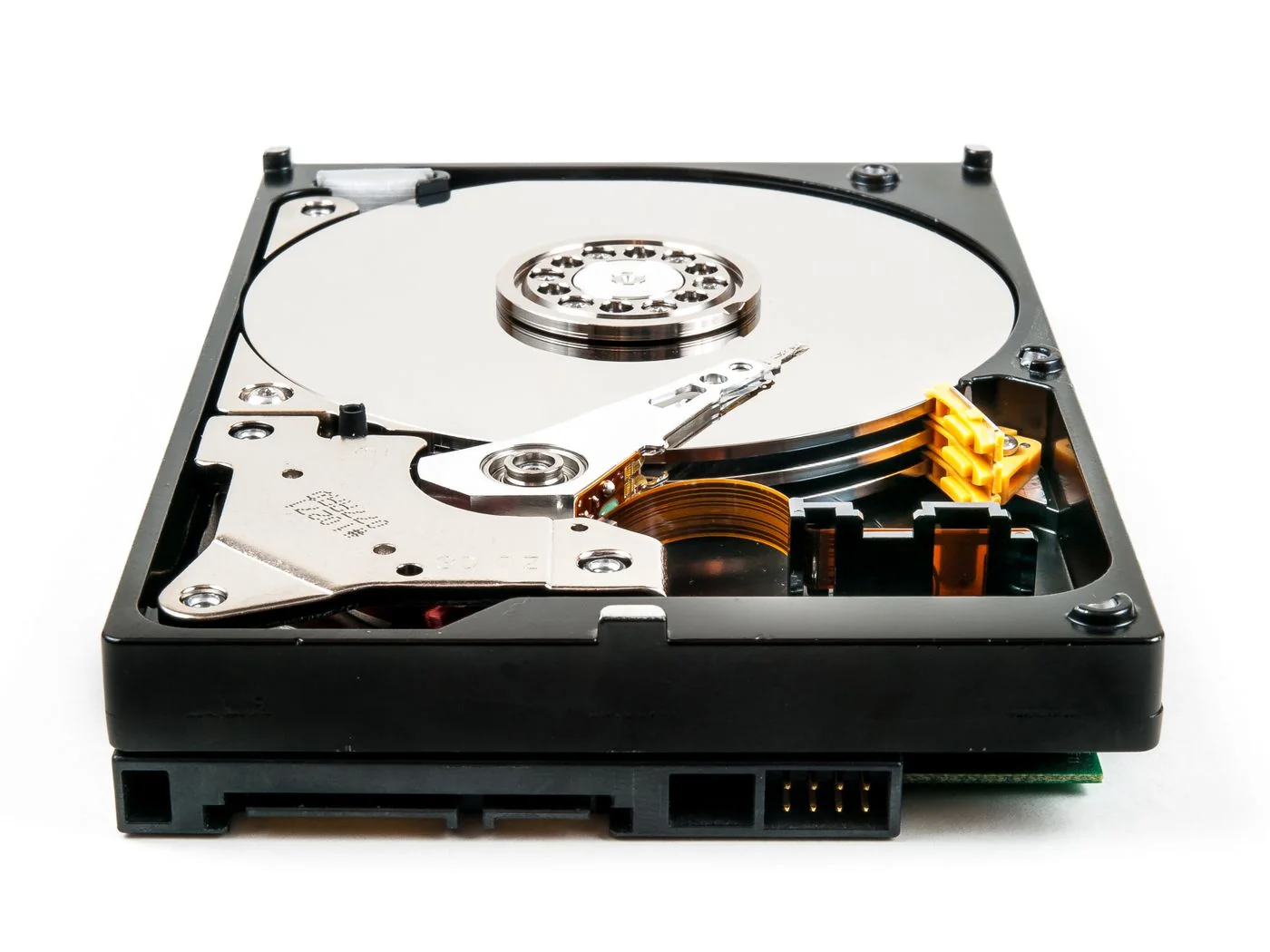
Both SSDs and hard drives store files, but different tasks favour different characteristics. Consider whether the drive travels frequently, holds actively edited projects or mainly receives large backups.
Read the guide