
Computers & systemsA black screen after a break does not immediately tell you whether the computer is asleep, the display is off or the whole system has stopped responding. Check the simplest visible clues first: power indicator, keyboard response and the selected input on an external monitor.
Read the guide 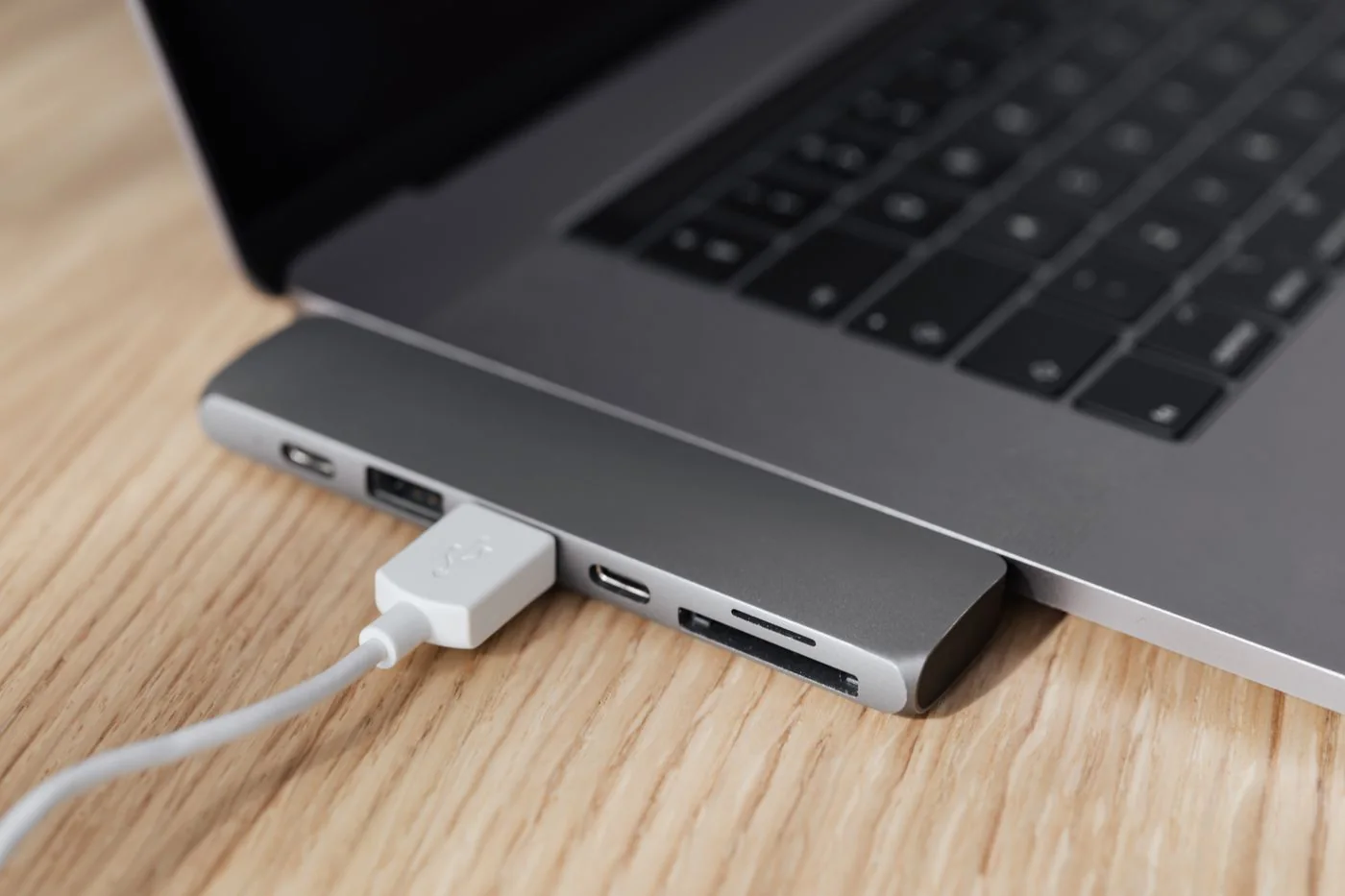
Displays & accessoriesA USB device disconnecting during use may be running into a power problem, but power is only one possibility. Cable faults, shared data capacity and software can produce similar symptoms.
Read the guide 
Networks & Wi-FiA Wi-Fi dead zone is easier to understand when you investigate it as a spatial problem. Before changing channels and router options at random, compare the same connection in several locations.
Read the guide 
Files & backupA filename should still mean something outside its original folder. Names such as document_new or final_final2 become confusing when files are sent or retrieved later.
Read the guide 
Accounts & securityDevice encryption protects stored data if a computer or drive falls into someone else's hands. At the same time, an authorised owner needs a way to recover access when the normal sign-in process is insufficient.
Read the guide 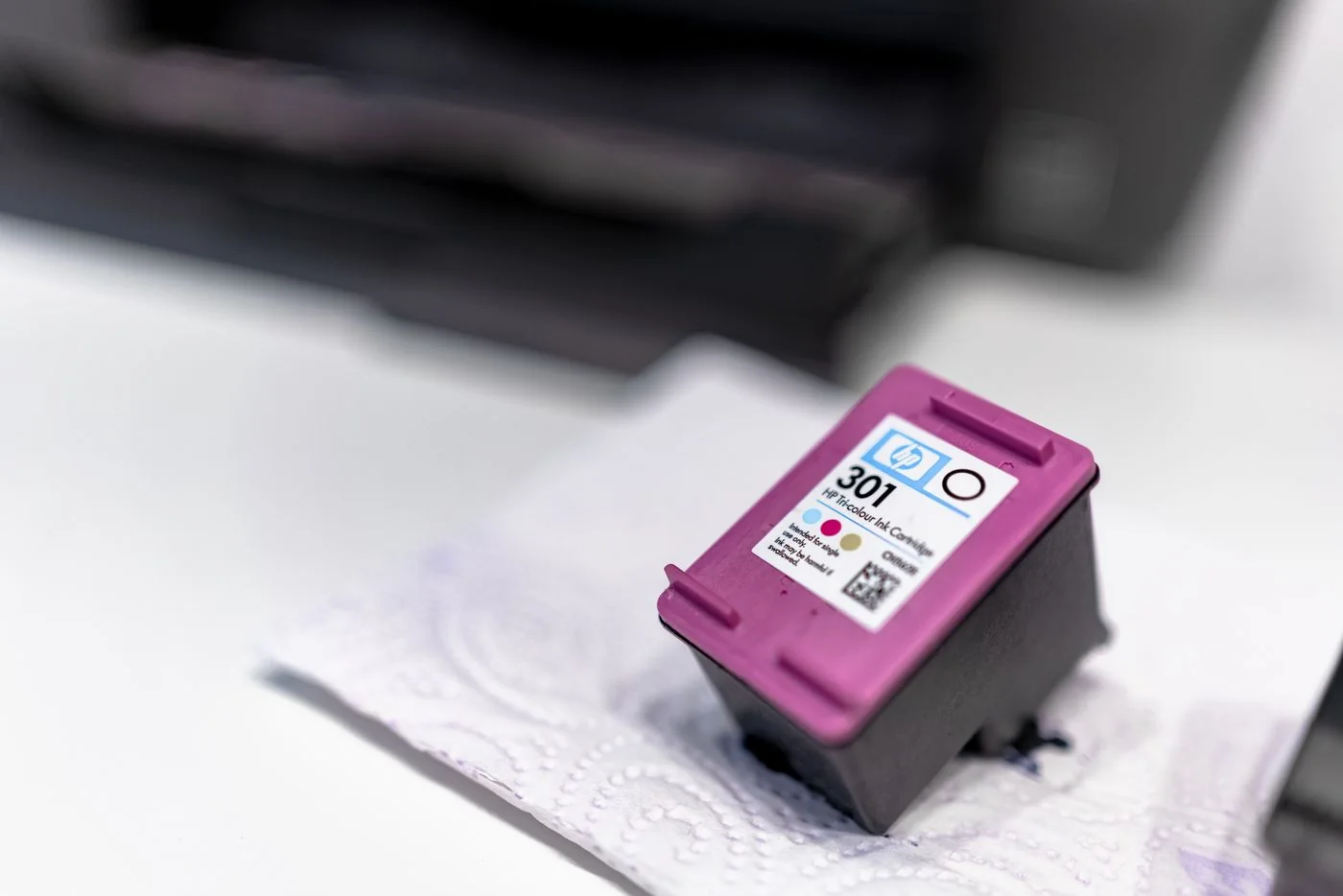
Printing & scanningA cartridge that looks similar is not necessarily a compatible supply. The product family, exact printer variant and regional version can matter.
Read the guide 
Small-team ITA computer does not need replacing solely because it is old. Conversely, equipment that looks well cared for may no longer be suitable if required applications are unsupported or recurring faults interrupt work.
Read the guide 
Computers & systemsAn application that briefly shows a busy indicator may still be completing work. Before ending it, consider the task: importing a large file or saving to a slow network location can take longer than ordinary typing.
Read the guide