Displays & accessories
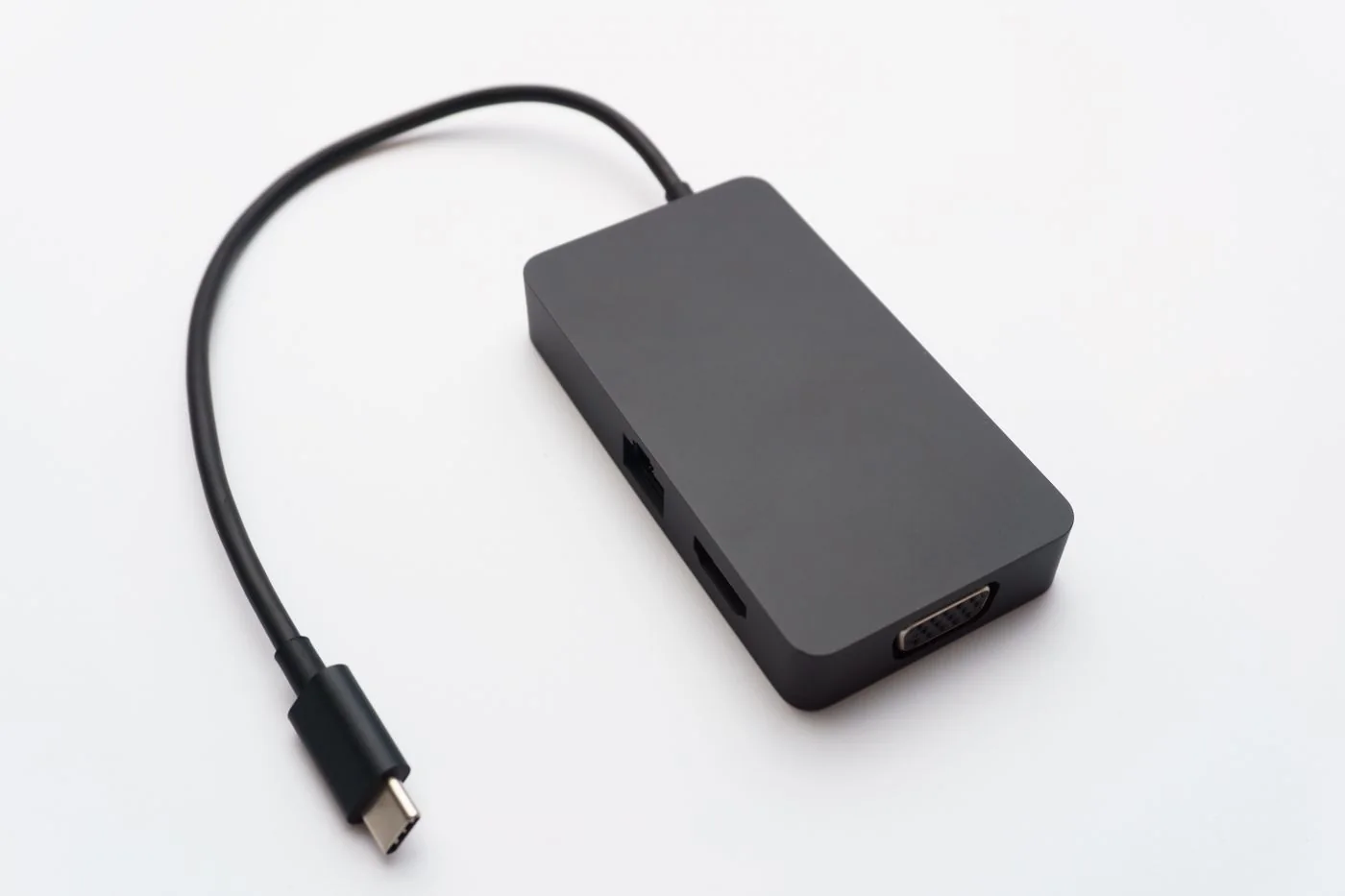
A dock charges the laptop but shows no picture
A dock charging a laptop proves that a power connection exists. It does not prove that the laptop, cable and dock have established a supported video path.
Read the guideA dock charging a laptop proves that a power connection exists. It does not prove that the laptop, cable and dock have established a supported video path.
Read the guide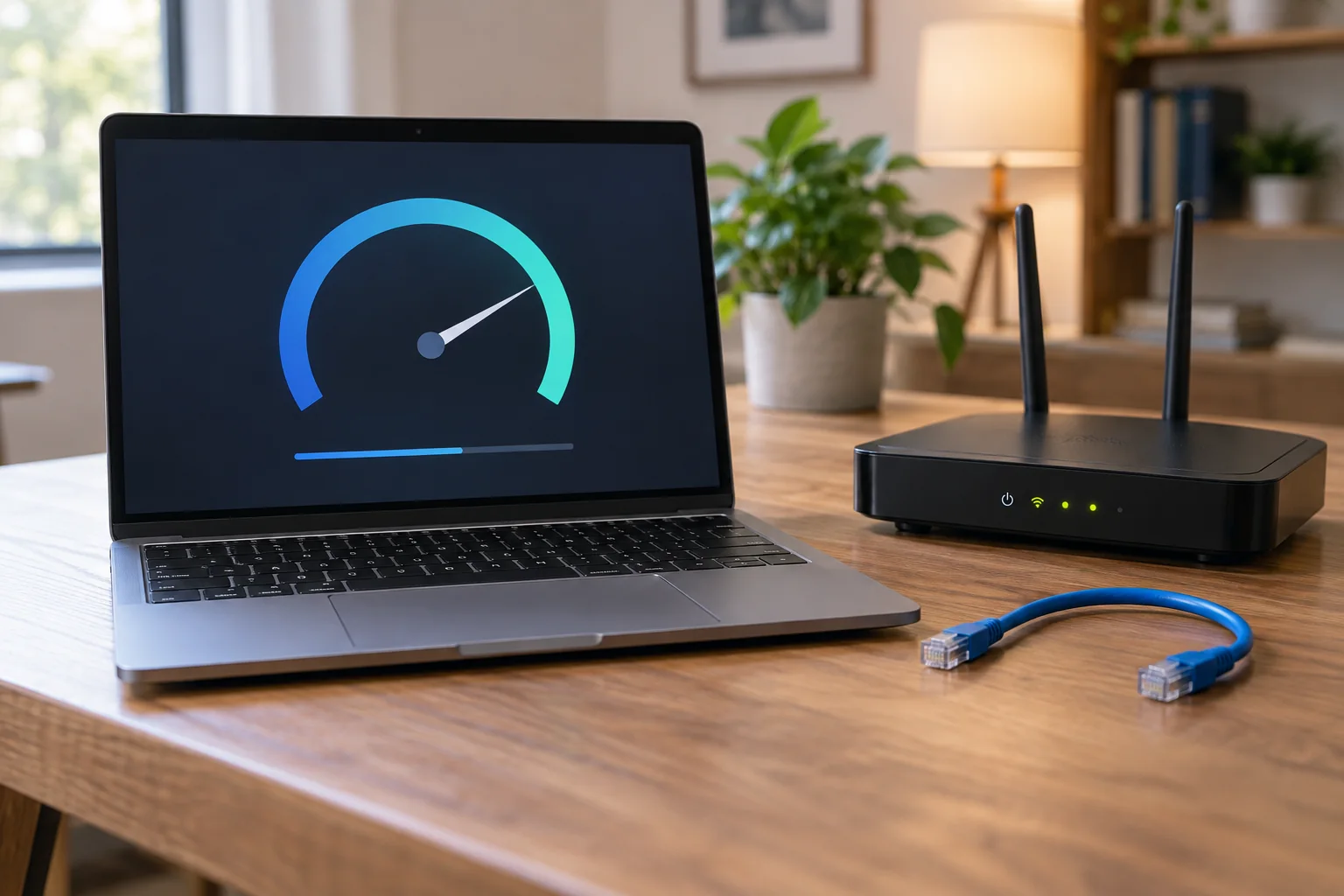
A slow download does not establish that Wi-Fi is responsible. Between a website and your laptop are the remote server, internet connection, router and finally the local connection.
Read the guide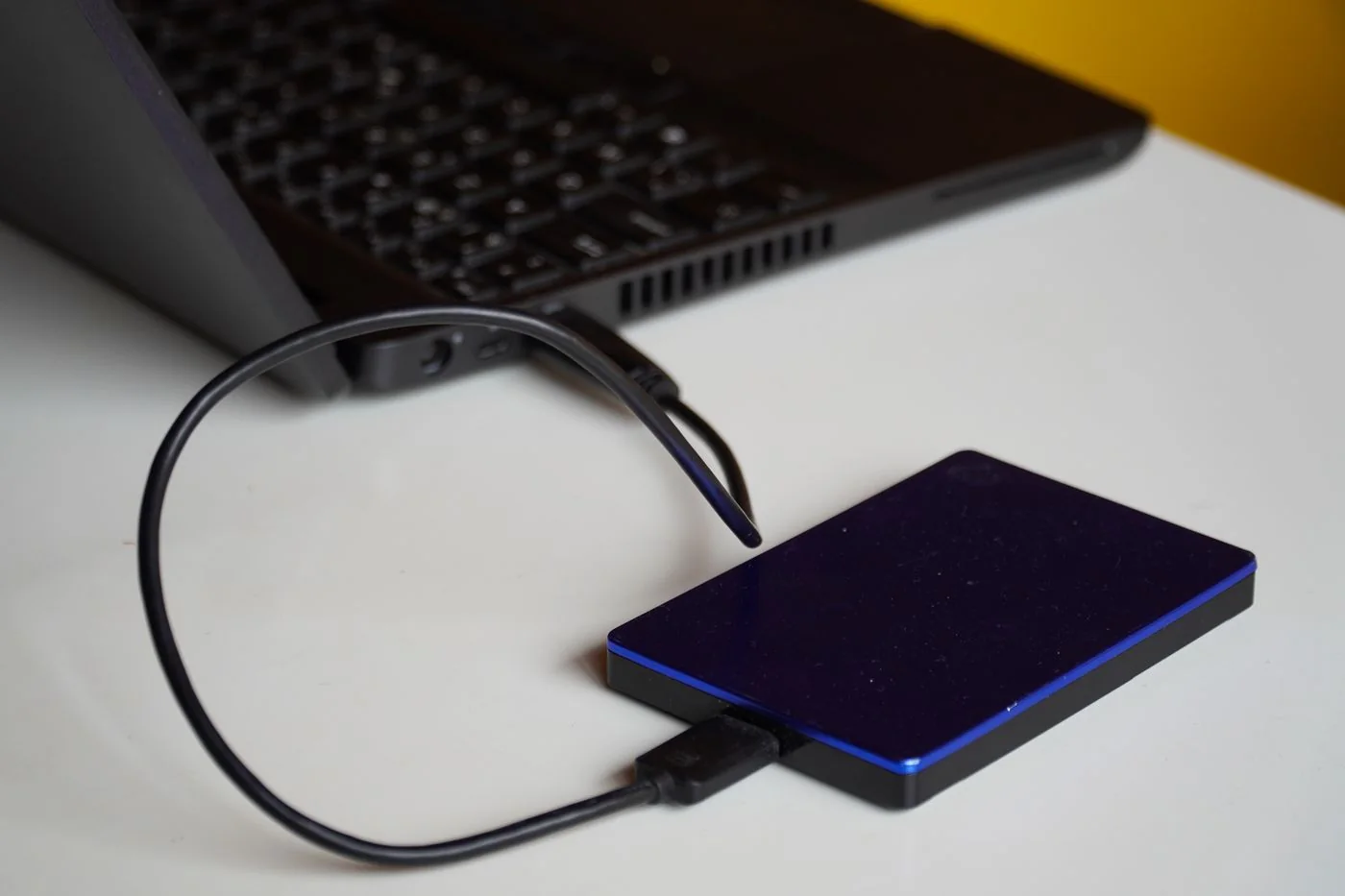
An external drive can hold another copy of work files without depending continuously on the internet. Whether that becomes a useful backup depends on the method, included folders and eventual restoration.
Read the guide
Using the same password across services links their risks. If it becomes known through one service, other accounts may also be affected.
Read the guide
A print job has remained in the queue for several minutes while more documents collect behind it. Stop sending additional copies first.
Read the guide
A prepared workstation is more than a charged laptop on a desk. The new colleague needs to sign in with their own account, complete the tasks their role requires and know whom to contact when something fails.
Read the guide
Repeatedly pressing Retry is rarely useful unless something has changed. When an update fails, record the update name, error code and the stage where it stopped.
Read the guide
Two monitor sockets on a dock do not automatically mean two independent desktops on every connected laptop. Before buying a second display, check three things together: the computer's supported display count, the dock's supported combinations and the operating system's behaviour with that connection.
Read the guide