
Computers & systemsA slow start can mean three different things: a long wait before the sign-in screen, a delay after entering your password, or a desktop that appears quickly but remains unresponsive. Identify which part is slow before changing settings.
Read the guide 
Displays & accessoriesUSB-C describes a connector shape, but a useful purchase decision needs several separate answers. Can this port transfer the required data, receive charging power, power an accessory and output a display signal?
Read the guide 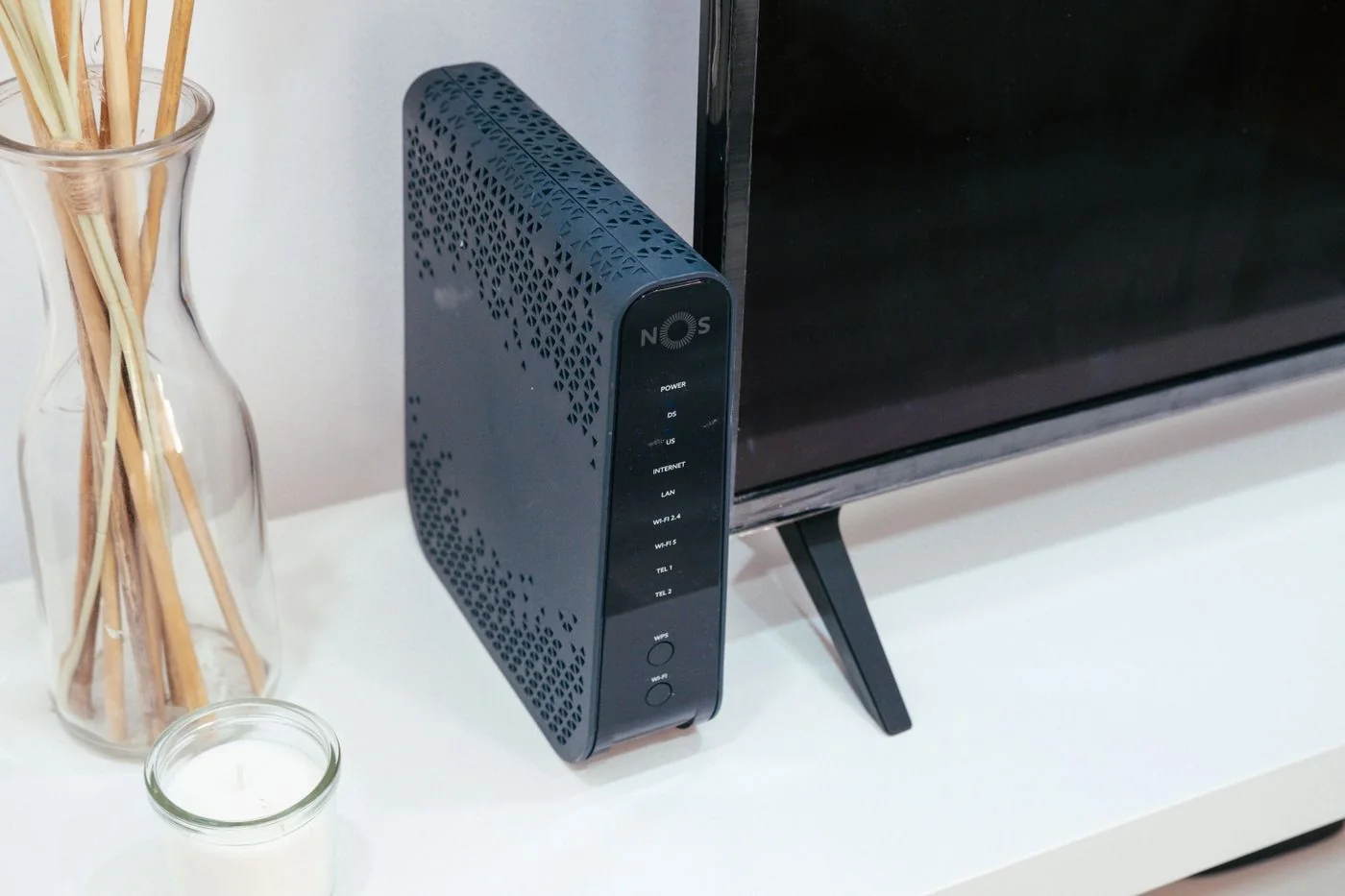
Networks & Wi-FiThe empty space beside the internet socket is not automatically the best place for a Wi-Fi router. What matters is the route the signal takes to the places where you actually work.
Read the guide 
Files & backupA folder appearing on both a laptop and a phone can feel like a backup. Usually, it proves that synchronisation is working: both devices are being kept up to date.
Read the guide 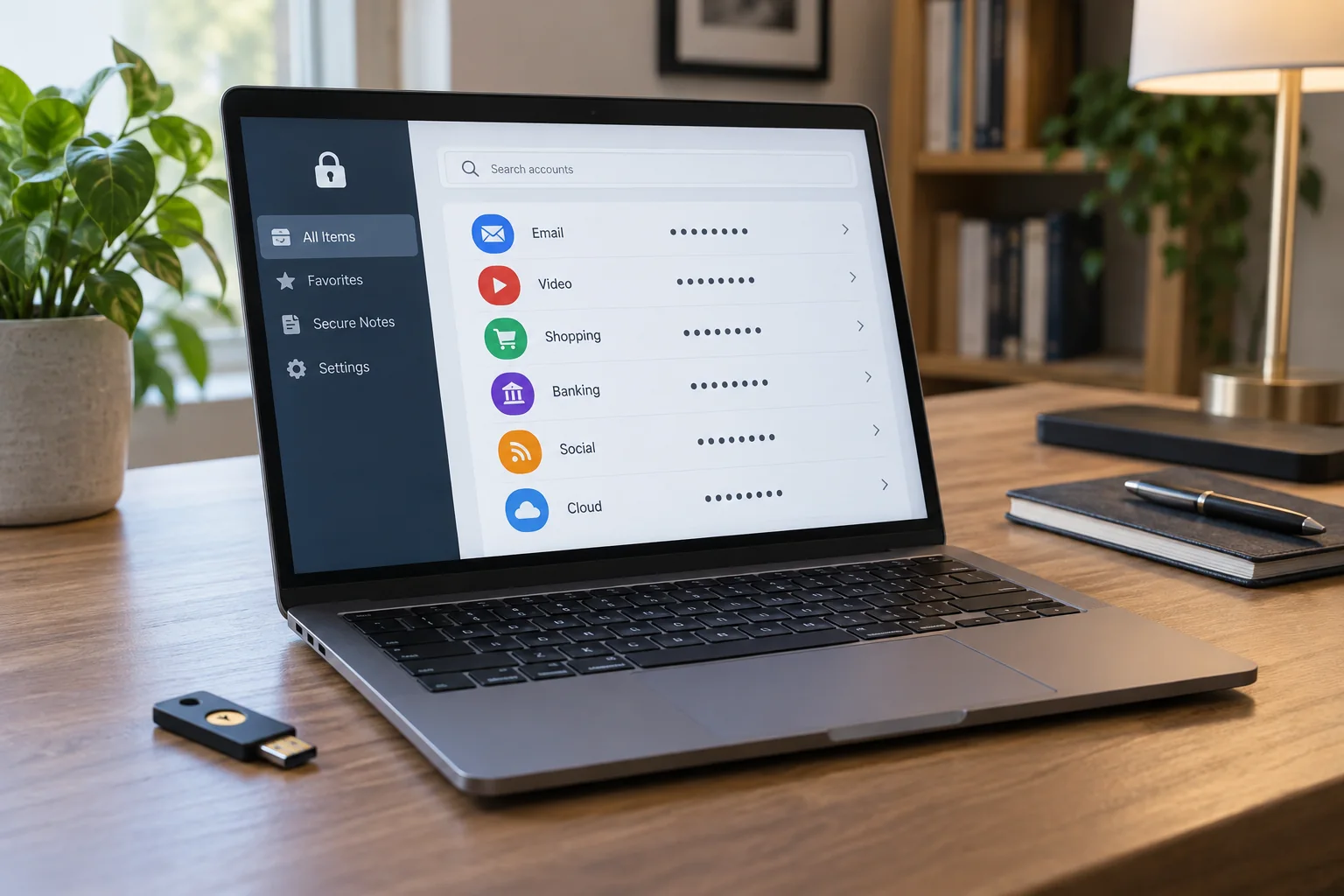
Accounts & securityA password manager can store different credentials and generate new passwords. To make it useful day to day, you also need to understand unlocking, recovery and use across your devices.
Read the guide 
Printing & scanningAn offline label initially tells you that the computer cannot reach the selected printer entry as expected. It does not establish whether the printer is switched off, the connection has failed or an obsolete entry was chosen.
Read the guide 
Small-team ITA device inventory should answer a few questions: who uses each item, where is it, and who is responsible for it? A small team does not necessarily need a large database.
Read the guide 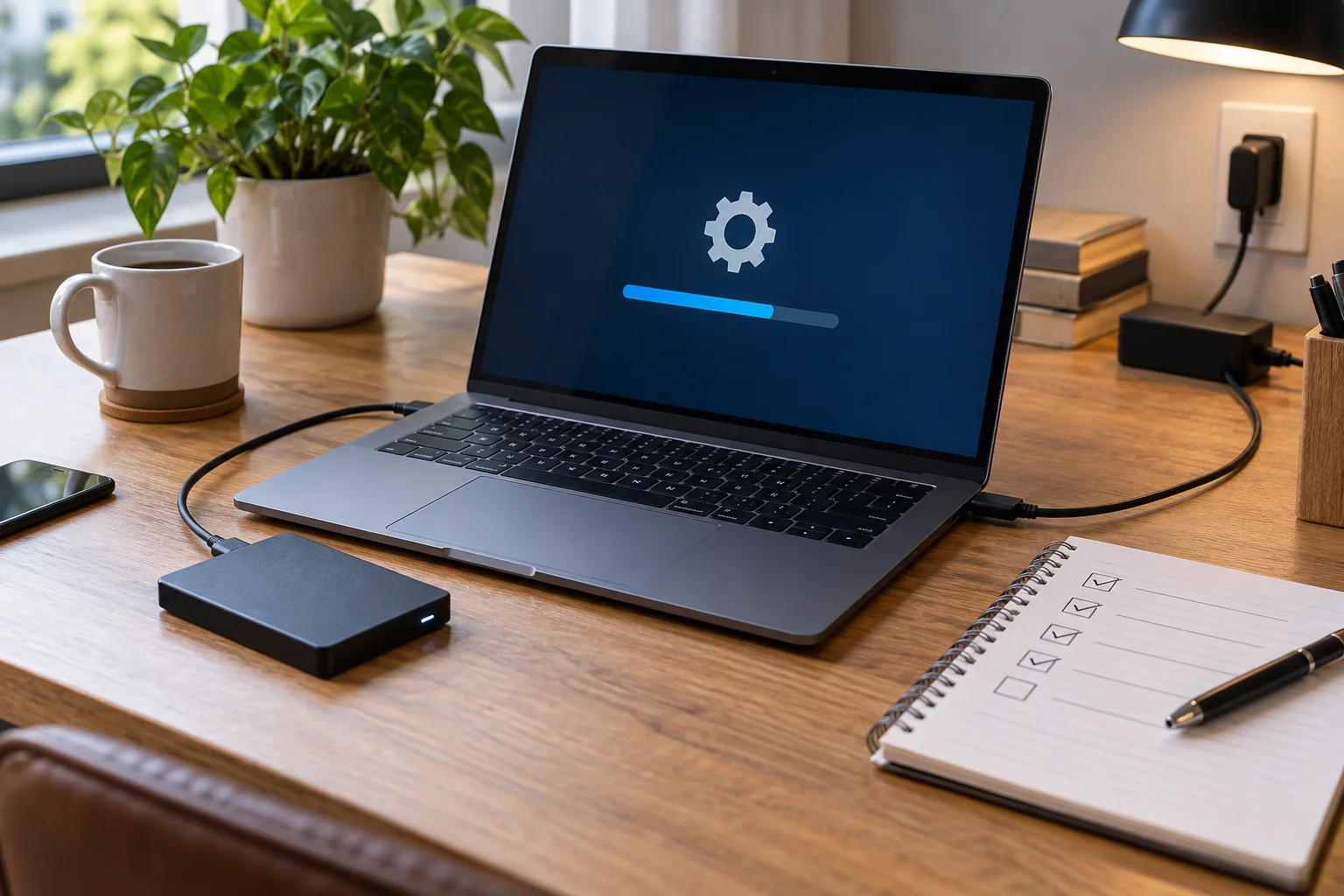
Computers & systemsAn operating-system update is easier to manage when it happens during a planned gap in work. Allow enough time for downloading, installation, restarts and a short check afterwards.
Read the guide